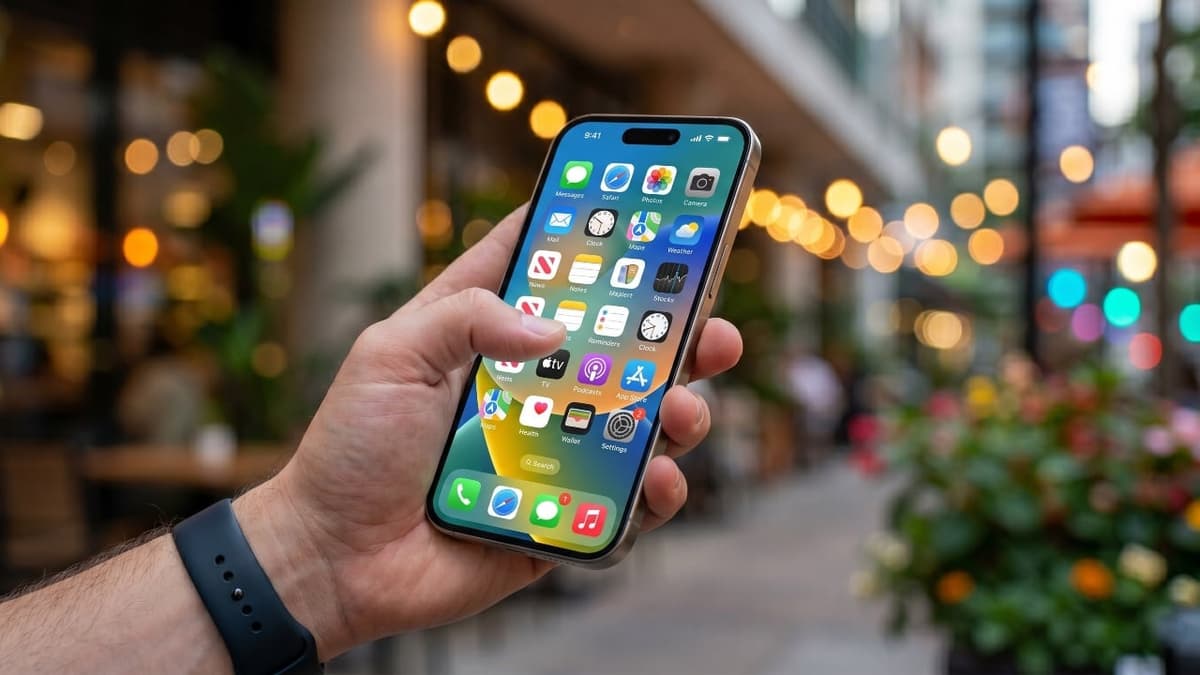
10 Features Hidden Inside Your iPhone You Didn’t Know Existed
Key Takeaways
- •Drag‑and‑drop moves multiple texts to Notes or email instantly
- •Back‑tap gestures enable one‑handed shortcuts like screenshots
- •Full‑page screenshots capture entire web articles without stitching
- •Custom vibration patterns identify contacts without looking at screen
- •Quick timer in Control Center speeds time‑sensitive tasks
Pulse Analysis
Apple’s decision to embed a wealth of hidden capabilities in iOS 26 reflects a broader industry shift toward turning smartphones into full‑featured productivity platforms. While the public eye often focuses on headline features, the quieter tools—such as drag‑and‑drop messaging and home‑screen widget conversion—address real‑world workflow bottlenecks. By allowing users to extract conversation snippets directly into notes or documents, Apple reduces friction in information capture, a benefit that resonates with knowledge workers who juggle multiple apps throughout the day.
From a usability standpoint, the back‑tap gestures and quick timer access illustrate Apple’s commitment to accessibility and speed. Assigning double‑tap actions to launch Siri, take screenshots, or open frequently used apps cuts down on navigation steps, which is especially valuable for one‑handed operation on larger devices. Meanwhile, full‑page screenshots eliminate the need for third‑party stitching tools, streamlining content archiving for marketers, researchers, and students alike. The integration of custom vibration patterns and lock‑screen shortcut swaps further personalizes the device, catering to users who demand discreet yet immediate notifications.
These enhancements also carry strategic implications for the ecosystem. Developers can now design apps that leverage widget‑style home‑screen presence without additional code, potentially increasing app discoverability. Privacy‑centric features like location‑history control and metadata removal reinforce Apple’s brand narrative of safeguarding user data, a differentiator in a market increasingly scrutinized for privacy practices. As iOS 26 matures, businesses are likely to adopt these tools to boost employee efficiency, while competitors may feel pressure to match Apple’s depth of built‑in productivity functions.
10 Features Hidden Inside Your iPhone You Didn’t Know Existed
Comments
Want to join the conversation?