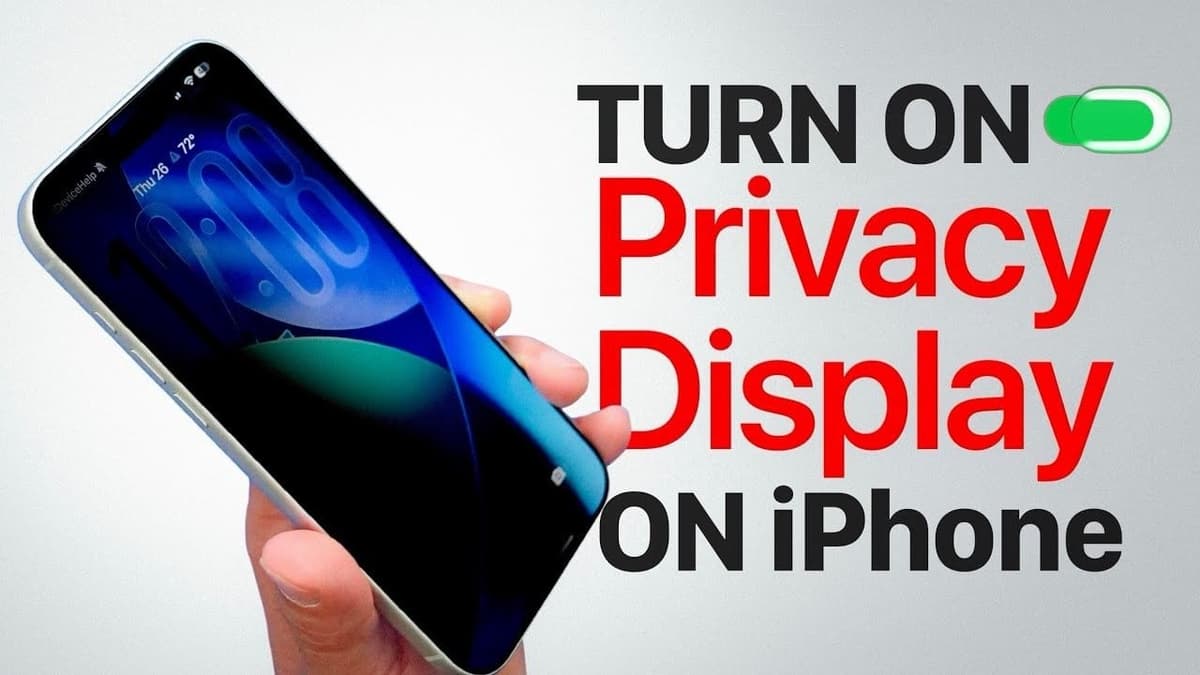
How to Get the Samsung S26 “Privacy Display” Effect on the iPhone
•February 28, 2026
0
Why It Matters
The workaround gives iPhone owners a low‑cost, built‑in way to protect sensitive information in crowded spaces, addressing a growing demand for on‑device privacy without extra hardware.
Key Takeaways
- •Reduce White Point dims display for side‑angle privacy
- •Assign Action Button for quick privacy toggle
- •Software workaround lacks hardware precision, limited in bright light
- •Combine with screen protector for stronger privacy
Pulse Analysis
Privacy concerns are reshaping how consumers evaluate smartphones, with screen snooping becoming a frequent complaint in cafés, airports, and open‑plan offices. Samsung’s dedicated privacy display hardware blocks side‑angle viewing, setting a benchmark that many users now expect. As a result, iPhone owners seek comparable protection without purchasing aftermarket accessories, prompting a surge in interest for software‑based solutions that leverage existing accessibility settings.
Apple’s Reduce White Point feature, found under Settings → Accessibility → Display & Text Size, lowers the screen’s luminance by adjusting the white‑point curve. When set between 90‑100 % and paired with a disabled auto‑brightness function, the display becomes noticeably dimmer, making it harder for onlookers to discern content from oblique angles. The Action Button can be mapped to toggle this setting instantly, offering a practical, one‑tap privacy mode. However, the dimming also reduces readability in bright lighting, and the effect does not fully obscure the screen, highlighting the trade‑off between convenience and visual clarity.
The broader market implication is clear: users value privacy enough to modify core device settings, suggesting a potential niche for Apple to develop a hardware‑level privacy screen in future iPhone models. Until then, third‑party privacy screen protectors remain a complementary option, delivering true angle‑blocking without sacrificing brightness. By combining software tweaks with physical accessories, iPhone users can achieve a layered privacy strategy that balances security, usability, and cost, reinforcing the importance of adaptable, user‑centric design in mobile ecosystems.
How to Get the Samsung S26 “Privacy Display” Effect on the iPhone
0
Comments
Want to join the conversation?
Loading comments...