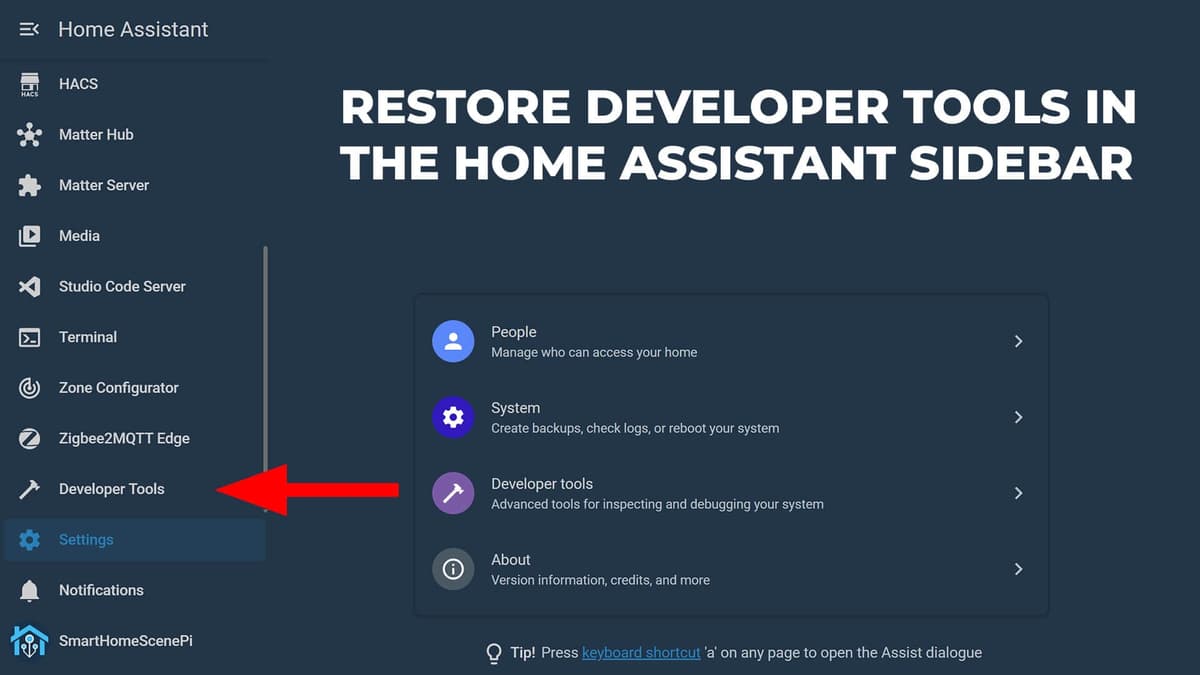
How to Restore Developer Tools in Home Assistant Sidebar
Key Takeaways
- •Home Assistant 2026.2 moved Developer Tools under Settings.
- •`panel_custom` entry restores single‑click sidebar access.
- •Full restart needed; soft reload won't apply configuration changes.
- •Change `url_path` to open a different default Developer Tools tab.
- •Future HA updates aim to add native sidebar pinning.
Pulse Analysis
Home Assistant continues to dominate the DIY smart‑home market, with its 2026.2 release introducing a cleaner sidebar aimed at newcomers. While the visual simplification reduces visual clutter, it also hides the Developer Tools panel—a core interface for inspecting entity states, firing actions, and testing Jinja2 templates. Power users and integrators rely on that panel for rapid troubleshooting and iterative development, making its new location under Settings a friction point that can slow down daily operations.
The workaround leverages Home Assistant’s `panel_custom` feature, a flexible way to inject custom panels into the UI without third‑party add‑ons. By adding a single block to `configuration.yaml`—defining a name, sidebar title, icon, and URL path—users restore the Developer Tools shortcut directly on the sidebar. After a full system restart, the panel appears alphabetically near the top, and administrators can drag it to any preferred position. The configuration also allows changing the default tab via the `url_path` parameter, letting users land on States, YAML, or any other sub‑tab instantly. This method requires no external plugins and respects the platform’s security model by requiring admin rights.
Community‑driven solutions like this highlight Home Assistant’s open‑source ethos, where users fill gaps until official features arrive. The Home Assistant team has hinted that native sidebar customization—pinning and unpinning without YAML edits—is in the pipeline, which will eventually render this hack unnecessary. Until then, the `panel_custom` approach offers a reliable, low‑maintenance fix that preserves the efficiency of development workflows and reinforces the platform’s reputation for extensibility and user empowerment.
How to Restore Developer Tools in Home Assistant Sidebar
Comments
Want to join the conversation?