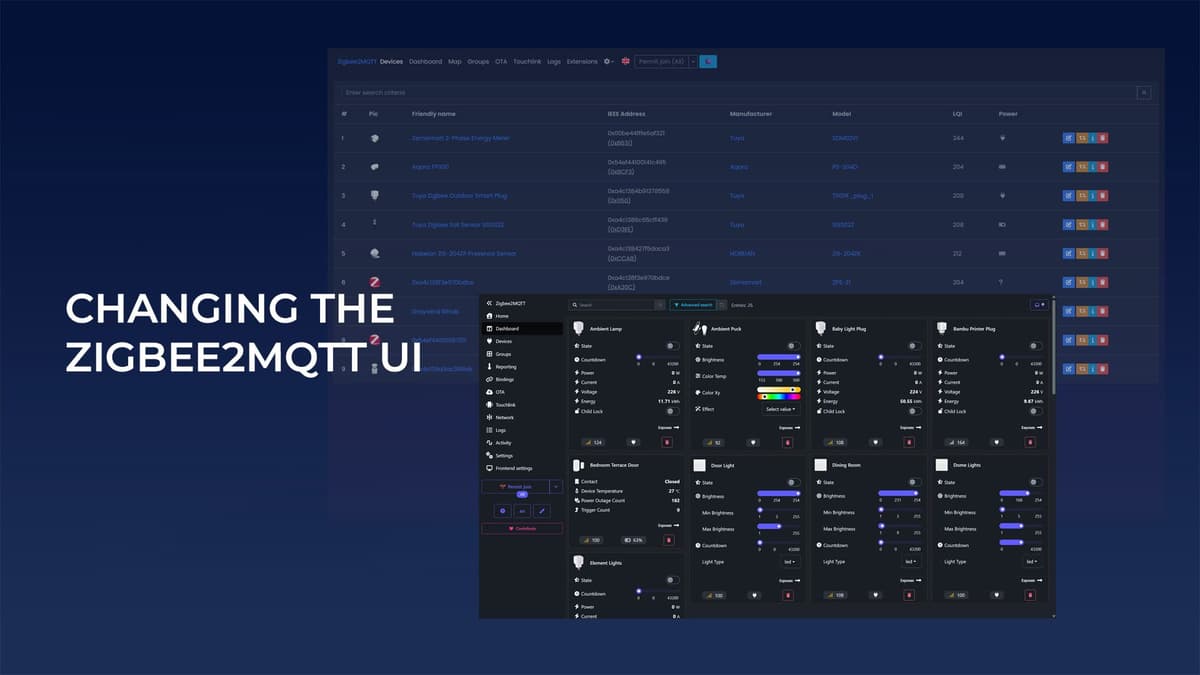
How to Restore the Old Zigbee2MQTT Frontend UI
Key Takeaways
- •Windfront became default UI for Zigbee2MQTT in late 2025
- •Old UI can be restored via settings or configuration.yaml
- •Windfront adds 3D network maps and advanced search filters
- •Developers plan eventual deprecation of the legacy frontend
- •User choice remains until the old UI loses compatibility
Pulse Analysis
Zigbee2MQTT has become a cornerstone of DIY smart‑home deployments, translating raw Zigbee traffic into MQTT messages that home‑automation platforms can consume. By late 2025 the project introduced Windfront, a freshly coded frontend designed to replace the aging original UI that relied on legacy JavaScript libraries. This shift reflects a broader industry trend toward modern, responsive interfaces that can handle larger device ecosystems without sacrificing performance. For businesses that bundle Zigbee2MQTT into commercial solutions, the UI overhaul offers a more polished user experience and reduces maintenance overhead associated with outdated dependencies.
Windfront’s technical upgrades go beyond aesthetics. The new network map supports multiple layouts, including interactive 3‑D visualizations that simplify troubleshooting in dense IoT deployments. An overhauled search drawer enables granular filtering across device attributes, while battery state reporting now aggregates percentage and Boolean indicators for more accurate health monitoring. Rapid release cycles have already addressed early community concerns, making Windfront a viable default for both hobbyists and enterprise users. However, the original frontend remains accessible, acknowledging that some integrations and custom scripts still depend on its specific DOM structure.
For operators needing to revert, the process is straightforward: select "zigbee2mqtt-frontend" in the Settings → Frontend tab or edit the configuration.yaml to set the package field accordingly, then restart the service. This flexibility ensures continuity for installations that have built automation logic around the legacy UI. While developers signal eventual deprecation of the old frontend due to its aging codebase, no hard timeline has been set, giving enterprises ample time to plan migrations. Staying informed via release notes will help avoid unexpected disruptions as Zigbee2MQTT continues to evolve.
How to Restore the Old Zigbee2MQTT Frontend UI
Comments
Want to join the conversation?