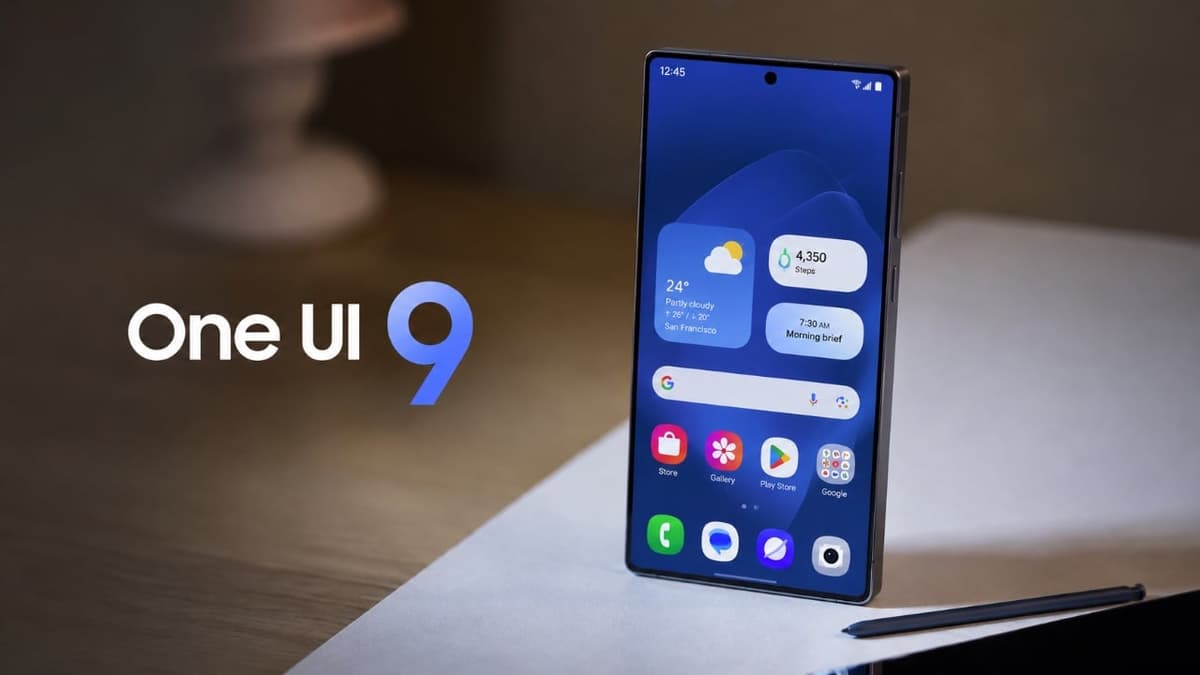
One UI 9: Game-Changing Features Every Samsung User Needs to Find
Key Takeaways
- •One UI 9 beta runs on Android 17, adding deeper customization.
- •Redesigned lock screen features music‑sync animation and interactive volume slider.
- •Quick‑settings panel now supports custom tile placement and dark‑mode toggle.
- •New “Tap to Share” enables instant file transfer by back‑tap.
- •Streamlined Settings include Warranty & Care hub with diagnostics tools.
Pulse Analysis
One UI 9’s beta rollout marks Samsung’s most ambitious software refresh in years, leveraging Android 17’s underlying architecture to deliver a more modular and visually cohesive experience. By extending native customization—such as dynamic lock‑screen animations synced to media playback—Samsung taps into consumer demand for personalization that rivals iOS’s widget ecosystem. The integration of Bixby shortcuts directly into home‑screen widgets further blurs the line between voice assistants and UI, offering power users a streamlined path to automate daily tasks.
The redesign of quick settings reflects a broader industry shift toward tactile precision and contextual control. Thicker brightness and volume sliders respond more fluidly, while independent toggles for dark mode and sound profiles reduce navigation depth, a move that aligns with ergonomic research on reducing cognitive load. Custom tile placement empowers users to prioritize the functions they use most, echoing trends seen in Android’s Material You design language. These refinements collectively enhance the day‑to‑day efficiency of Samsung’s flagship devices, making the OS feel both fresh and intuitively familiar.
Beyond aesthetics, One UI 9 introduces practical innovations like the “Tap to Share” proximity‑based transfer, which eliminates the need for third‑party apps and streamlines cross‑device collaboration—a crucial advantage for enterprise users and content creators. The new Warranty & Care section centralizes device health data, diagnostics, and linked‑device management, simplifying support workflows and potentially reducing service costs. As the beta matures, Samsung is likely to iterate on these features, positioning One UI 9 as a cornerstone of its ecosystem strategy and a compelling differentiator in the premium Android segment.
One UI 9: Game-Changing Features Every Samsung User Needs to Find
Comments
Want to join the conversation?