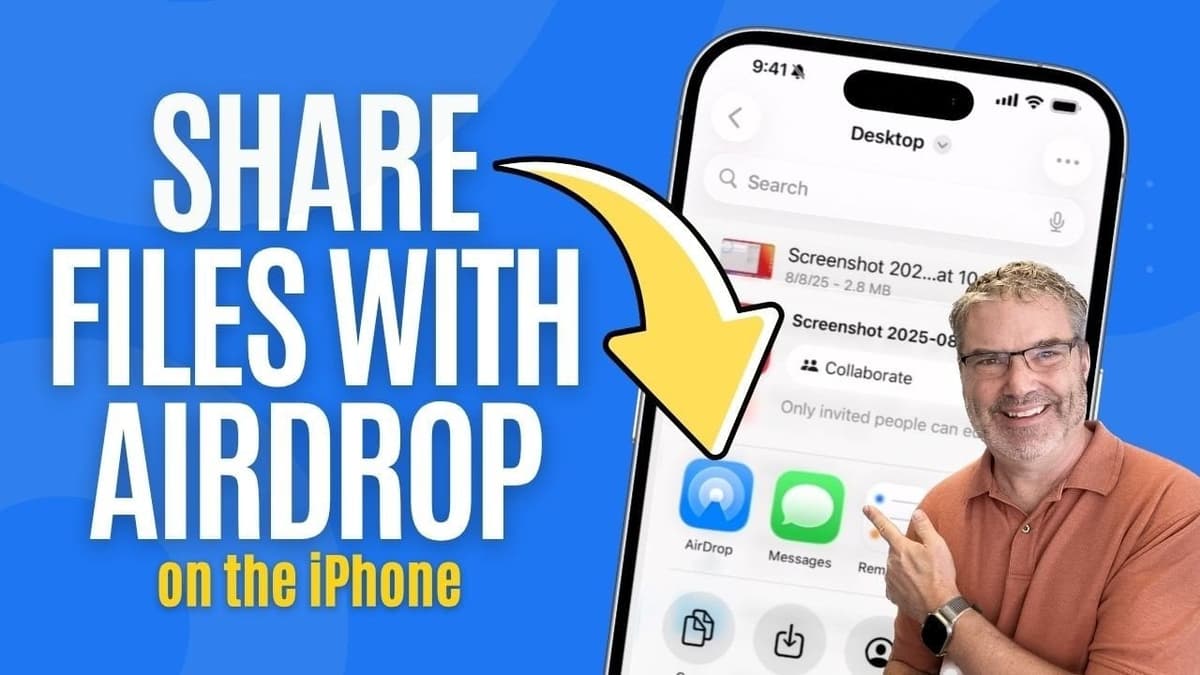
Why You Should Change Your iPhone’s AirDrop Settings in Public Spaces
Key Takeaways
- •Set AirDrop to “Contacts Only” to block unsolicited transfers
- •Use “Everyone for 10 minutes” only for brief collaborative sessions
- •Turn off AirDrop in crowded venues to prevent privacy breaches
- •Enable cellular data for AirDrop when Wi‑Fi is unavailable
- •AirDrop transfers retain original file quality without compression
Pulse Analysis
AirDrop combines Bluetooth discovery with a direct Wi‑Fi link, creating a peer‑to‑peer tunnel that bypasses the internet. Because the connection is encrypted and the transfer occurs locally, the feature has become a staple for quick collaboration among Apple‑centric teams. However, the same convenience can be weaponized; attackers in coffee shops have used the “Everyone” mode to push malicious files or phishing links to unsuspecting users. Recent security briefings highlight that a single stray AirDrop request can expose a device’s contact list or trigger unwanted app installations, prompting a reevaluation of default settings.
For businesses, the risk translates into potential data leakage and compliance violations. IT departments can enforce stricter AirDrop policies through mobile‑device‑management (MDM) solutions, automatically setting the mode to “Contacts Only” or disabling reception after business hours. Training employees to switch to “Receiving Off” in airports, conferences, or co‑working spaces reduces the attack surface without sacrificing productivity, as the feature can still be re‑enabled for short, controlled windows. Pairing these technical controls with a clear policy ensures that AirDrop remains a productivity tool rather than a security liability.
Looking ahead, Apple is expected to introduce granular consent prompts and possibly AI‑driven anomaly detection for incoming transfers, further hardening the protocol. Meanwhile, competitors such as Android’s Nearby Share are adopting similar privacy toggles, indicating a broader industry shift toward secure, proximity‑based file exchange. Users who master AirDrop’s settings will benefit from fast, lossless transfers while safeguarding their data, making the feature a competitive advantage for firms that rely heavily on Apple devices.
Why You Should Change Your iPhone’s AirDrop Settings in Public Spaces
Comments
Want to join the conversation?