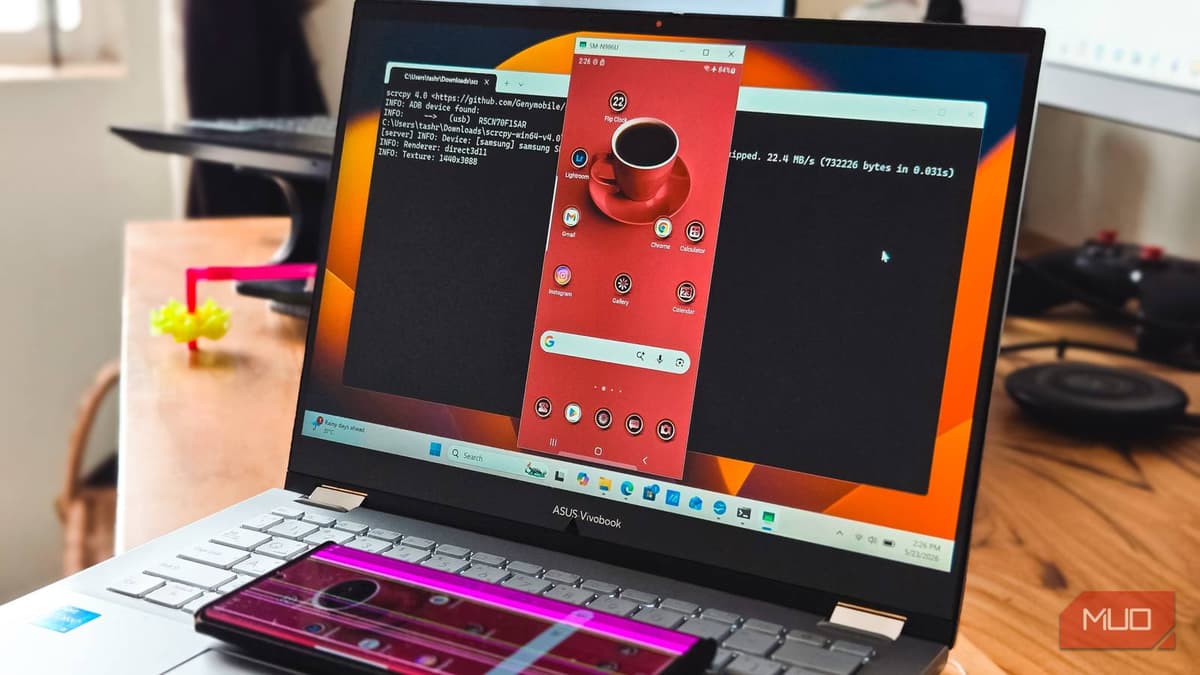
4 Android Tricks You Can only Unlock with a USB Cable and a Terminal
Companies Mentioned
Why It Matters
By exposing powerful device‑management functions to everyday users, ADB boosts productivity and reduces reliance on built‑in Android settings, a benefit for both consumers and enterprise IT teams.
Key Takeaways
- •ADB enables USB screen mirroring with scrcpy, no lag
- •Uninstall OEM bloatware via `pm uninstall -k --user 0`
- •Clear any app’s data instantly using `adb shell pm clear`
- •Batch‑install multiple APKs with `adb install-multiple *.apk`
- •All tricks require one‑time ADB setup, no root needed
Pulse Analysis
Android Debug Bridge has long been the go‑to tool for developers, but its utility extends far beyond app testing. By installing Google’s Platform Tools and enabling USB debugging, power users gain a command‑line gateway to functions that the standard Android UI hides or makes cumbersome. The open‑source scrcpy utility leverages ADB to deliver near‑real‑time screen mirroring over a wired connection, offering a lag‑free alternative to Wi‑Fi casting solutions like Smart View or Phone Link. This capability is especially valuable for professionals who need to present mobile content on larger displays without sacrificing responsiveness.
Beyond mirroring, ADB’s package manager commands let users prune unwanted pre‑installed software without rooting the device. The `pm uninstall -k --user 0` syntax removes OEM or carrier apps for the primary user while preserving system stability, a safe way to reclaim storage and declutter the app drawer. Similarly, the `adb shell pm clear` command wipes an app’s internal data in seconds, providing a quick reset for misbehaving applications—a task that would otherwise involve navigating multiple settings screens. For bulk operations, `adb install-multiple *.apk` streamlines the deployment of dozens of APKs, ideal for setting up new devices or restoring a curated app suite after a factory reset.
Enterprises and IT departments can harness these ADB shortcuts to standardize device configurations across fleets, enforce a lean app environment, and troubleshoot issues remotely. Because the commands run over a secure USB connection, they avoid the latency and security concerns of wireless ADB alternatives. As Android continues to dominate the mobile market, mastering these terminal‑based tricks equips professionals with a cost‑effective, high‑control toolkit that complements traditional mobile device management solutions.
4 Android tricks you can only unlock with a USB cable and a terminal
Comments
Want to join the conversation?
Loading comments...