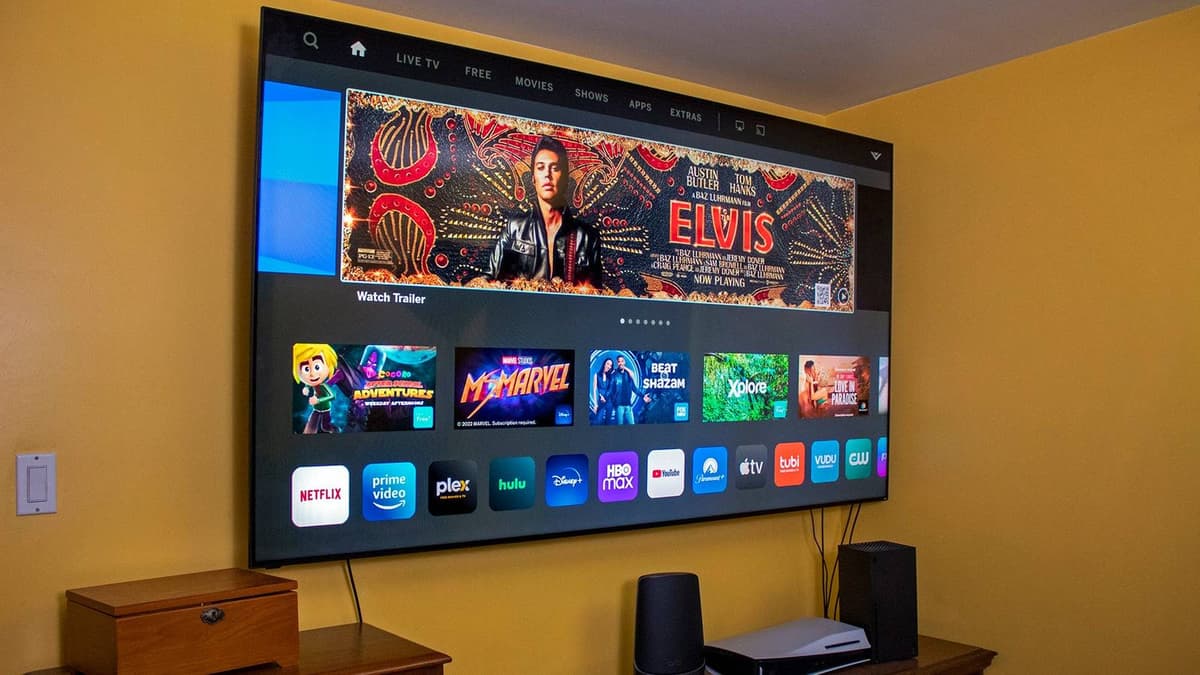
5 Free Fixes that Make Every Smart TV Perform Like a Premium Model
Companies Mentioned

Why It Matters
Optimizing default settings boosts visual fidelity and streaming reliability while safeguarding personal data, giving consumers a premium experience at no cost.
Key Takeaways
- •Disable motion smoothing for natural cinematic look.
- •Connect TV via Ethernet for stable 4K streaming.
- •Use Filmmaker or Movie mode to improve color accuracy.
- •Turn off ACR to protect privacy and reduce data collection.
- •Install manufacturer remote app for easier typing and voice control.
Pulse Analysis
Smart TVs ship with aggressive post‑processing and data‑gathering features designed to impress shoppers on showroom floors and monetize viewing habits. Motion‑smoothing algorithms, while useful for fast‑action sports, often introduce a "soap‑opera" effect that erodes the director’s intended texture. Likewise, default picture presets favor bright, oversaturated images that look good under store lighting but cause eye strain in dim rooms. By switching to Filmmaker, Movie, or Cinema modes and disabling artificial sharpness, users restore the original color gamut and contrast, aligning the display with professional calibration standards.
Network reliability is another hidden performance factor. Most modern smart TVs include a 10/100 Mbps Ethernet port, which, despite not being gigabit, provides a consistent data pipe that Wi‑Fi cannot match due to interference and signal attenuation. Streaming 4K content typically requires 15‑25 Mbps; a stable 100 Mbps wired link ensures the stream stays above this threshold, eliminating buffering and reducing latency. This is especially critical for live events where split‑second start‑times matter, and it also frees users from repeatedly entering Wi‑Fi passwords on clunky remotes.
Privacy and convenience have become decisive purchase criteria. Automatic Content Recognition (ACR) silently logs viewing habits to build household profiles for targeted ads, a practice many consumers find intrusive. Disabling ACR—under names like Viewing Information Services or Live Plus—removes this data pipeline and can even improve system responsiveness. Complementing these settings with a smartphone remote app leverages the phone’s voice assistant and full keyboard, streamlining password entry and app navigation. Collectively, these free adjustments let owners extract premium‑level performance and privacy protection from devices that otherwise rely on costly upgrades or third‑party calibrators.
5 free fixes that make every smart TV perform like a premium model
Comments
Want to join the conversation?
Loading comments...