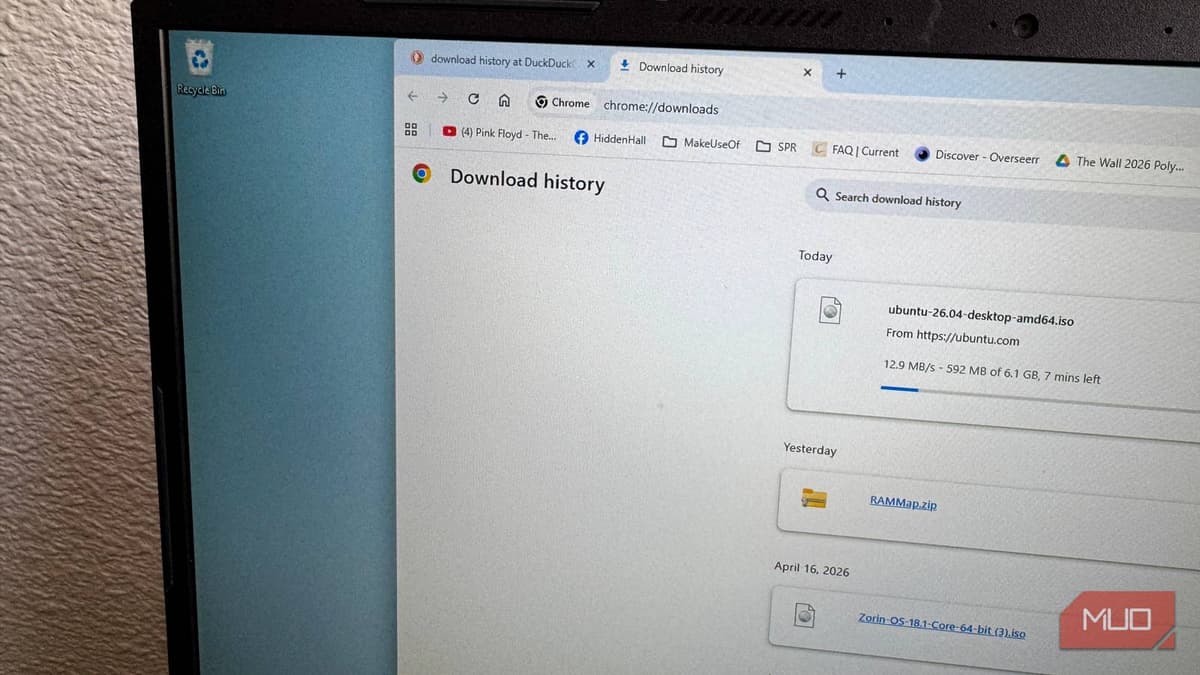
Chrome's Fastest Download Feature Is Buried in a Place Most People Never Look
Why It Matters
Activating parallel downloading gives users faster file transfers without extra software, enhancing productivity and keeping Chromium browsers competitive on speed features.
Key Takeaways
- •Chrome's Parallel downloading flag speeds up large file transfers
- •Enable via chrome://flags → Parallel downloading → Enabled, then restart
- •Works across Windows, macOS, Linux, Android, ChromeOS, iOS
- •Edge, Arc, Brave expose the same flag in their flags pages
- •Does not replace full‑featured third‑party download managers
Pulse Analysis
The "Parallel downloading" flag in Google Chrome taps into a technique long used by dedicated download managers: splitting a file into multiple chunks and pulling each chunk over separate TCP connections. By default Chrome keeps this capability hidden in its experimental flags page, likely to avoid confusing casual users and to maintain control over network behavior. When enabled, the browser can fully utilize a high‑speed broadband connection, cutting download times for gigabyte‑size files by up to 30‑40 percent, depending on server support. This low‑friction tweak appeals to power users who want a speed boost without adding extensions or external tools.
Chromium’s open‑source nature means the same flag appears in Microsoft Edge, Arc, and Brave, each accessed through their own flags URLs. The cross‑browser availability underscores a broader industry trend: browsers are increasingly offering built‑in performance optimizations that were once the domain of third‑party utilities. For enterprises, the ability to standardize on a single browser for faster downloads can simplify IT policies and reduce the need for additional software licensing. Meanwhile, developers may see a modest lift in user satisfaction metrics as page load and asset retrieval times improve.
Despite the gains, parallel downloading in Chrome is not a silver bullet. It cannot override server‑side limits on concurrent connections, and it lacks features such as pause‑and‑resume, bandwidth throttling, and comprehensive download queues that power users expect from dedicated managers. As web content grows heavier and 5G/ fiber adoption rises, browsers may further refine these flags or integrate them into the main settings UI. For now, enabling the flag offers a quick win for anyone seeking faster downloads without the overhead of extra applications.
Chrome's fastest download feature is buried in a place most people never look
Comments
Want to join the conversation?
Loading comments...