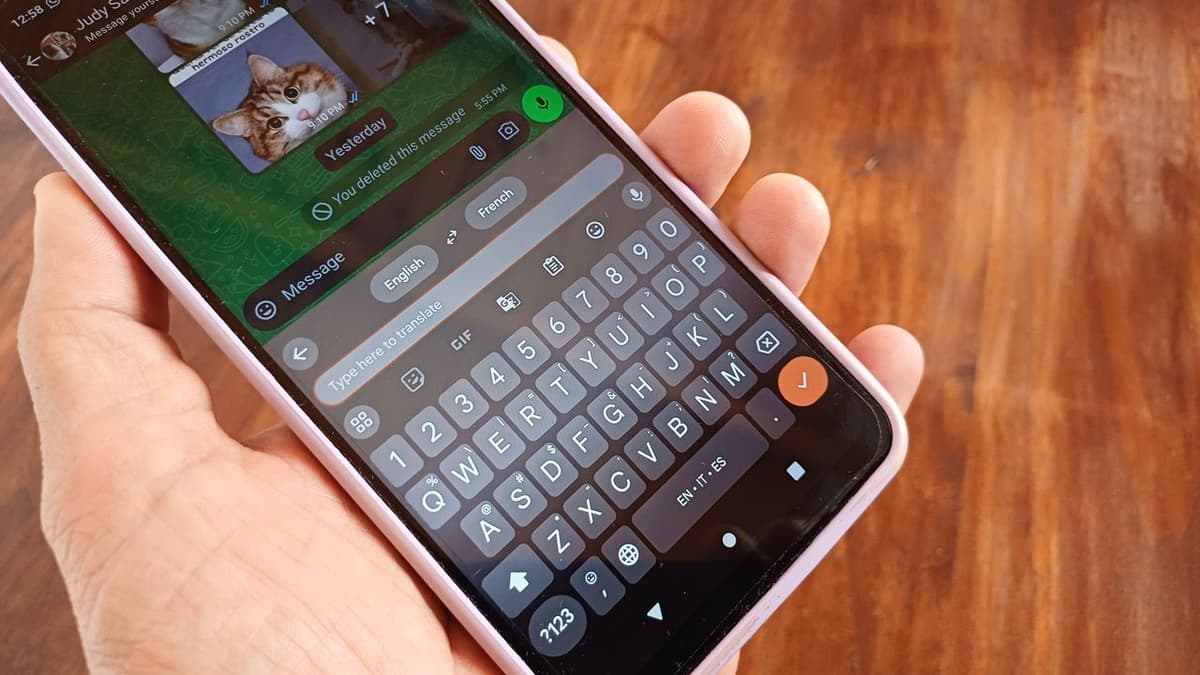
Gboard's Allegedly Got a 'Cursor Mode' In the Oven That's Giving Me Laptop Vibes
•February 17, 2026
0
Why It Matters
If released, cursor mode could dramatically improve mobile text editing efficiency, giving Gboard a competitive edge in productivity‑focused keyboard markets.
Key Takeaways
- •Google reportedly developing Gboard cursor mode.
- •Mode turns keyboard area into trackpad.
- •Activation likely via long‑press space bar.
- •Aims to improve text editing precision.
- •Feature may appeal mainly to power users.
Pulse Analysis
Mobile keyboards have long struggled with precise cursor placement, forcing users to tap repeatedly or use awkward swipe gestures. Google’s rumored ‘cursor mode’ for Gboard attempts to solve that friction by converting a portion of the keyboard into a virtual trackpad, a concept more common on laptops than smartphones. The feature would sit under the space bar, letting users slide a cursor across text with fine‑grained control, echoing the company’s broader push to embed AI‑driven productivity tools directly into its apps. If implemented, it could set a new ergonomic benchmark for on‑screen typing.
The design trade‑off is evident: dedicating key space to a trackpad reduces the area available for traditional keys, potentially affecting typing speed for casual users. Google appears to mitigate this by requiring a long‑press on the space bar to toggle the mode, preserving the default layout for everyday texting. Power users—such as journalists, students, and professionals who draft long documents on mobile—stand to gain the most, as the precision cursor can accelerate editing, reduce mis‑placements, and streamline note‑taking without switching to a separate device.
Competitors like Microsoft’s SwiftKey and Samsung’s Keyboard have experimented with gesture‑based navigation, but none have offered a dedicated cursor trackpad. Should Google ship the feature, it could pressure rivals to innovate or risk losing the segment of users who value fine‑grained text control. Moreover, integrating such a tactile‑like experience aligns with Google’s broader strategy to blur the line between mobile and desktop productivity, reinforcing Gboard’s position as a flagship input method in the Android ecosystem.
Gboard's allegedly got a 'cursor mode' in the oven that's giving me laptop vibes
0
Comments
Want to join the conversation?
Loading comments...