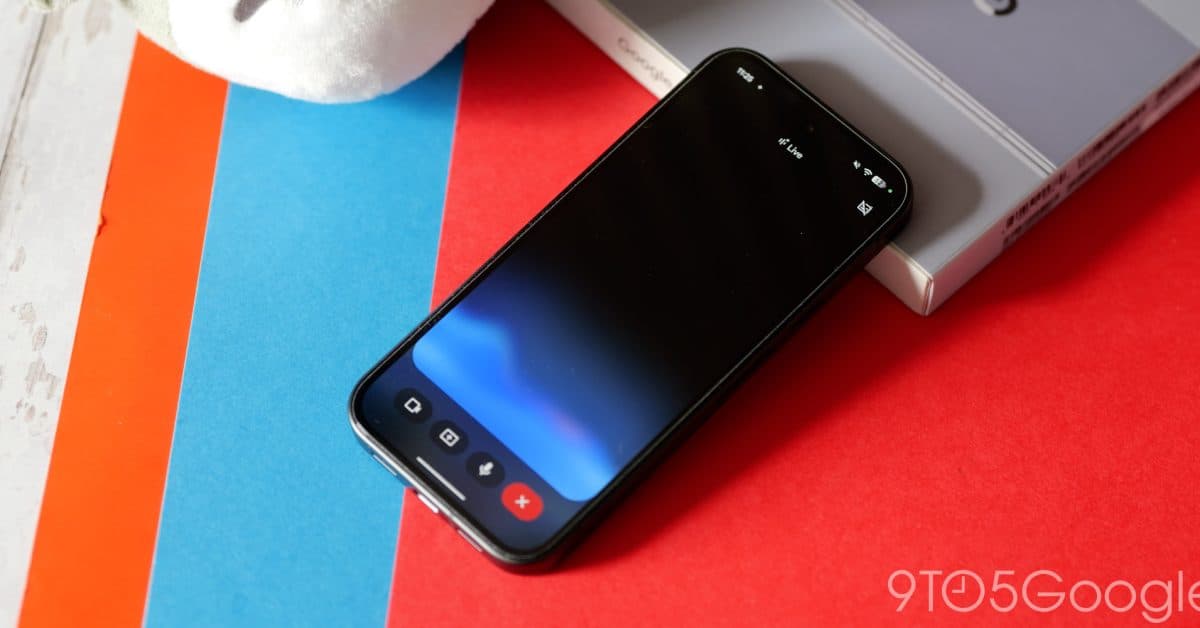
Gemini Live Redesign Replaces Fullscreen Interface on Android
Why It Matters
The shift signals Google’s push to integrate Gemini Live more tightly into its core app ecosystem, improving usability and reducing friction. A smoother, less obtrusive UI could boost adoption and help Google compete with rival AI chat and video assistants.
Key Takeaways
- •Gemini Live now embeds in app home screen, dropping fullscreen mode
- •New pill-shaped prompt includes waveform, camera/screen share, mute controls
- •Redesign tested in Google app beta 17.14, limited to Gemini app
- •Exit Gemini Live via keyboard tap or Android back gesture
- •Overlay UI will be redesigned later to match in‑app experience
Pulse Analysis
Gemini Live debuted as a bold, fullscreen AI assistant that let users converse with Google’s large language model while sharing camera or screen content. Its immersive layout was a visual hallmark in Google’s marketing, but the trade‑off was a disruptive experience that forced users out of the native app flow. By embedding the service directly into the Gemini app’s homepage, Google is aligning the product with contemporary mobile design trends that favor seamless integration over isolated experiences.
The redesign introduces a compact, pill‑shaped input bar that retains core functionality—waveform visualization, camera and screen sharing, and mute controls—while shedding the heavy overlay. Users can now exit Gemini Live with a simple keyboard tap or the standard Android back gesture, reducing friction and encouraging longer sessions. Compared with competitors like Microsoft’s Copilot or Meta’s AI chat tools, the new UI positions Gemini Live as a more native, less intrusive option, potentially increasing daily active users and time‑on‑app metrics.
Strategically, the move reflects Google’s broader effort to weave generative AI across its product suite without fragmenting the user journey. As the overlay UI is slated for a parallel overhaul, the company appears to be standardizing the look and feel of AI interactions across Android, Chrome, and Workspace. This consistency could accelerate enterprise adoption, streamline developer integrations, and reinforce Google’s leadership in the rapidly evolving AI assistant market.
Gemini Live redesign replaces fullscreen interface on Android
Comments
Want to join the conversation?
Loading comments...