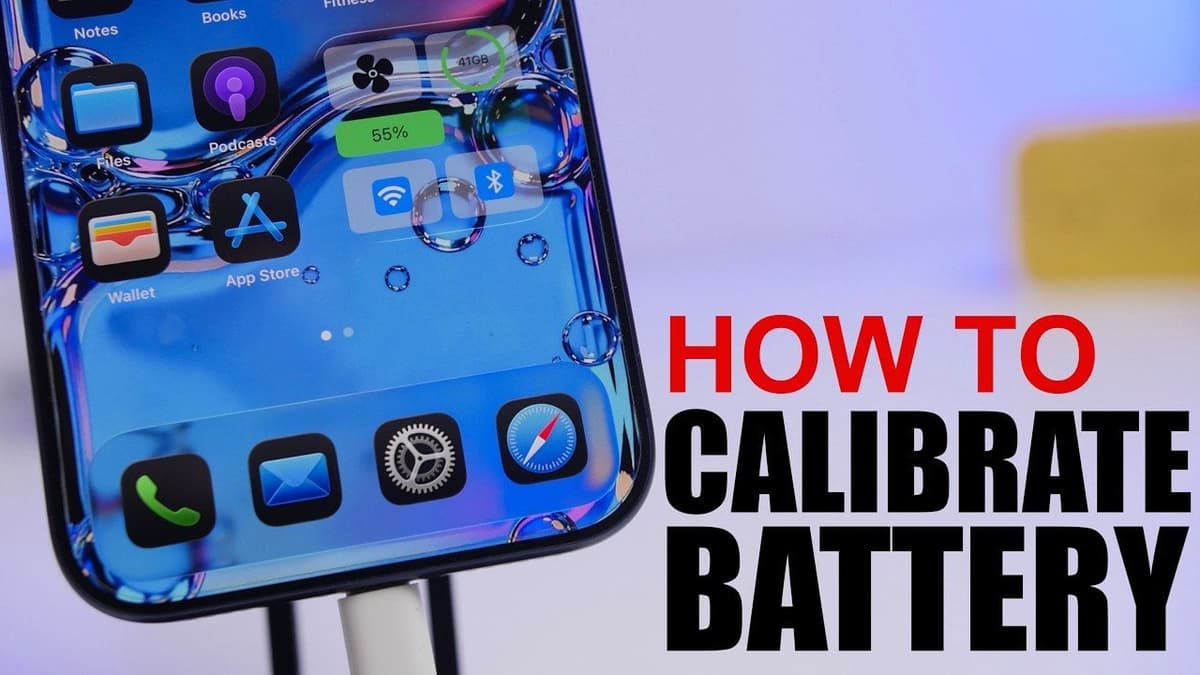
Get Accurate Battery Readings Again: IOS 26.5 iPhone Calibration Guide
Key Takeaways
- •Disable Optimized Battery Charging before calibration
- •Fully charge to 100% and keep plugged 30 minutes
- •Drain battery completely, then let device rest off
- •Recharge uninterrupted to 100% and perform hard reset
- •Calibrate every 1–3 months only when battery behaves erratically
Pulse Analysis
Battery calibration has resurfaced as a critical maintenance step with iOS 26.5, as users report erratic percentage drops and unexpected shutdowns. While Apple’s software algorithms estimate remaining charge, they rely on periodic data resets to stay accurate. The new guide walks users through a systematic approach—turning off Optimized Battery Charging, achieving a true 100% charge, fully discharging, allowing a rest period, and then recharging without interruption. The final hard reset forces the system to refresh its internal fuel‑gauge, aligning displayed percentages with actual capacity.
Beyond the step‑by‑step instructions, understanding the chemistry behind lithium‑ion cells clarifies why calibration matters. Repeated shallow charges can cause the battery management system to drift, leading to over‑ or under‑estimation of charge levels. By deliberately cycling the battery to zero and back, the device recalibrates its voltage‑to‑capacity curve, improving predictive accuracy. However, frequent deep‑discharge cycles accelerate wear, so Apple recommends limiting calibrations to once every one to three months or when anomalies surface. Users should also avoid extreme temperatures during the process, as heat can skew voltage readings.
From an industry perspective, Apple’s emphasis on calibration reflects broader trends toward transparent battery health reporting. Competitors like Samsung and Google are introducing similar tools, acknowledging that consumers value reliable power metrics for both personal and professional use. For IT departments overseeing large iPhone deployments, incorporating scheduled calibrations into device‑management policies can reduce service tickets and extend device lifespans. As battery technology evolves, software‑driven calibration will remain a low‑cost, high‑impact strategy to maintain performance without hardware replacement.
Get Accurate Battery Readings Again: iOS 26.5 iPhone Calibration Guide
Comments
Want to join the conversation?