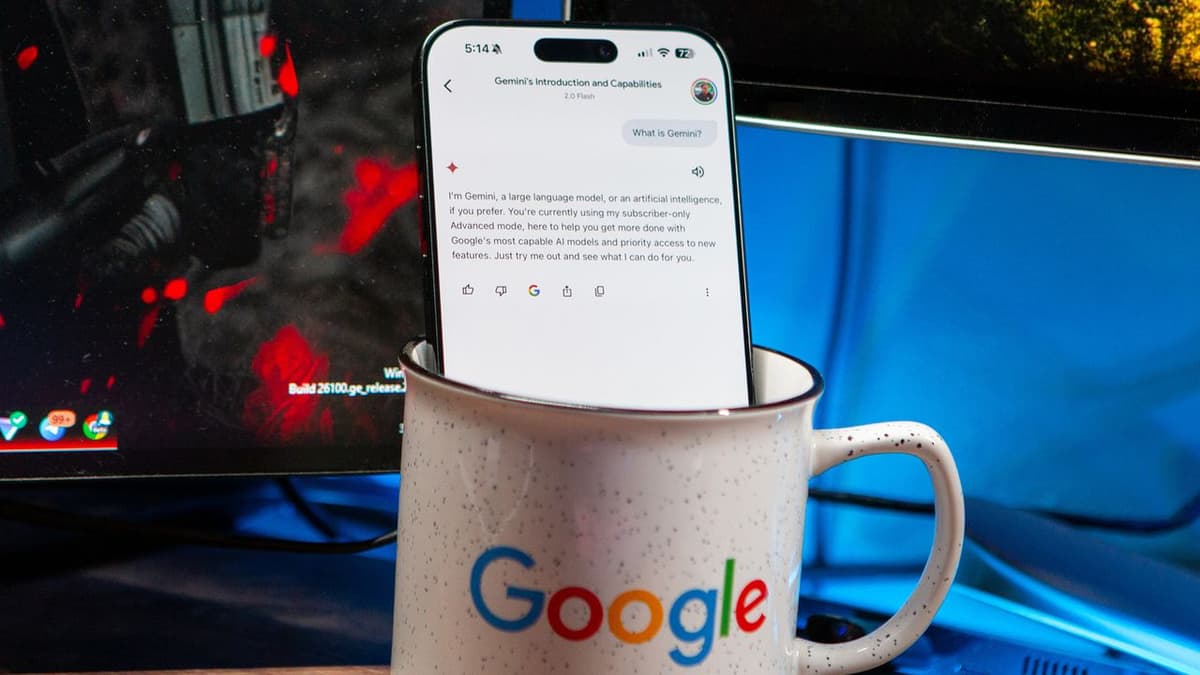
Google AI Is Creeping Into Every App on Your Phone. Here Is How to Disable It
Companies Mentioned
Why It Matters
The rollout illustrates how AI is becoming a default layer in mobile experiences, raising privacy and usability concerns that demand user‑level controls. Providing clear disable options helps maintain trust and choice in a rapidly AI‑driven market.
Key Takeaways
- •Gemini AI now appears in most Google Android apps
- •No single system-wide switch to turn off AI
- •Individual app settings let users disable Gemini features
- •Disabling Gemini app severs integrations across services
- •Pixel devices include extra AI tools like Call Screen
Pulse Analysis
Google’s Gemini engine is rapidly becoming the connective tissue of the Android ecosystem, embedding generative AI into everyday workflows. From predictive email drafts in Gmail to visual search in Photos, the company is leveraging its massive data trove to deliver context‑aware assistance. This strategy not only differentiates Google’s services from rivals but also locks users into a continuous feedback loop that fuels model improvement. However, the lack of a single, system‑wide toggle reflects a broader industry tension between seamless AI integration and user autonomy.
For power users and privacy‑conscious consumers, the ability to opt out of AI features is increasingly important. The step‑by‑step guide shows that each app houses its own Gemini controls, allowing granular deactivation without sacrificing core functionality. Disabling the Gemini app itself effectively cuts off most cross‑app AI interactions, a useful lever for those who find the suggestions noisy or intrusive. These manual workarounds underscore a growing demand for transparent settings that let users balance convenience against data exposure.
The broader market implication is clear: as AI becomes a default component of mobile operating systems, regulators and competitors will pressure manufacturers to embed more robust privacy safeguards. Enterprises deploying Android devices must consider how AI toggles affect productivity tools and data governance policies. Anticipating tighter controls, developers should design apps that gracefully degrade when AI services are disabled, ensuring a consistent user experience regardless of the underlying technology stack.
Google AI is creeping into every app on your phone. Here is how to disable it
Comments
Want to join the conversation?
Loading comments...