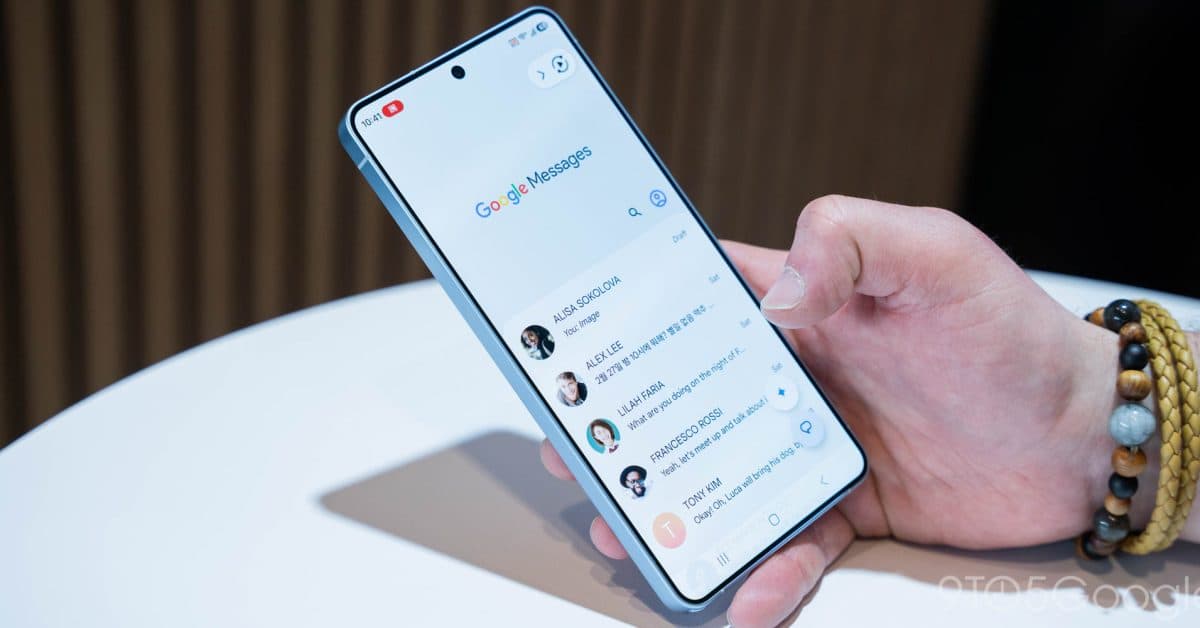
Google Messages Rolls Out ‘Tap to Draft’ to Stop Accidental Smart Replies
Companies Mentioned
Why It Matters
The change reduces accidental messages, improving user confidence and encouraging broader use of AI‑driven reply suggestions.
Key Takeaways
- •Tap to draft inserts Smart Reply into compose field for editing
- •Users must manually press send, preventing unintended messages
- •Setting located in Settings > Suggestions & Actions; default stays tap‑to‑send
- •Rolled out in version 20260522_00_RC00 for Android devices
Pulse Analysis
Smart Reply, Google’s AI‑powered suggestion engine, has become a staple in mobile messaging, offering quick, context‑aware responses that streamline conversations. As more platforms integrate similar features, the convenience factor drives higher engagement, but the utility hinges on reliability. Accidental sends have long been a pain point, especially in fast‑paced chats where a mis‑tap can lead to misunderstandings or privacy breaches. By introducing a draft step, Google aligns its messaging experience with user expectations for control without sacrificing the speed that AI suggestions promise.
The new Tap to draft behavior reflects a broader industry trend toward giving users granular control over automated actions. Previously, a single tap on a Smart Reply acted as both selection and transmission, a design that left little room for correction. Now, the reply populates the text field, allowing users to review, modify, or discard it before hitting send. This small UX tweak can dramatically cut the frequency of unintended messages, a benefit that resonates with both casual users and professionals who rely on precise communication.
Competitors such as Apple iMessage and Samsung Messages have already introduced safeguards around predictive text and quick replies, making Google’s update a necessary step to stay competitive. As AI continues to evolve, we can expect further refinements—like contextual previews or undo options—that balance speed with accuracy. For businesses, fewer accidental sends translate to clearer client interactions and reduced risk of miscommunication, reinforcing the importance of thoughtful UX design in AI‑enhanced messaging platforms.
Google Messages rolls out ‘Tap to draft’ to stop accidental Smart Replies
Comments
Want to join the conversation?
Loading comments...