How I Access Windows 11’s Newest Experimental Features Before Release and What It Reveals About Microsoft’s Roadmap
Companies Mentioned
Why It Matters
Providing an official, in‑OS toggle accelerates feature validation, reduces reliance on unofficial tools, and gives Microsoft clearer insight into user adoption ahead of public release.
Key Takeaways
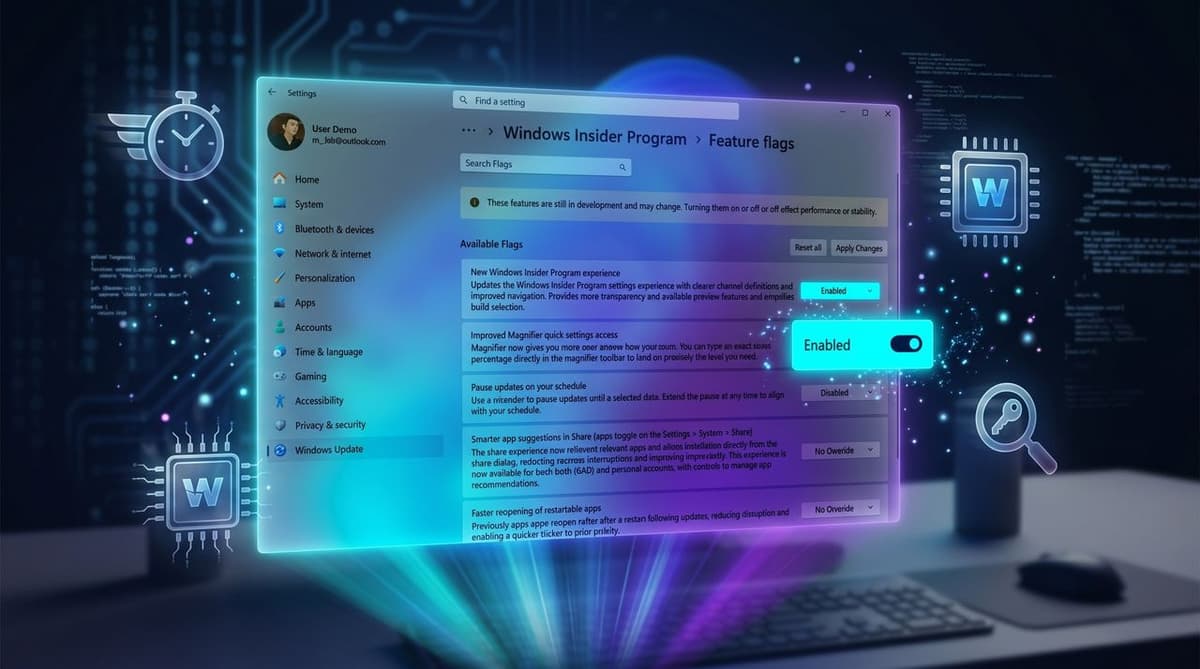
- •Windows 11 now includes native Feature flags for experimental features
- •Insider Program’s Experimental experience lets users enable hidden features directly
- •Beta channel drops Controlled Feature Rollout, enabling announced features by default
- •ViveTool remains required for unreleased capabilities not exposed in flags
- •Enable multiple flags at once via Settings → Insider → Feature flags
Pulse Analysis
Microsoft’s decision to embed a Feature flags page directly into Windows 11 marks a shift toward more transparent, user‑driven testing. Previously, power users relied on community‑built utilities such as ViveTool to surface hidden functionalities, creating a fragmented feedback loop. By integrating flag management into Settings, Microsoft not only simplifies the activation process but also standardizes data collection across the Insider ecosystem. This move aligns with broader industry trends where operating system vendors expose granular controls to gauge real‑world performance and user sentiment before committing features to stable builds.
The removal of Controlled Feature Rollout (CFR) from the Beta channel further signals confidence in the maturity of upcoming features. CFR allowed Microsoft to A/B‑test changes on a limited subset of devices, but its discontinuation means announced features will now be universally enabled for Beta participants. This accelerates the path from preview to release, giving developers and enterprise IT teams earlier visibility into potential impacts. For Microsoft, the broader exposure reduces the risk of surprise regressions and streamlines the roadmap communication with partners and customers.
Feature flagging has become a cornerstone of modern software delivery, enabling rapid iteration while mitigating risk. Windows 11’s native flag interface gives Microsoft a direct conduit for collecting telemetry, crash reports, and user feedback on experimental code paths. At the same time, it raises considerations around security and stability, as enabling unfinished features can expose systems to bugs. Nonetheless, the approach empowers enthusiasts to shape the OS’s evolution and offers Microsoft a richer dataset to prioritize development, ultimately leading to a more polished and predictable Windows experience for the wider market.
How I access Windows 11’s newest experimental features before release and what it reveals about Microsoft’s roadmap
Comments
Want to join the conversation?
Loading comments...