How Much Battery Does Samsung's Always-On Display Actually Use?
Companies Mentioned
Why It Matters
The consistent AOD power cost means manufacturers cannot rely on display‑tech advances to offset its battery impact, influencing design choices and user‑experience trade‑offs for premium and mid‑range smartphones.
Key Takeaways
- •AOD consumes ~1% battery per hour, ~10‑15% daily
- •LTPO displays cut display power but not AOD draw
- •DXOMark measured S22 Ultra 417h no AOD, 136h with
- •A‑series phones match flagships' AOD efficiency despite lower resolution
- •Turning AOD on tap or motion reduces drain significantly
Pulse Analysis
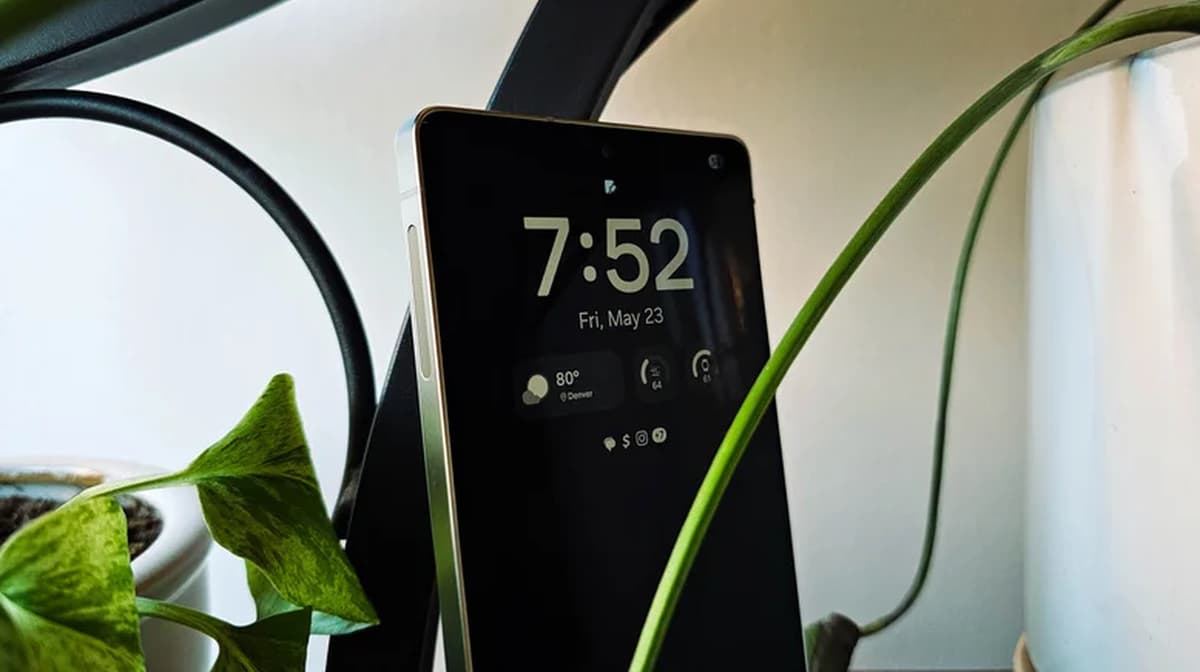
The always‑on display (AOD) has become a ubiquitous feature on modern smartphones, thanks to OLED’s ability to illuminate individual pixels. While it offers instant access to time and notifications, the convenience comes at a measurable energy cost. Independent testing by DXOMark revealed that enabling AOD on the 2022 Galaxy S22 Ultra trims battery endurance from 417 hours to just 136 hours, translating to roughly a 1% hourly drain. This figure aligns with earlier TechSpot measurements from the 2016 Galaxy S7, indicating that the power draw of AOD has stayed remarkably consistent over the past decade.
Samsung’s flagship devices now sport LTPO (low‑temperature polycrystalline oxide) panels that can dynamically adjust refresh rates, shaving up to 22% off overall display power consumption. However, the data shows that LTPO technology does not meaningfully reduce AOD’s specific energy usage. Whether a phone uses a 4.4‑million‑pixel S‑series screen or a 2.5‑million‑pixel A‑series panel, the AOD power draw hovers around the same sub‑1%‑per‑hour mark. The resolution difference is offset by the lower pixel count on budget models, resulting in comparable battery impact across the lineup.
For consumers, the practical takeaway is clear: AOD will consume about 10‑15% of a full‑day battery, regardless of device tier. Users can curb this by switching the feature to an on‑tap or motion‑activated mode, which pauses the display until the phone is physically interacted with. As manufacturers continue to chase longer battery life, the industry may need to explore alternative low‑power display technologies—such as micro‑LED or even hybrid e‑ink solutions—to reconcile the demand for persistent information with the reality of limited energy resources.
How Much Battery Does Samsung's Always-On Display Actually Use?
Comments
Want to join the conversation?
Loading comments...