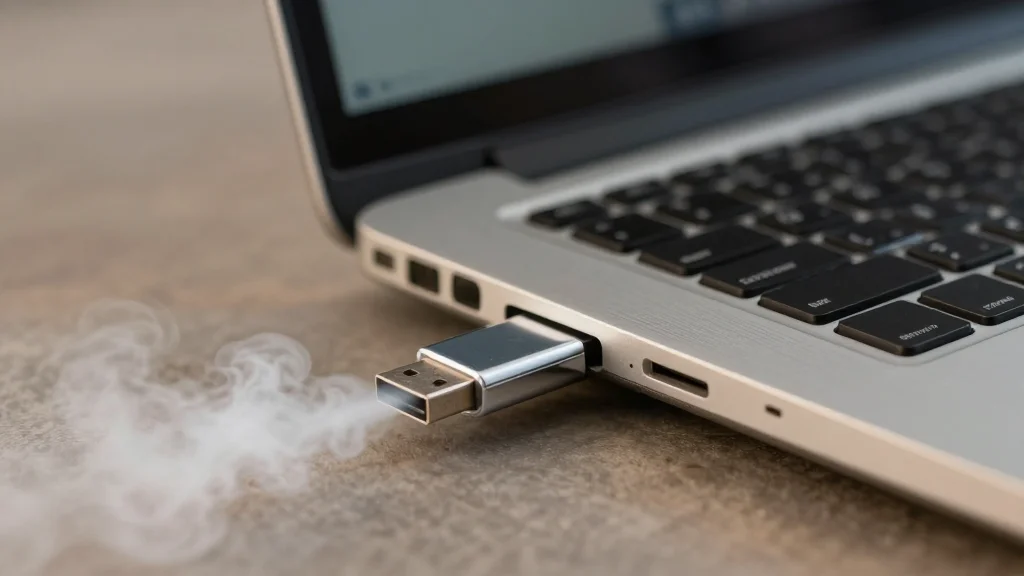
How to Install Google’s ChromeOS Flex on Your Old Windows Laptop (Step-by-Step)

Companies Mentioned
Why It Matters
ChromeOS Flex extends the useful life of legacy hardware, cutting replacement costs and reducing e‑waste for enterprises and consumers alike. Its rapid deployment and automatic updates make it a compelling alternative for cloud‑focused workforces.
Key Takeaways
- •ChromeOS Flex runs on certified and many non‑certified laptops
- •Installation requires an 8 GB USB drive and wipes existing data
- •$3 “revival kits” let businesses refurbish old hardware cheaply
- •Flex boots in under 10 seconds and updates automatically every four weeks
- •No Android app support; best for browser‑centric workflows
Pulse Analysis
As Windows 10 reaches its end‑of‑support deadline, millions of users face a costly upgrade decision or the security risks of an unsupported system. ChromeOS Flex, introduced by Google with $3 revival kits, positions itself as a bridge between these choices. By stripping away traditional OS overhead and moving processing to the cloud, Flex can breathe new life into laptops that would otherwise become e‑waste. The low entry price and the ability to run on a wide range of hardware make it especially attractive to small businesses and schools operating on tight budgets.
The installation process is deliberately straightforward: users download Chrome, add the Chromebook Recovery Utility extension, and create a bootable USB drive with at least 8 GB of space. After a live‑boot trial to verify hardware compatibility, the OS installs in minutes, erasing the previous Windows partition. Once installed, Flex boots in under ten seconds and receives automatic updates every four weeks, ensuring a consistently secure environment without IT overhead. However, the platform’s focus on web applications means it lacks Android app support and cannot run legacy Windows programs, limiting its appeal to users whose workflows rely heavily on local software.
For enterprises, ChromeOS Flex offers a scalable, cost‑effective strategy to extend the lifespan of existing assets while aligning with a cloud‑first IT roadmap. The rapid provisioning and centralized management through Google Workspace simplify device oversight, reducing the total cost of ownership. As remote work and digital learning continue to grow, Flex’s lightweight, secure, and instantly updatable nature positions it as a viable alternative to traditional PC refresh cycles, potentially reshaping the market for refurbished hardware in the coming years.
How to Install Google’s ChromeOS Flex on Your Old Windows Laptop (Step-by-Step)
Comments
Want to join the conversation?
Loading comments...