How to Remove Apps You Never Use (or at Least Hide Them)
Companies Mentioned
Why It Matters
Unused bloatware consumes valuable storage and can degrade device speed, affecting both consumer productivity and enterprise device management. Streamlining apps improves performance, reduces support tickets, and enhances security posture.
Key Takeaways
- •iOS offload keeps data while freeing app binary
- •Android disable hides app and stops background activity
- •Enable automatic offloading for ongoing storage optimization
- •Regularly review storage to prevent hidden bloat
- •Hiding apps reduces UI clutter without losing functionality
Pulse Analysis
Preinstalled "bloatware" has become a silent productivity drain for both personal users and corporate IT departments. While manufacturers bundle utilities, e‑books, and games to showcase device capabilities, the cumulative storage footprint can erode performance, especially on mid‑range smartphones that lack expandable memory. In enterprise settings, unmanaged apps increase the attack surface and complicate device compliance audits, prompting IT leaders to seek systematic ways to trim unnecessary software.
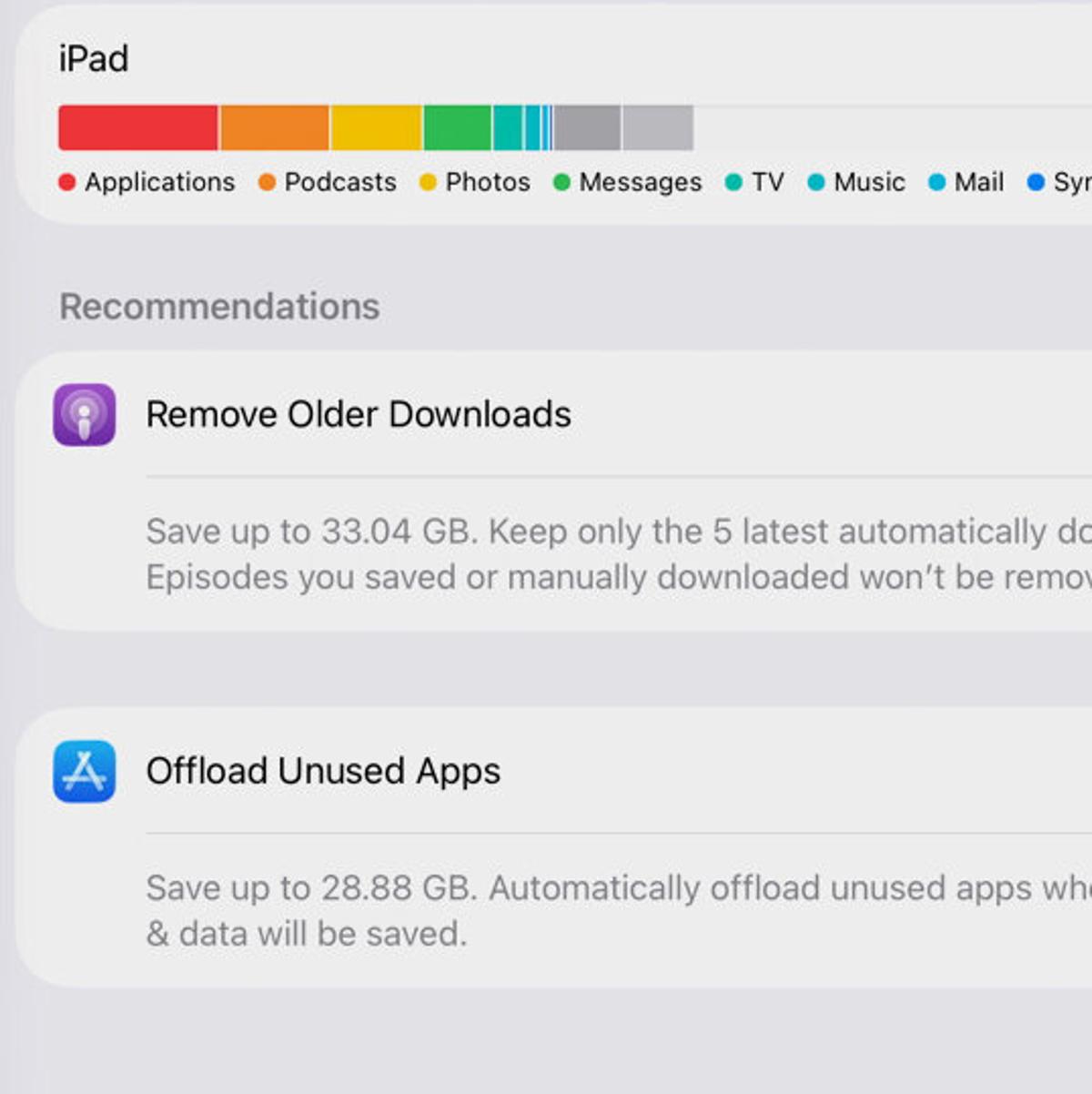
Apple’s iOS offers a nuanced approach: the Offload feature removes the app binary but preserves user data, allowing instant reinstalls from the cloud. Full deletion clears both code and data, maximizing reclaimed space. Android, on the other hand, provides a Disable option for system apps that cannot be uninstalled, effectively hiding them from the launcher and halting background processes. Both platforms surface storage‑management dashboards—iOS’s App Library suggestions and Android’s Free‑up‑Space tool—guiding users toward the most space‑intensive or idle applications.
Sustained device hygiene requires more than a one‑time purge. Enabling automatic offloading on iOS and leveraging Android’s periodic cache‑clear recommendations keep devices lean over time. For businesses, integrating these native tools into mobile‑device‑management (MDM) policies can reduce support costs, extend hardware lifecycles, and reinforce security by limiting unnecessary code execution. Regular audits, combined with user education on hiding versus deleting apps, ensure that devices remain both functional and compliant in a fast‑moving digital workplace.
How to Remove Apps You Never Use (or at Least Hide Them)
Comments
Want to join the conversation?
Loading comments...