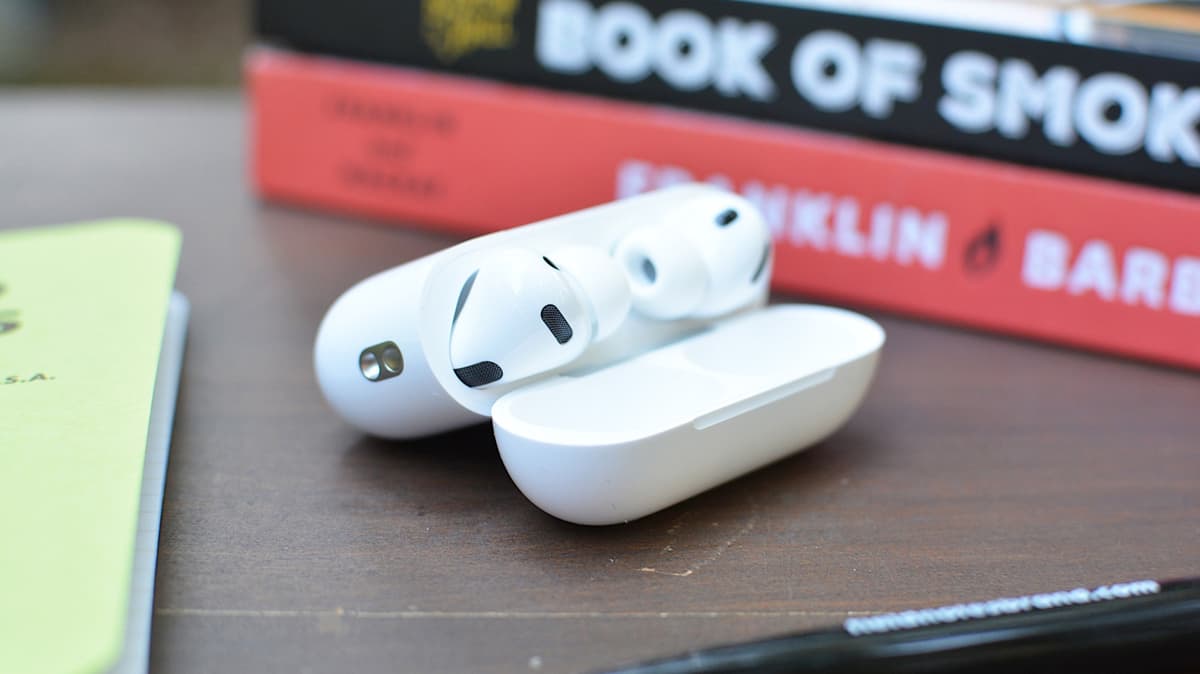
How to Use AirPods to Control Your iPhone Camera
Companies Mentioned
Why It Matters
The addition turns AirPods into a hands‑free camera controller, expanding their utility for iPhone users who lack an Apple Watch and streamlining spontaneous photography. It also signals Apple’s broader strategy of leveraging existing accessories for deeper ecosystem integration.
Key Takeaways
- •Camera Remote works on AirPods Pro 2/3, AirPods 4, AirPods Max 2.
- •Enable via Settings > AirPods > Camera Control > select Press Once/Hold.
- •Requires iPhone on iOS 26.5.1 or later; at least one AirPod in ear.
- •Activating disables media and Siri gestures while the Camera app is active.
Pulse Analysis
Apple’s iOS 26 rollout not only refreshed the iPhone’s software but also deepened the synergy between its flagship devices and accessories. By adding a Camera Remote option to AirPods, Apple offers a low‑cost alternative to the Apple Watch for remote photography, a niche previously dominated by third‑party Bluetooth shutters. The feature taps into the AirPods’ built‑in sensors and touch controls, allowing users to trigger the camera with a simple press, which is especially handy for selfies, group shots, or hands‑free video blogging.
Setting up the remote is straightforward: navigate to Settings, select the paired AirPods, and choose a press‑type under Camera Control. The function is limited to the latest AirPods models—Pro 2, Pro 3, AirPods 4, and AirPods Max 2—and requires iOS 26.5.1 or newer. While active, the AirPods suspend media playback gestures and Siri activation to prioritize camera commands, a trade‑off that users should weigh against the convenience of instant shutter access. The requirement that at least one AirPod be in the ear ensures the device can reliably detect the input without accidental triggers.
Beyond the immediate convenience, this move underscores Apple’s strategy of turning peripheral hardware into multi‑purpose tools, reinforcing the lock‑in effect of its ecosystem. As developers explore deeper integration, future updates could expand AirPods control to other apps, such as presentation remote functions or smart‑home triggers. For photographers and content creators, the feature streamlines workflow, reducing the need for tripods or timers, and may prompt competitors to enhance their own audio accessory ecosystems to keep pace.
How to use AirPods to control your iPhone camera
Comments
Want to join the conversation?
Loading comments...