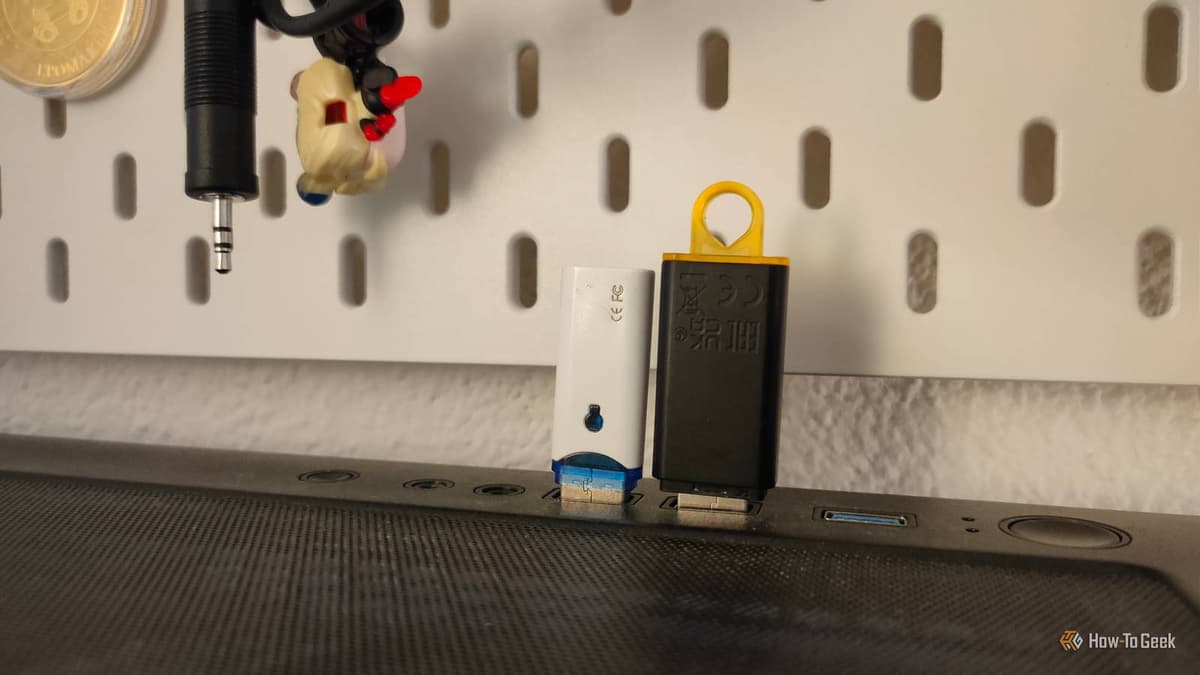
HWiNFO, TestDisk, and Multiboot ISOs: How to Build the Ultimate PC Rescue Drive
•February 27, 2026
0
Why It Matters
A well‑stocked rescue USB dramatically cuts downtime during OS failures or hardware issues, giving IT professionals and power users a portable, universal recovery toolkit. Its proactive maintenance prevents costly data loss and service interruptions.
Key Takeaways
- •64 GB minimum; 128 GB ideal for multiboot
- •Use dual‑type USB‑A/C for maximum compatibility
- •Include Windows 11 installer and a Linux rescue ISO
- •Store updated GPU, chipset, and network drivers on the drive
- •Refresh the USB every few months; keep an update log
Pulse Analysis
System crashes, corrupted boot sectors, and forgotten passwords are inevitable in any PC environment, and relying solely on built‑in recovery partitions can leave technicians scrambling. A dedicated rescue USB provides an independent, bootable environment that works across a wide range of hardware, from the latest UEFI laptops to legacy desktops. By consolidating OS installers, diagnostic utilities, and driver packs onto a single portable medium, organizations can accelerate troubleshooting, reduce on‑site support time, and safeguard critical data before it becomes inaccessible.
Choosing the right flash drive is the foundation of a reliable rescue kit. A 128 GB dual‑type USB‑A/C stick balances capacity and speed while offering compatibility with both older and newer ports. After formatting, a multiboot manager such as Ventoy or Easy2Boot can host multiple ISO images—typically a Windows 11 repair installer and a lightweight Linux rescue distro like SystemRescue. Adding tools like HWiNFO, CrystalDiskInfo, and TestDisk equips users to diagnose hardware health, assess disk integrity, and recover lost partitions without booting into the primary OS.
The utility of a rescue drive erodes if it isn’t maintained. Regularly refresh the Windows ISO, update driver collections, and replace utilities with their latest versions, documenting each change in a root‑level log file. A quarterly update cadence ensures compatibility with recent firmware and security patches. For mission‑critical environments, keeping a second, identical rescue USB mitigates the risk of flash‑drive failure. This disciplined approach transforms a simple USB stick into a robust, always‑ready lifeline that minimizes downtime and protects organizational productivity.
HWiNFO, TestDisk, and multiboot ISOs: How to build the ultimate PC rescue drive
0
Comments
Want to join the conversation?
Loading comments...