I Create Photoshop-Quality Edits without Spending a Dime
•March 1, 2026
0
Why It Matters
Businesses and freelancers can cut software expenses while maintaining professional output, accelerating adoption of affordable creative solutions.
Key Takeaways
- •Free editors now match Photoshop's core features
- •Non‑destructive editing is essential for professional workflow
- •Photopea and Affinity offer robust PSD compatibility
- •Lasso tools enable precise, irregular selections
- •Open‑source stack reduces costs without quality loss
Pulse Analysis
The creative software landscape has long been dominated by subscription‑based giants, forcing designers to allocate a sizable portion of their budgets to licenses. In recent years, a wave of freemium and open‑source editors has disrupted that model, offering comparable toolsets without recurring fees. This shift is especially relevant for small agencies, startups, and independent creators who need professional results but cannot justify high overhead. By leveraging web‑based platforms like Photopea alongside desktop solutions such as Affinity Photo, users gain access to a full‑featured editing suite that runs on any modern operating system.
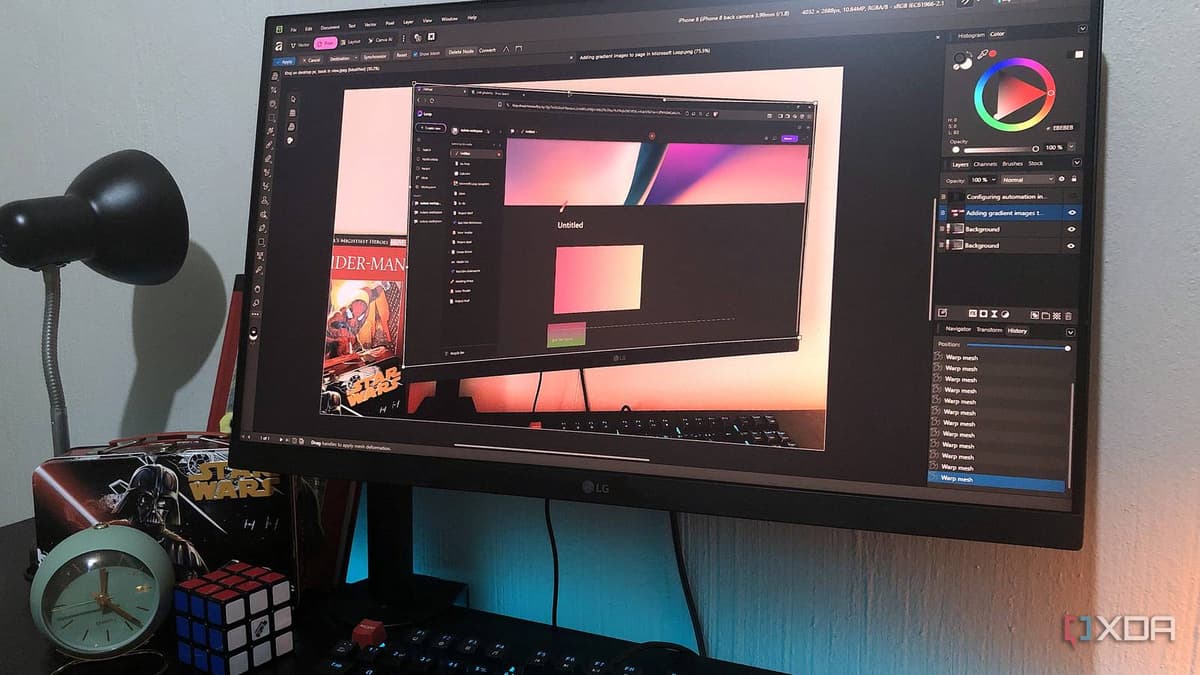
Key to matching Photoshop’s reputation are non‑destructive workflows, smart object handling, and precise selection mechanisms. Photopea supports PSD files with adjustment layers, smart filters, and history states, allowing edits to be tweaked indefinitely. Affinity Photo builds on this foundation with live warping, RAW processing, and AI‑assisted tools, all available in a free tier. The inclusion of robust lasso and polygonal selection tools gives designers granular control over irregular subjects, while mesh warp and blend modes enable complex mockups. These capabilities demonstrate that the technical gap between paid and free editors is rapidly narrowing.
For the market, the emergence of cost‑free, Photoshop‑level editors translates into lower entry barriers and faster iteration cycles. Companies can reallocate software spend toward talent development or marketing, while freelancers gain competitive parity with larger firms. The trend also encourages innovation, as developers compete on performance, cloud integration, and AI features to attract users. As more creators adopt these alternatives, we can expect a broader ecosystem of plugins, tutorials, and community support, further solidifying the viability of a subscription‑free workflow for professional visual production.
I create Photoshop-quality edits without spending a dime
0
Comments
Want to join the conversation?
Loading comments...