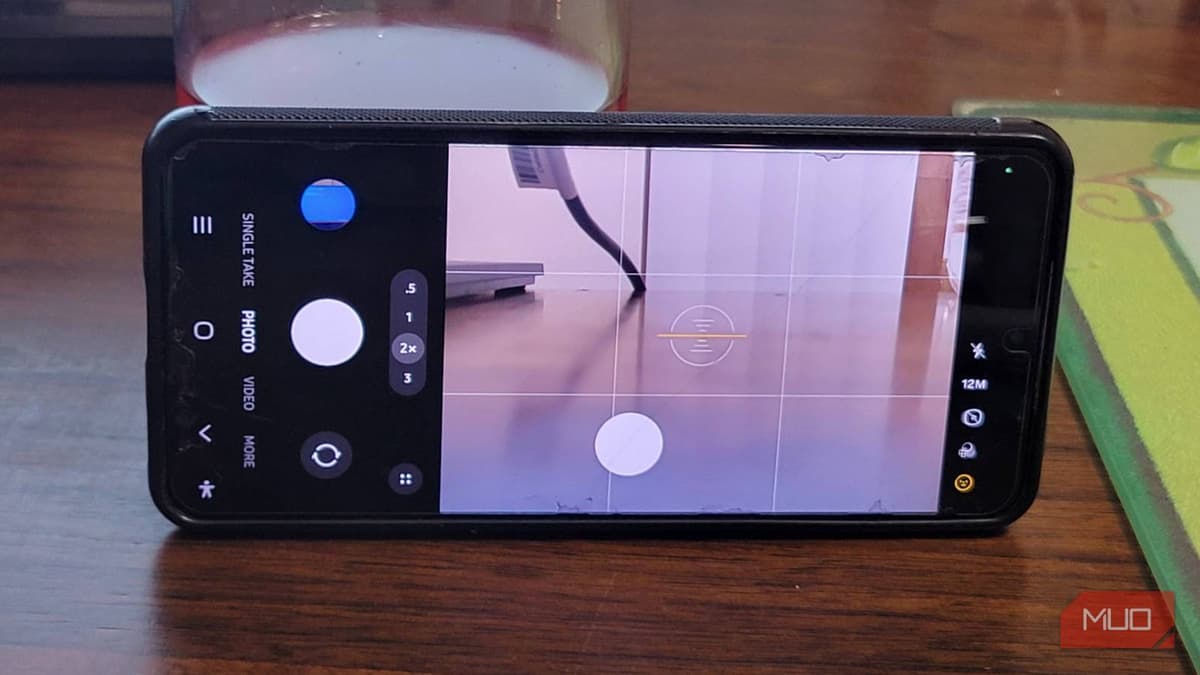
I Fixed My Android's Shutter Lag with a Free Samsung App I Didn't Know Existed
Companies Mentioned
Why It Matters
Eliminating shutter lag improves capture reliability for everyday moments, boosting user satisfaction and keeping Samsung devices competitive in the mobile photography market.
Key Takeaways
- •Camera Assistant adds Quick Tap Shutter to eliminate Android lag
- •Disables Prioritize Focus Over Speed for faster captures
- •Turns off Auto Lens Switching to prevent unwanted digital zoom
- •Stops accidental video recording when holding shutter too long
Pulse Analysis
Smartphone photography has become a daily ritual, yet many Android owners still grapple with a hidden design flaw: Samsung’s camera waits for the user to lift their finger before taking a picture. This intentional delay, meant to prioritize focus stability, often costs the perfect split‑second moment, especially in fast‑moving scenes. While iOS devices have long offered instant capture, Android users have been forced to accept missed shots or blur, creating a perception gap that can influence brand loyalty.
Enter Camera Assistant, a free utility that integrates directly into Samsung’s native camera UI. By exposing concealed settings, the app lets users activate Quick Tap Shutter, which triggers the sensor on initial contact, and turn off features like Prioritize Focus Over Speed, Auto Lens Switching, and accidental video mode. These tweaks shift the camera’s processing priority from exhaustive image refinement to rapid response, delivering a more reliable shooting experience without compromising the core image pipeline. For power users and casual photographers alike, the ability to fine‑tune these parameters restores control that was previously hidden behind Samsung’s simplified interface.
The broader implication is a reminder that software flexibility can extend the lifespan of existing hardware. Rather than pushing consumers toward costly device upgrades, Samsung’s ecosystem now benefits from community‑driven enhancements that address real‑world usage patterns. As mobile photography continues to drive content creation and social engagement, tools like Camera Assistant empower users to capture moments precisely when they happen, reinforcing the value proposition of Android’s open‑source philosophy while narrowing the performance gap with competing platforms.
I fixed my Android's shutter lag with a free Samsung app I didn't know existed
Comments
Want to join the conversation?
Loading comments...