I Found Android's Hidden Resource Monitor and Stopped Installing Cleanup Apps
Why It Matters
Understanding Android’s native resource management eliminates the need for ineffective cleanup apps, saving battery life and preserving system performance for both consumers and enterprises.
Key Takeaways
- •Android's Low Memory Killer daemon automatically manages RAM
- •Third‑party cleaners consume RAM while attempting to free it
- •Developer Options expose memory and running services data
- •Battery usage stats identify power‑hungry apps directly
- •Removing cleaners improves stability; Android already optimizes resources
Pulse Analysis
Android users have long been bombarded with "RAM‑booster" and "cleanup" apps promising faster performance, yet the operating system includes a sophisticated memory‑management subsystem. The Low Memory Killer daemon (lmkd) continuously monitors memory pressure and terminates low‑priority background processes before any third‑party tool can intervene. Because lmkd uses a priority score based on app usage, it makes smarter decisions than a generic cleaner, preventing the paradox of an app that uses RAM to free RAM.
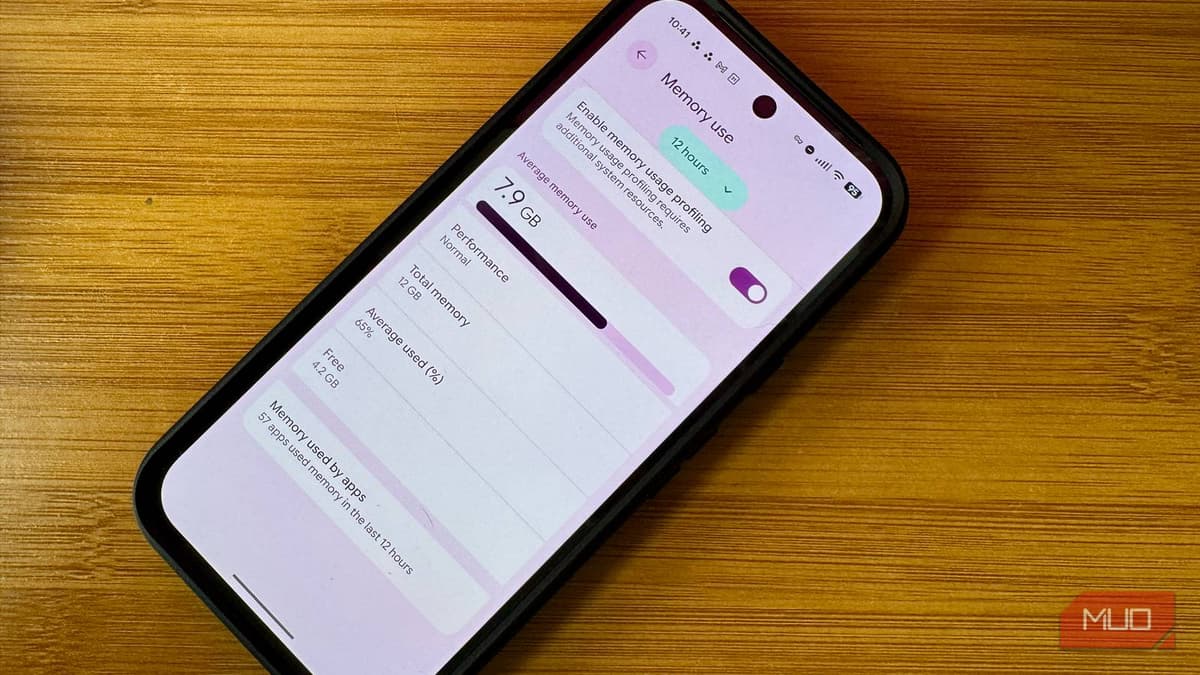
For power users and IT administrators, the hidden Developer Options menu offers deeper insight. Enabling memory profiling reveals real‑time RAM consumption, while the Running Services screen lists each background component sorted by usage. Coupled with the Battery Usage panel—accessible without developer mode—these native tools let you pinpoint misbehaving apps that drain power or hog memory. Adjusting app‑level battery settings (Optimized, Restricted, Unrestricted) provides granular control without installing additional software.
The practical takeaway is clear: uninstalling third‑party cleanup utilities not only reduces unnecessary background processes but also improves overall device stability. Enterprises managing fleets of Android devices can streamline support by training staff to use built‑in diagnostics rather than relying on dubious market apps. This approach aligns with best‑practice security policies, reduces attack surface, and conserves battery life—key metrics for productivity in a mobile‑first workplace.
I found Android's hidden resource monitor and stopped installing cleanup apps
Comments
Want to join the conversation?
Loading comments...