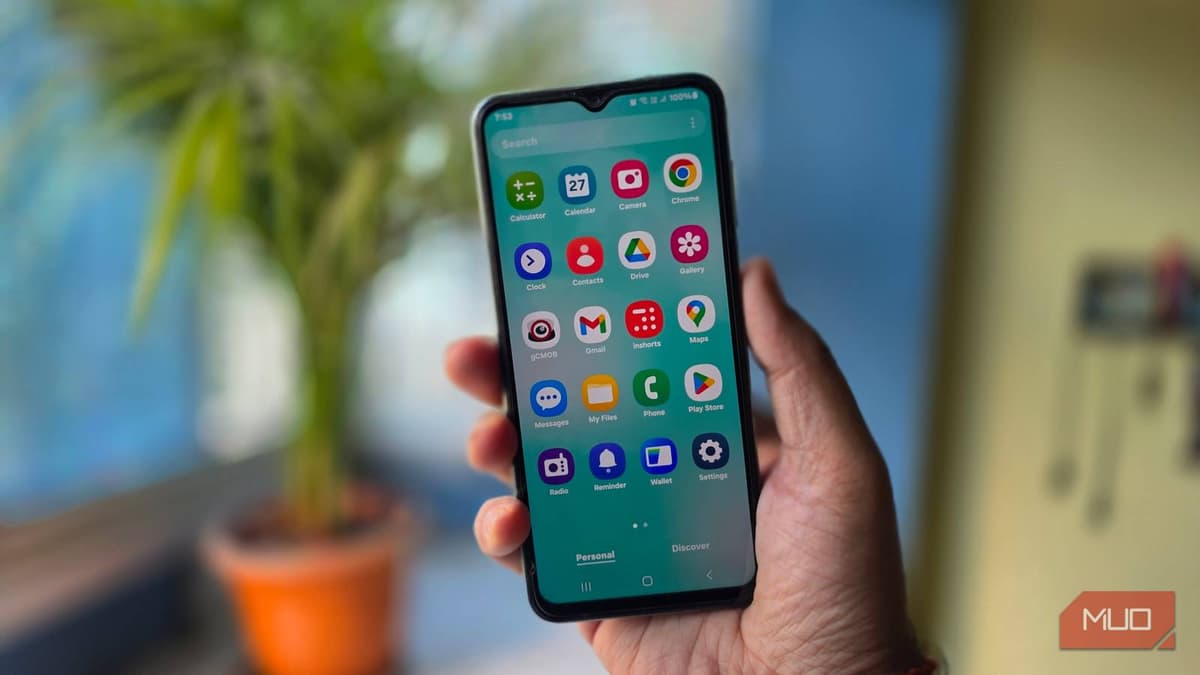
I Removed Samsung's Bloatware From My Galaxy and It Felt Like a New Phone
Companies Mentioned
Why It Matters
Eliminating Samsung’s bloatware restores native performance and extends battery life, giving users a cost‑effective way to maximize hardware value. It also demonstrates that consumers can reclaim control over Android devices without voiding warranties, pressuring OEMs to reconsider pre‑installed software strategies.
Key Takeaways
- •ADB can uninstall Samsung bloatware without rooting
- •Disabling apps leaves them in memory; uninstall frees resources
- •Battery life improves noticeably after removing background apps
- •Process works on any Galaxy phone with USB debugging enabled
- •Backup data first to restore apps if needed
Pulse Analysis
Bloatware has become a standard revenue stream for Android OEMs, and Samsung is no exception. By bundling duplicate browsers, messaging clients, and utility suites, manufacturers fill the app drawer with software that constantly syncs, polls for updates, and consumes RAM. On devices with 4 GB or 6 GB of memory, these hidden processes can throttle the CPU, cause UI lag, and drain the battery even when the phone sits idle. For budget-conscious users, the hidden cost is a slower, less reliable experience that undermines the value of the hardware purchase.
Android Debug Bridge offers a lightweight, root‑free path to reclaim that lost performance. After enabling Developer Options and USB debugging, a single ADB command—`adb shell pm uninstall -k --user 0 <package_name>`—removes the app from the active user profile while preserving cached data. The method works across the Galaxy lineup, requires only a PC and a USB cable, and leaves the warranty intact. Users are advised to back up their device and note each package name, as the process is reversible via `adb shell cmd package install-existing`. This approach turns a potentially risky rooting operation into a safe, repeatable maintenance routine.
The broader implication is a shift in consumer power dynamics. When users can strip unwanted software without technical barriers, OEMs face pressure to justify pre‑installed apps through genuine value rather than licensing fees. Tech writers and forums are amplifying these DIY techniques, encouraging a culture of device hygiene that can extend hardware lifespan and reduce e‑waste. For enterprises managing fleets of Samsung phones, adopting ADB‑based cleanup can lower support tickets, improve employee productivity, and cut indirect costs associated with premature device replacement.
I removed Samsung's bloatware from my Galaxy and it felt like a new phone
Comments
Want to join the conversation?
Loading comments...