I Stopped Paying for File Manager Apps After Discovering What Android Already Has
Companies Mentioned
Why It Matters
Consumers can save money and reduce app clutter while maintaining robust file management and security, a shift that strengthens Android’s value proposition in a competitive mobile ecosystem.
Key Takeaways
- •Files by Google auto‑categorizes files and offers smart cleanup.
- •Samsung My Files provides detailed storage insights and large‑file detection.
- •Native smart search finds files by type, name, size, or image text.
- •Quick Share enables high‑speed, offline file transfers between nearby devices.
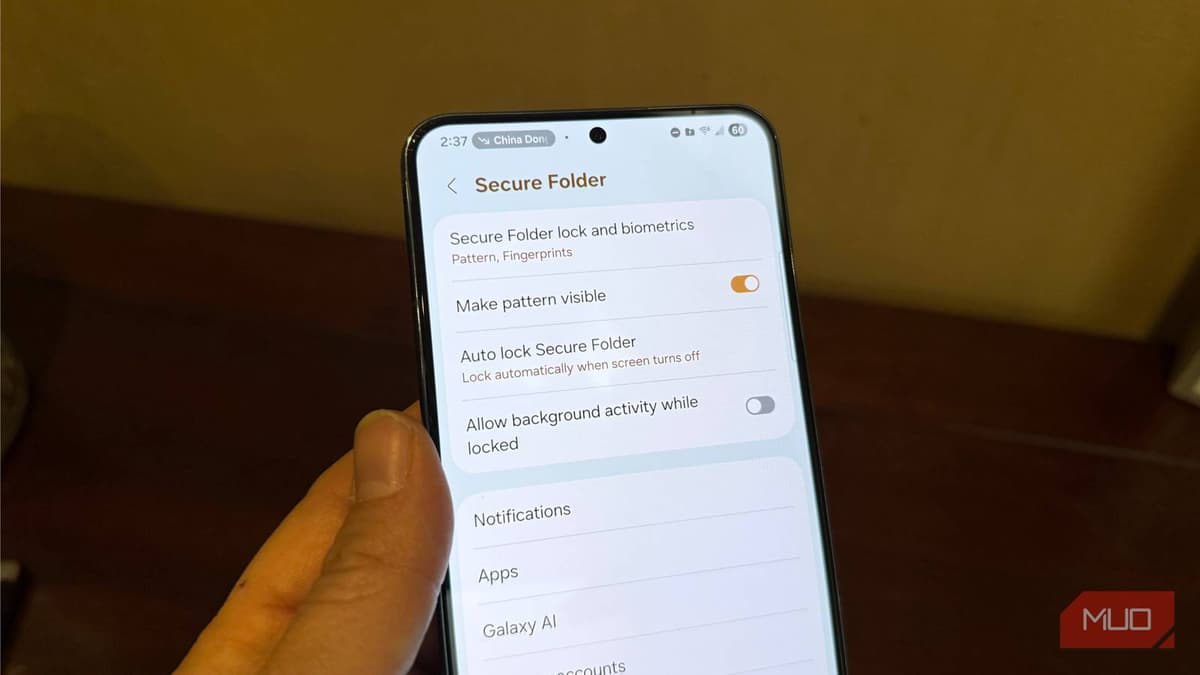
- •Secure and Safe folders add PIN‑protected encryption for sensitive data.
Pulse Analysis
Android’s file management story has moved from a simple directory browser to a sophisticated suite of tools embedded in the OS. Google’s Files app now uses machine learning to group media, apps, and documents, while Samsung’s My Files adds granular storage analytics and large‑file alerts. Both apps support ZIP compression, direct Google Drive access, and encrypted folders, turning the native experience into a one‑stop shop for everyday file tasks that previously required multiple downloads.
For users, the practical impact is immediate. By relying on the built‑in managers, consumers avoid paying for premium third‑party utilities and reduce the number of apps that consume background resources. Features like Smart Search and the Clean tab streamline decluttering, while Quick Share offers peer‑to‑peer transfers without data charges. The added security of PIN‑protected Safe Folder or Samsung’s Secure Folder gives peace of mind for sensitive documents, aligning with growing privacy expectations.
Looking ahead, Android’s native file ecosystem is poised for further enhancements, such as deeper AI‑driven recommendations and tighter integration with emerging cloud services. As manufacturers continue to customize the experience, the baseline functionality will likely set a higher standard for any external file manager trying to compete. Users should explore the full capabilities of their device’s file app before seeking alternatives, ensuring they leverage the most secure, cost‑effective solution already at hand.
I stopped paying for file manager apps after discovering what Android already has
Comments
Want to join the conversation?
Loading comments...