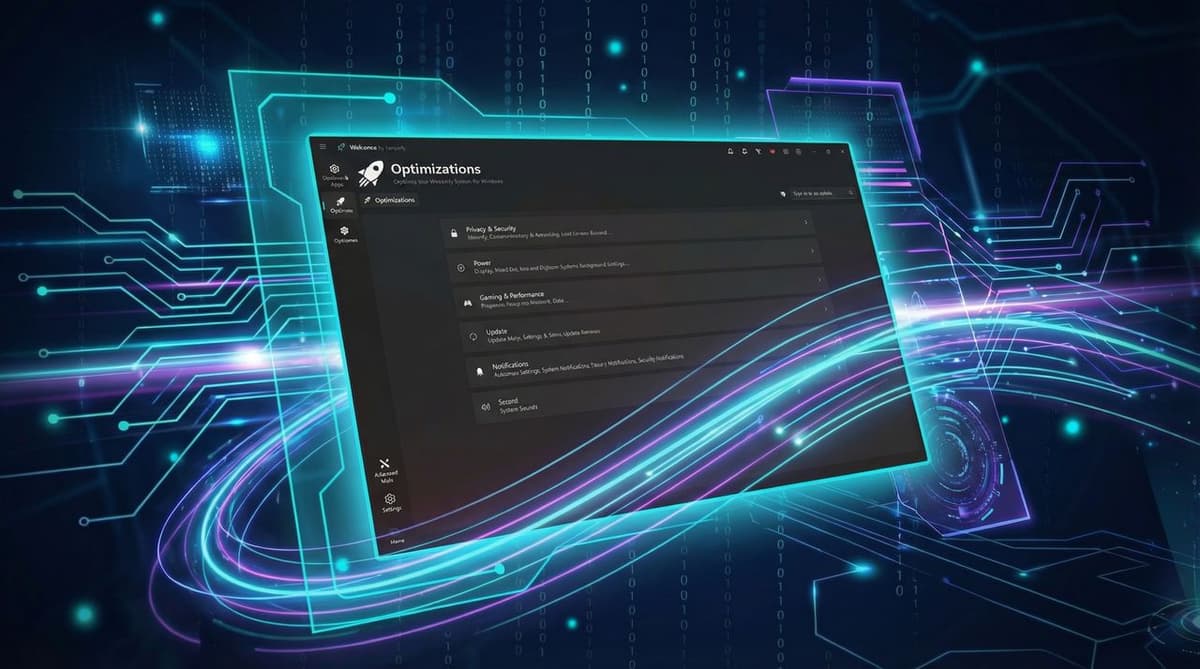
I Tried Winhance to Debloat and Optimize My Windows 11 PC, and I Wish I'd Done It Sooner
•February 21, 2026
0
Companies Mentioned


Why It Matters
Reducing Windows 11 bloat frees valuable system resources, extending the life of existing hardware and improving user productivity. The tool demonstrates that accessible optimization can deliver measurable gains without costly upgrades.
Key Takeaways
- •Winhance offers transparent explanations for each setting
- •Disabling telemetry reduces background CPU and RAM usage
- •Boot RAM usage dropped from 40% to 15%
- •User-friendly UI makes debloating accessible to non‑experts
- •Creates restore point, but careful review still required
Pulse Analysis
Windows 11’s reputation for resource‑intensive background services has spurred a growing market for debloat utilities. While power users have long relied on scripts and registry tweaks, mainstream tools often lack clarity, leading to accidental performance regressions. Winhance distinguishes itself by pairing a clean interface with concise, jargon‑free descriptions for each toggle, allowing average users to understand the impact of disabling services such as telemetry, fax, or legacy components. This transparency reduces the fear of breaking the OS and encourages broader adoption of system‑level optimization.
In practice, the author’s experience shows that targeted disabling of telemetry and startup apps can slash RAM consumption dramatically—dropping from 40% at boot to just 15%. Such savings translate into smoother multitasking, faster application launches, and a more stable gaming environment, even on high‑end hardware like an RTX 5090. While the performance uplift for gaming remains modest, the reduction in background load can improve frame consistency and lower thermal stress, extending component longevity. The built‑in restore point feature adds a safety net, but users must still review each change to avoid disabling critical services.
The broader implication for the PC ecosystem is clear: as hardware costs plateau and RAM prices remain high, software‑level efficiency becomes a competitive differentiator. Tools like Winhance empower consumers to extract more value from existing machines, potentially delaying upgrade cycles and supporting sustainability goals. However, the responsibility lies with users to apply changes judiciously, as over‑aggressive debloating can impair system stability. For enterprises, deploying vetted debloat configurations could standardize performance baselines across fleets, but thorough testing remains essential. Overall, Winhance exemplifies how user‑centric design can democratize system optimization without sacrificing safety.
I tried Winhance to debloat and optimize my Windows 11 PC, and I wish I'd done it sooner
0
Comments
Want to join the conversation?
Loading comments...