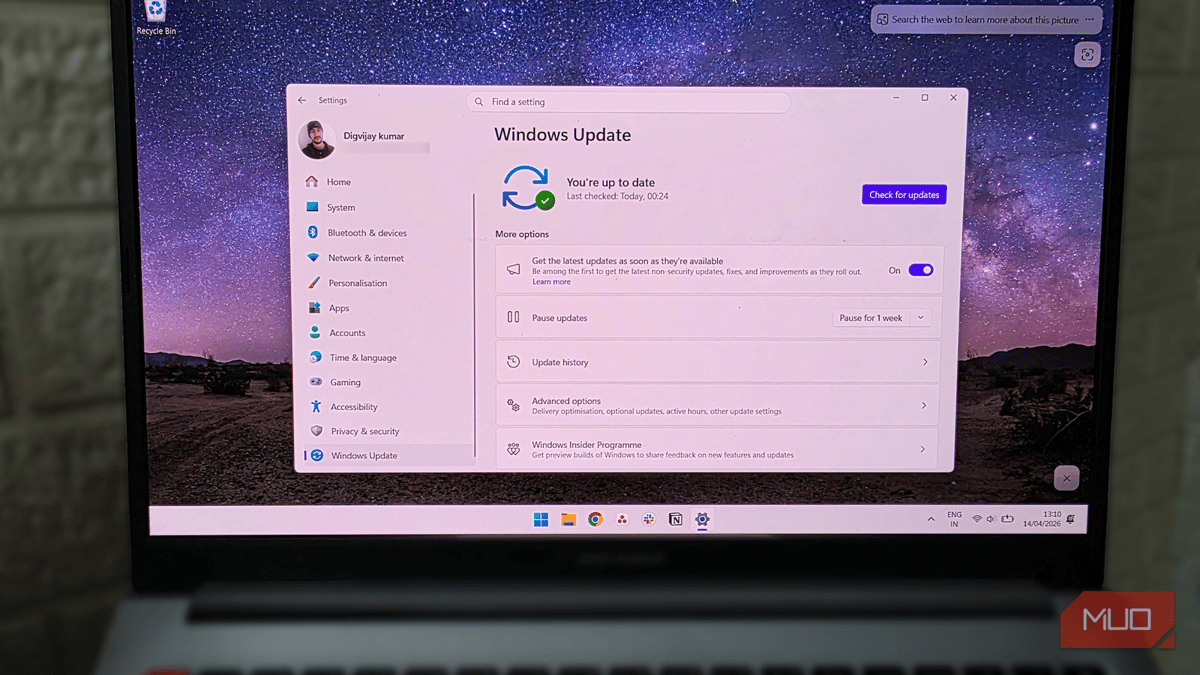
If Your PC Won't Boot After Windows 11's April Update, Try This First
Companies Mentioned
Why It Matters
The outage renders affected laptops unusable, forcing businesses and consumers to allocate time and resources to recovery or hardware replacement, which can erode confidence in Windows 11’s reliability. Prompt remediation also helps Microsoft limit reputational damage amid recent public relations challenges.
Key Takeaways
- •KB5083769 update causes boot loops on some HP and Dell PCs
- •Affected machines show pixel mosaic and blue recovery screen
- •Fix steps: WinRE, System Restore, Startup Repair, then PC reset
- •Issue more common on AMD‑based systems but not limited to them
- •Microsoft’s Q&A bot cites similar past cumulative update failures
Pulse Analysis
The April 2026 Windows 11 cumulative update, identified as KB5083769, has quickly become a headache for users of certain OEM devices. Early reports surfaced on April 17, with owners of HP and Dell laptops describing a bizarre pixel‑mosaic display that transitions into a blue recovery screen, after which the system spirals into a boot loop. While the exact trigger remains under investigation, Microsoft’s own diagnostics point to corrupted boot‑critical drivers, a scenario that historically surfaces after large security or feature rollups, particularly on AMD‑based platforms.
For IT administrators and home users alike, the fastest path to recovery lies in the Windows Recovery Environment (WinRE). By forcing a hard shutdown during the boot logo, the machine can be coaxed into WinRE, where a sequence of troubleshooting tools—System Restore, Startup Repair, and finally a full PC reset—offers a tiered approach to restoring functionality. System Restore is the least invasive, rolling back the OS to a pre‑update snapshot, while Startup Repair attempts to automatically fix corrupted boot files. If both fail, resetting the PC (with the option to retain personal files) provides a clean slate, albeit with a longer downtime.
The broader implication for enterprises is clear: large‑scale updates must be vetted against diverse hardware configurations before wide deployment. Organizations should consider staggered rollouts and maintain recent restore points to mitigate disruption. Meanwhile, Microsoft’s handling of the issue—promptly publishing recovery steps via its Q&A bot—helps contain fallout, but the incident underscores the delicate balance between rapid security patching and system stability in today’s heterogeneous PC ecosystem.
If your PC won't boot after Windows 11's April update, try this first
Comments
Want to join the conversation?
Loading comments...