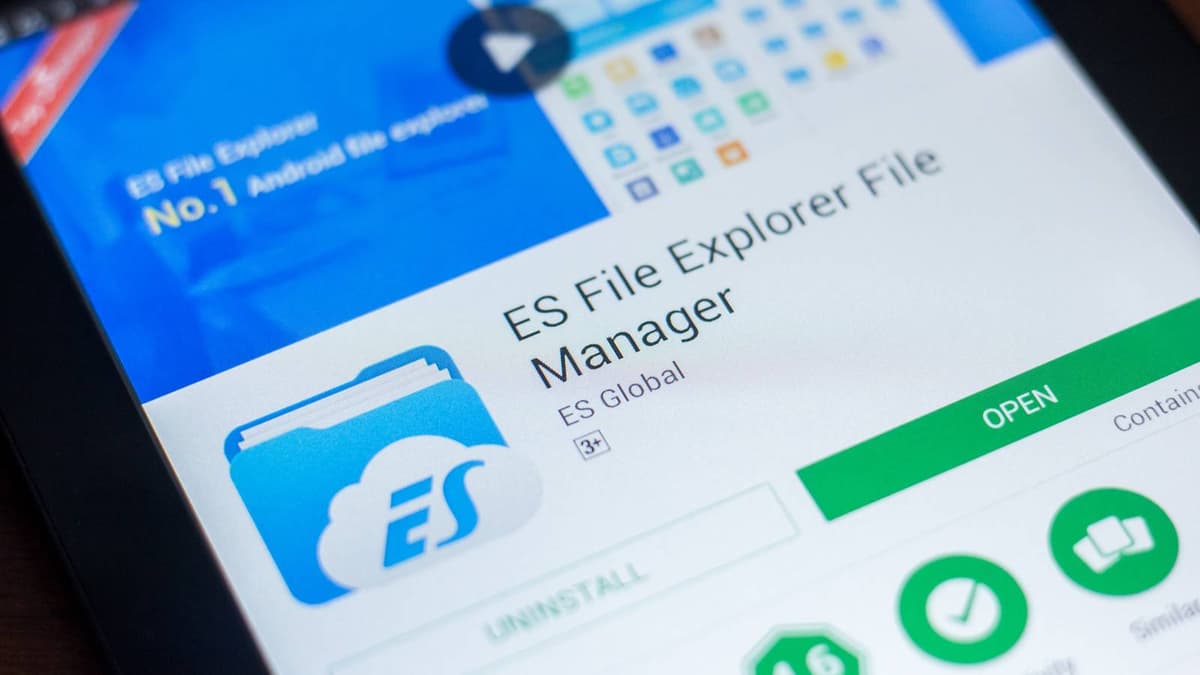
If You're Still Hanging on to This Classic Android File Explorer, You Need to Switch Now
Companies Mentioned
Why It Matters
Retaining a compromised file manager exposes devices to malware and privacy breaches, undermining Android’s hardened security ecosystem. Removing ES File Explorer and choosing vetted alternatives protects user data and aligns with best‑practice mobile hygiene.
Key Takeaways
- •ES File Explorer removed from Play Store in 2019 over ad fraud
- •App injected ads and performed unauthorized click‑fraud, exposing users
- •Android’s built‑in Files app now meets 99% of user needs
- •Open‑source managers like Fossify offer ad‑free, privacy‑focused alternatives
- •Google Play Protect adds 24‑hour sideload delay to curb malware
Pulse Analysis
When ES File Explorer debuted, it filled a glaring gap in Android’s file‑management capabilities, offering FTP access, compression previews, and a clean UI that quickly amassed millions of downloads. Over time, however, the app’s monetization strategy devolved into aggressive ad injection and hidden background processes. Security researchers uncovered critical vulnerabilities and evidence of click‑fraud, prompting Google to remove the app from the Play Store in 2019. Although the APK remains available for sideloading, the risk of exposing personal files to malicious code makes continued use untenable for most users.
Android’s native Files app has evolved dramatically since those early days. Integrated with Google’s cloud services, it now supports batch operations, secure sharing, and on‑device scanning for duplicates, covering roughly 99 % of everyday file‑handling scenarios. OEMs also bundle lightweight managers that respect system resources, reducing the performance overhead once justified by third‑party tools. Consequently, power users are the primary audience for external file explorers, and even they demand transparency, minimal permissions, and open‑source code to trust the software.
For those still seeking alternatives, open‑source options such as Fossify File Manager, Amaze, and Material Files deliver ad‑free experiences while adhering to strict privacy standards. Installing apps from the Play Store leverages Google Play Protect’s automated scanning, and the platform’s recent 24‑hour sideload delay further mitigates the threat of rogue APKs. By purging legacy apps like ES File Explorer and adopting vetted, privacy‑focused managers, Android users reinforce their device’s security posture and stay aligned with the ecosystem’s broader push toward safer, more resilient mobile computing.
If you're still hanging on to this classic Android file explorer, you need to switch now
Comments
Want to join the conversation?
Loading comments...