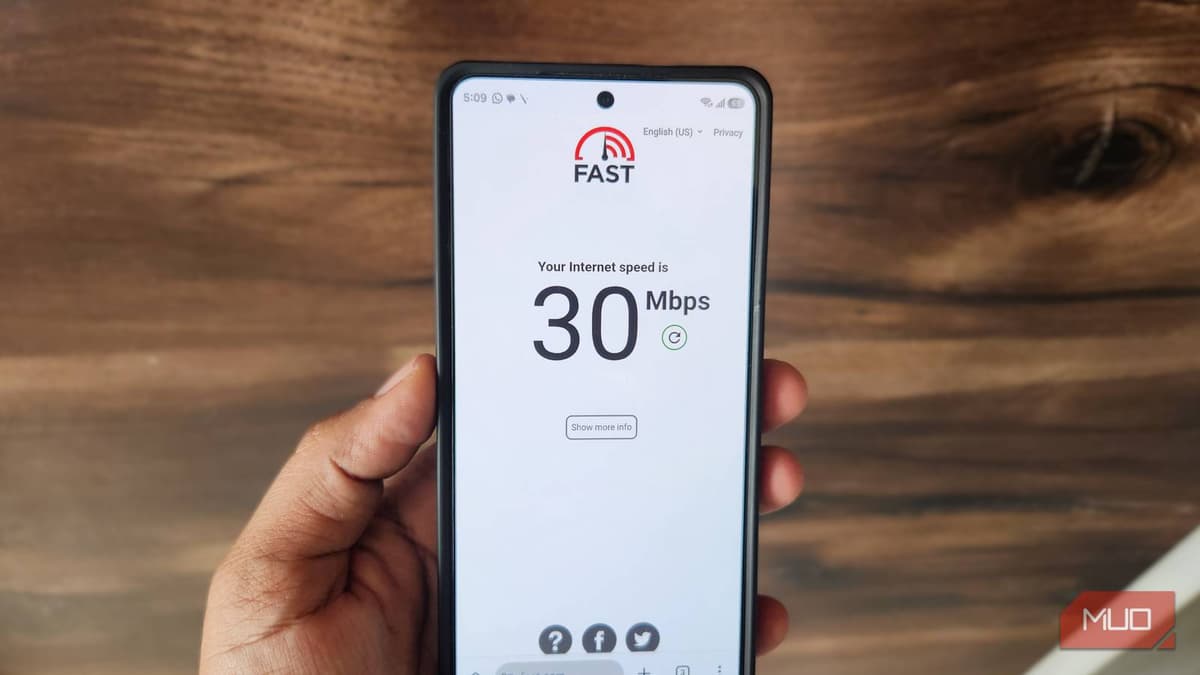
My Android Phone Was Slowing Down My Internet Until I Changed These Settings
Companies Mentioned
Why It Matters
Optimizing Android’s network preferences removes an invisible bottleneck, delivering faster, more reliable connectivity without changing the ISP plan. This directly boosts productivity and user experience for millions of smartphone‑dependent professionals.
Key Takeaways
- •Disable Wi‑Fi scan throttling to keep network scans aggressive
- •Enable intelligent Wi‑Fi switching for automatic move to stronger networks
- •Set a private DNS like Cloudflare to cut lookup latency
- •Restrict background data per app to preserve bandwidth and battery
Pulse Analysis
Android’s operating system is designed to stretch battery life, often at the expense of raw network throughput. Features such as Wi‑Fi scan throttling limit how frequently the device probes for nearby networks, which can delay handoffs and reduce effective speed. Understanding that these power‑first defaults are configurable empowers users to prioritize performance when needed, especially in environments with multiple overlapping Wi‑Fi zones.
The practical fixes are straightforward: turn off Wi‑Fi scan throttling in Developer Options, activate the Intelligent Wi‑Fi feature to let the phone jump to stronger signals or mobile data, and replace the carrier‑provided DNS with a faster public resolver like Google’s or Cloudflare’s. Each adjustment trims latency—whether by speeding up network discovery, reducing DNS lookup times, or preventing background apps from hogging bandwidth. Collectively, they can shave seconds off page loads and improve streaming stability, all while preserving battery through smarter resource allocation.
For businesses, these tweaks translate into measurable productivity gains. Remote employees who rely on video calls and cloud‑based tools experience fewer dropped connections and smoother data transfers, reducing friction in daily workflows. Moreover, as Android continues to evolve, manufacturers may expose more granular network controls, making it easier for IT departments to enforce optimal settings across fleets. By proactively managing these built‑in options, organizations can extract maximum value from existing data plans and hardware without incurring additional costs.
My Android phone was slowing down my internet until I changed these settings
Comments
Want to join the conversation?
Loading comments...