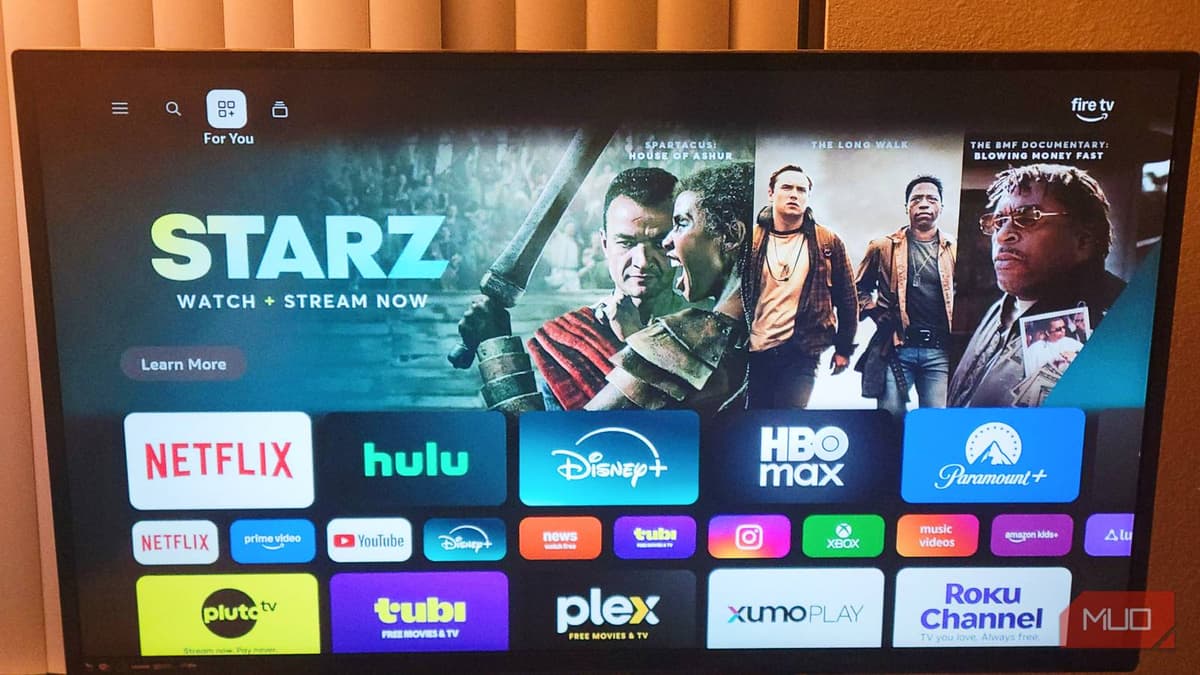
My Laggy Smart TV Became Dramatically Smoother After These Tweaks
Companies Mentioned
Why It Matters
Improving responsiveness extends the usable life of inexpensive TVs and reduces consumer frustration, while also lowering the incentive to replace hardware prematurely.
Key Takeaways
- •Limit background apps to two to free RAM on budget TVs
- •Reduce animation scales to 0.5× or 0.0× for faster navigation
- •Clear cache partition via recovery mode to remove system junk
- •Adjust developer options without affecting OS updates or security
- •Performance tweaks take minutes, cost nothing, and improve responsiveness
Pulse Analysis
Most entry‑level smart televisions are built around modest system‑on‑a‑chip (SoC) processors that prioritize video decoding over multitasking. With only 1.5 GB to 2 GB of RAM, the Android TV or Google TV layer often keeps exited apps alive in memory to enable instant relaunches. On a device that lacks the headroom of flagship models, each lingering process consumes a sizable slice of the limited RAM and CPU cycles, leading to noticeable UI lag, delayed menu navigation, and occasional app crashes. Understanding these architectural limits is the first step toward reclaiming performance.
The most effective remedy is to force the OS to shed unnecessary background load. By opening Developer Options and reducing the window, transition, and animator‑duration scales to 0.5×—or disabling them entirely at 0.0×—the TV skips resource‑heavy visual effects, freeing graphics pipelines for core tasks. Simultaneously, capping active background apps to two forces idle streaming services to terminate, instantly liberating RAM. A final cache‑partition wipe, performed from recovery mode, removes stale temporary files that otherwise bog down storage I/O. Collectively, these adjustments can cut menu response times from several seconds to sub‑second intervals.
Beyond the immediate speed boost, these tweaks extend the functional lifespan of low‑cost TVs, delaying costly upgrades and reducing electronic waste. For consumers, the changes cost only a few minutes and no extra hardware, yet they deliver a premium‑like feel on a budget set. Manufacturers could embed simplified toggles for background limits and animation settings, turning a hidden developer trick into a mainstream feature. As streaming continues to dominate home entertainment, empowering users with easy performance maintenance will become a differentiator in an increasingly competitive smart‑TV market.
My laggy Smart TV became dramatically smoother after these tweaks
Comments
Want to join the conversation?
Loading comments...