The failures jeopardize enterprise productivity and force IT teams to delay or roll back critical security patches, underscoring the need for more robust update testing and deployment strategies.
Cumulative updates like KB5077181 are meant to streamline security and feature delivery for Windows 11, yet the February 2026 patch has exposed the fragility of a one‑size‑fits‑all approach. The update’s failure to install on a range of systems—signaled by error codes 0x800F0991, 0x800F0922, and 0x80073712—suggests deeper compatibility issues, especially with legacy drivers and third‑party security tools. When the patch does install, it can corrupt network stacks, disable Bluetooth, and destabilize graphics pipelines, particularly on Nvidia GPUs and external monitor setups. These symptoms reflect the growing complexity of modern PC ecosystems, where diverse hardware configurations challenge Microsoft’s testing matrices.
For enterprise IT departments, the fallout from KB5077181 translates into operational risk and increased support overhead. Administrators must now weigh the urgency of critical security fixes against the potential for system downtime, often opting to pause Windows Update or roll back the patch entirely. Proven mitigations include disabling hyper‑visors, temporarily turning off third‑party antivirus, and leveraging DISM or SFC tools to repair component stores. In more severe cases, a full repair reinstall via the Settings recovery option remains the most dependable remedy. Proactive measures—such as maintaining a staged rollout, employing Windows Update for Business policies, and keeping driver packs up to date—can reduce exposure to similar incidents.
Looking ahead, Microsoft’s track record of rapid post‑release patches suggests a corrective update may arrive soon, but the episode reinforces the importance of rigorous pre‑deployment testing. Organizations should incorporate automated validation suites that simulate real‑world hardware mixes, especially for critical peripherals like network adapters and GPUs. By treating cumulative updates as a controlled change rather than an automatic event, businesses can safeguard productivity while still benefiting from essential security enhancements. Continued transparency from Microsoft regarding known issues will also help stakeholders make informed decisions and maintain confidence in the Windows update ecosystem.
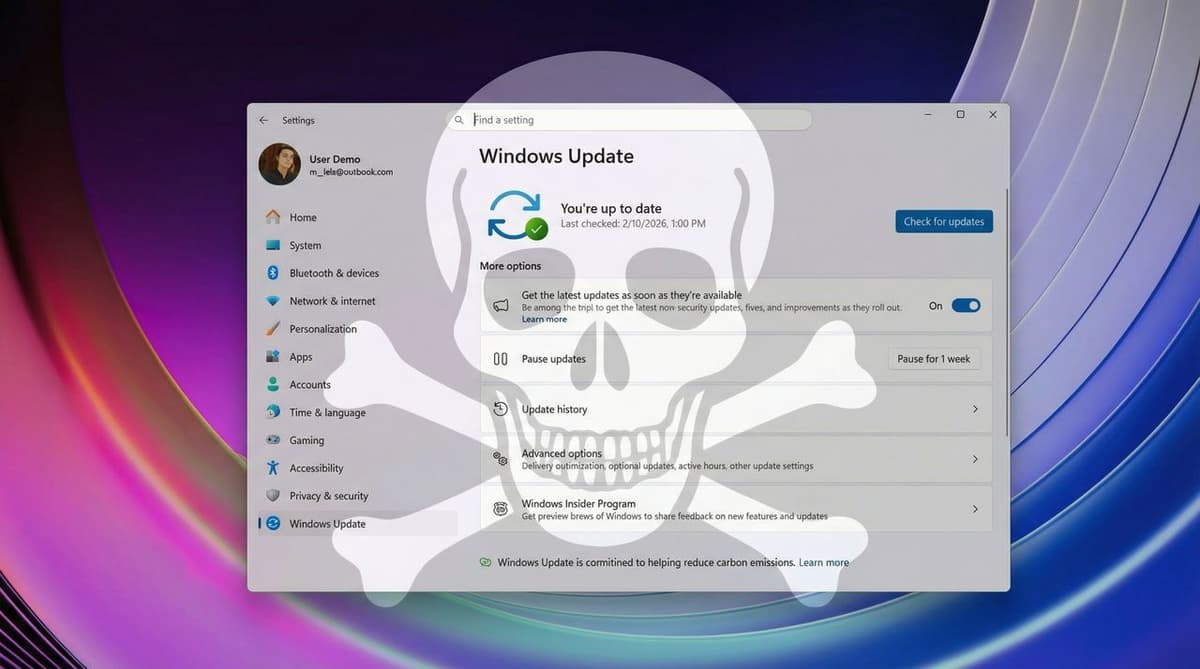
Microsoft’s February 2026 cumulative update (KB5077181) triggers installation failures and system instability · Image credit: Future
Microsoft’s February 2026 cumulative update for Windows 11, known as KB5077181, is generating a growing number of reports from users experiencing installation failures and system instability after applying the patch.
Although the company has not acknowledged any critical issues, multiple reports across Microsoft’s Q&A forums have listed a variety of error codes, including 0x800F0991, 0x800F0983, 0x800F0922, 0x80073712, and 0x80096004. In addition, DHCP errors have prevented internet access on some devices, leaving Wi‑Fi connected but non‑functional.
Problems begin with the installation process itself. Many users reported that KB5077181 fails to complete, resulting in errors such as 0x800F0991, 0x800F0983, 0x800F0922, 0x80073712, and 0x80096004.
Of all these errors reported in the forums, only the error code 0x800F0922 had an accepted answer. While the original users didn’t mention the exact method that resolved the issue, suggested solutions included:
Disabling Windows Sandbox and Hyper‑V
Temporarily disabling third‑party antivirus software
Using the DISM command to restore system health
On the report for error 0x800F0991, a commenter noted that the original error originated as 0x800F0983, and later “the error switched to the number with 991.” The user had tried the DISM command, resetting the Windows Update components, and other methods, but everything failed.
Another user reported a similar issue with error 0x80073712, describing the message: “Some update files are missing or having problems. We'll try to download the update again later.”
The only reliable solution for installation errors has been to perform a repair reinstall of Windows 11 using the “Windows Update” recovery option through the Settings app.
Some users have reported that KB5077181 disrupts network connectivity after reboot, particularly affecting Wi‑Fi connections with DHCP errors.
“After the restart my Wi‑Fi failed with a DHCP error. Connected but no internet.” – Mills Robert
The most effective temporary fix has been uninstalling the update and pausing Windows Update until Microsoft releases a corrected patch.
The update also interferes with Bluetooth devices.
“Latest update KB5077181 broke my Bluetooth on Windows 11; I cannot use my mouse or AirPods because the system says I don’t have Bluetooth anymore.” – Sergei
Reinstalling the drivers did not help, but a full power reset (shutting down, unplugging for 10 minutes, or holding the power button for 30 seconds before rebooting) restored Bluetooth and sometimes Wi‑Fi connectivity.
Several users with gaming laptops reported audio malfunctions and system freezes after installing the February 2026 Security Update.
“The update caused my audio to pop every second, ultimately freezing the system at sign‑in.” – Edric Atreides
Solutions required either a full SSD wipe and OEM system restore or a repair reinstall of Windows 11.
KB5077181 is also linked to graphics problems, especially on systems with Nvidia GPUs or external displays. Reported symptoms include:
Disrupted sleep behavior and “S3 sleep” issues, causing black screens after resuming from sleep.
Nvidia‑related instability, with the system freezing under GPU load.
HDMI output detection failures on external monitors.
“Samsung TV connected through an NVIDIA 3050 wouldn’t load after the update. I tried reinstalling KB5077181 twice, but it didn’t help.” – EHG
“HDMI signal loss on an external monitor after installing build 26200.7840; uninstalling the update resolved the issue immediately.” – Luciene Nascimento
While the number of reports remains relatively small compared to the overall Windows 11 install base, the range and severity of the issues linked to KB5077181 show that some users are still being negatively affected by cumulative updates.
Most devices will likely install the February 2026 update without incident, but the persistence of installation failures and post‑update instability highlights an ongoing challenge for Microsoft in delivering consistent update quality across an increasingly diverse set of hardware configurations.
Did you encounter any issues after installing the February 2026 Security Update on Windows 11? Let us know in the comments.
Author: Mauro Huculak – Windows How‑To Expert contributor for WindowsCentral.com, with over 22 years of combined experience in IT and technical writing. He holds professional certifications from Microsoft, Cisco, VMware, and CompTIA, and has been recognized as a Microsoft MVP for many years.
Comments
Want to join the conversation?
Loading comments...