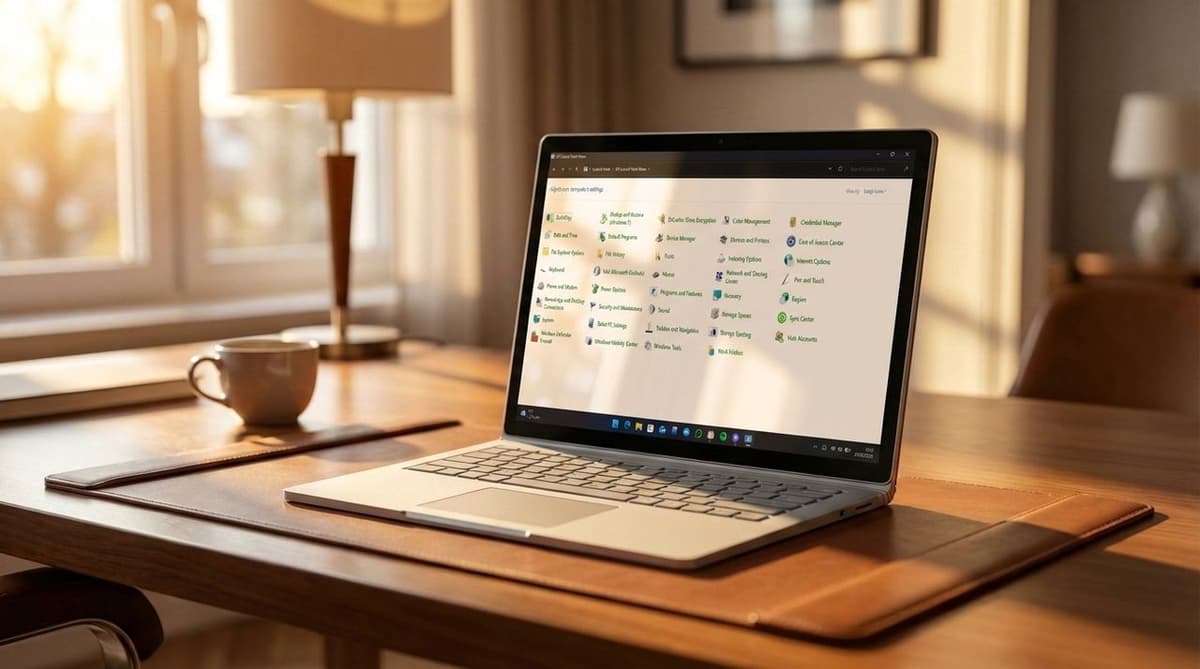
The Windows Control Panel Is One Step Closer to Death as Account Rename Option Makes Its Way to Windows 11's Settings App
•February 23, 2026
0
Why It Matters
Shifting account management to Settings streamlines administration and signals the final phase‑out of Control Panel, affecting IT workflows and user experience across Windows 11 deployments.
Key Takeaways
- •Control Panel still present but limited
- •Account rename now in Settings build 26300.7877
- •Legacy applets still power Settings features
- •Windows 11 2026 aims at power users
- •AI controversies hurt Windows reputation
Pulse Analysis
The Control Panel has been a cornerstone of Windows since its inception, but Microsoft began its systematic deprecation with Windows 8 in 2012. Over the past decade, each OS iteration has migrated core functionalities to the Settings app, leaving the classic Control Panel as a thin wrapper for legacy utilities. This gradual shift reduces redundancy, simplifies the user interface, and aligns Windows with modern design standards, yet it also forces administrators to adapt scripts and policies that previously relied on Control Panel APIs.
The latest milestone is the relocation of the account‑rename capability to Settings, showcased in build 26300.7877. By consolidating user‑account management within Settings, Microsoft eliminates a frequent source of confusion where users had to toggle between two disparate interfaces. The move also paves the way for tighter integration with Azure AD and future identity‑centric features, promising a more consistent experience for both consumer and enterprise environments. Although the option currently exhibits minor UI glitches, its presence signals that remaining Control Panel functions will soon follow suit.
Looking ahead, Windows 11’s 2026 strategy emphasizes restoring confidence after a period of AI‑driven missteps that dented the platform’s reputation. Microsoft plans to address long‑standing pain points, enhance performance for power users, developers, and gamers, and complete the Settings‑only paradigm. As legacy applets are retired, enterprises will need to audit their deployment scripts, while end‑users can expect a cleaner, more intuitive settings landscape that reduces the learning curve and aligns with Microsoft’s broader cloud‑first vision.
The Windows Control Panel is one step closer to death as account rename option makes its way to Windows 11's Settings app
0
Comments
Want to join the conversation?
Loading comments...