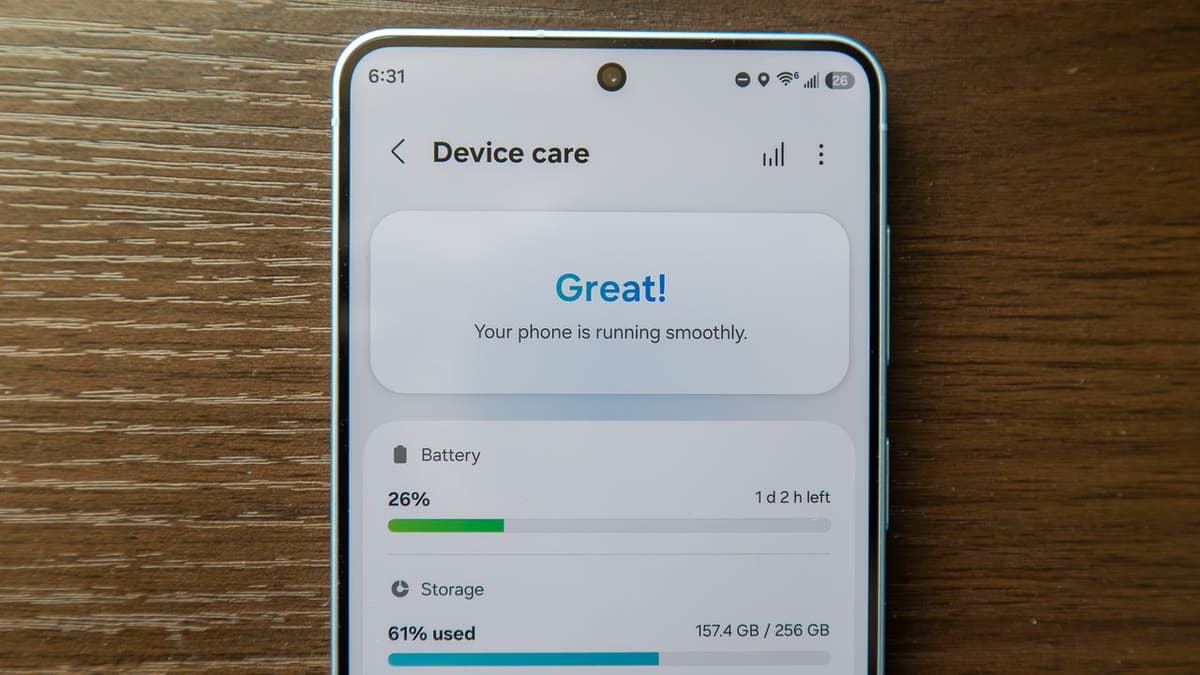
This Buried Samsung Feature Helps Keep My Galaxy S26 Running Like New
Why It Matters
Automated reboots extend device performance and battery health, supporting Samsung’s long‑term software support promise and enhancing user satisfaction. The feature differentiates Samsung’s ecosystem by offering built‑in maintenance that rivals third‑party apps.
Key Takeaways
- •Auto restart schedules weekly reboots to clear memory
- •Device Care also frees storage, manages battery, runs diagnostics
- •Samsung promises seven years of OS and security updates
- •Auto Optimization hidden in settings; enable via Device Care
- •Regular reboots can improve battery life and reduce glitches
Pulse Analysis
Samsung’s Galaxy S26 line ships with the Snapdragon 8 Elite Gen 5 chipset, but hardware alone does not guarantee long‑term smoothness. The company’s built‑in Device Care suite, a collection of optimization tools, has been a quiet differentiator for Android flagships. Within Device Care, the Auto Optimization menu houses an Auto restart feature that lets users schedule periodic reboots. By automating what many users manually perform, Samsung reduces friction and reinforces its reputation for offering deeper system‑level utilities compared with competitors that rely on third‑party apps.
The technical rationale behind scheduled reboots is straightforward. Android keeps background services and cached data in RAM to speed up app launches, yet over time stale processes can consume CPU cycles and drain the battery. A timed reboot flushes these remnants, clears fragmented memory, and forces the operating system to reload fresh drivers, which can mitigate occasional glitches. Security‑focused agencies such as the NSA have highlighted rebooting as a simple mitigation against persistent malware, and Samsung’s “Restart when needed” option adds a reactive layer that triggers a reboot upon detecting performance anomalies.
From a business perspective, the Auto restart capability supports Samsung’s seven‑year software support promise for the S26 series. Extending device lifespan encourages consumers to retain phones longer, reducing churn and reinforcing brand loyalty in a market where upgrade cycles are shortening. Moreover, the feature showcases Samsung’s commitment to user‑centric maintenance without requiring third‑party tools, a point that can be leveraged in marketing and enterprise deployments where device uptime matters. Users who enable the schedule can expect steadier battery performance, fewer crashes, and a smoother overall experience.
This buried Samsung feature helps keep my Galaxy S26 running like new
Comments
Want to join the conversation?
Loading comments...