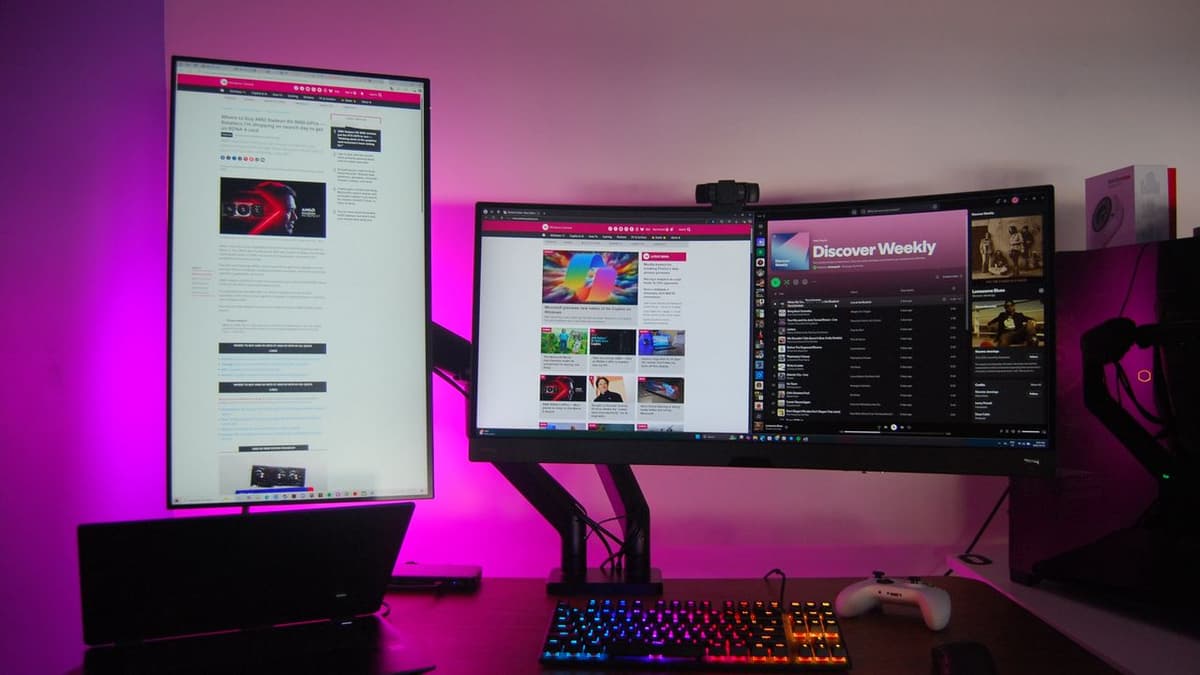
This Excellent Third-Party Windows 11 App Finally Addresses Multi-Monitor PC Pain Points — Microsoft, Please Take Notes
•February 27, 2026
0
Why It Matters
Simplifying multi‑monitor management boosts productivity and extends hardware life, tackling a key barrier to broader Windows 11 adoption among power users. The solution highlights a market demand that Microsoft may need to address to remain competitive.
Key Takeaways
- •Monarch detaches monitors via DisplayConfig API.
- •Profiles save and restore custom monitor layouts instantly.
- •Hotkeys enable one‑click switching between display configurations.
- •Turns off unused OLED screens, extending panel lifespan.
- •Integrates with PowerToys, enhancing Windows 11 utility ecosystem.
Pulse Analysis
Multi‑monitor environments have long been a double‑edged sword for Windows users. While extra screens boost productivity, Windows 11’s native tools still require manual cable swaps or cumbersome display settings adjustments, especially when switching between work, gaming, or night‑time modes. Users also worry about static images burning OLED panels, a concern that Microsoft’s built‑in features have not fully mitigated. These friction points have kept many power users on older OS versions or seeking third‑party workarounds.
Enter Monarch, a lightweight utility that leverages the DisplayConfig API to programmatically detach and reattach displays. By putting idle monitors into standby, it reduces OLED wear and cuts power draw. The app’s profile system captures entire layout configurations, allowing instant restoration with a single hotkey, while a rollback safeguard prevents accidental blank screens. Recent updates introduced global shortcuts and granular control over individual monitors, making it possible to switch from a full multi‑screen desk to a single focused display for gaming or presentations without unplugging cables. Its compatibility with PowerToys further embeds Monarch into the Windows power‑user ecosystem, offering a seamless experience for those already using Microsoft’s own utility suite.
The emergence of Monarch underscores a broader market signal: Windows 11 users demand smarter, more automated multi‑monitor management. If Microsoft integrates similar capabilities—either directly into the OS or as a PowerToys module—it could alleviate a persistent pain point, improve hardware longevity, and enhance the platform’s appeal to enterprise and creative professionals. As competition from macOS and Linux environments intensifies, delivering native, frictionless multi‑display handling may become a decisive factor in retaining and expanding Windows 11’s user base.
This excellent third-party Windows 11 app finally addresses multi-monitor PC pain points — Microsoft, please take notes
0
Comments
Want to join the conversation?
Loading comments...