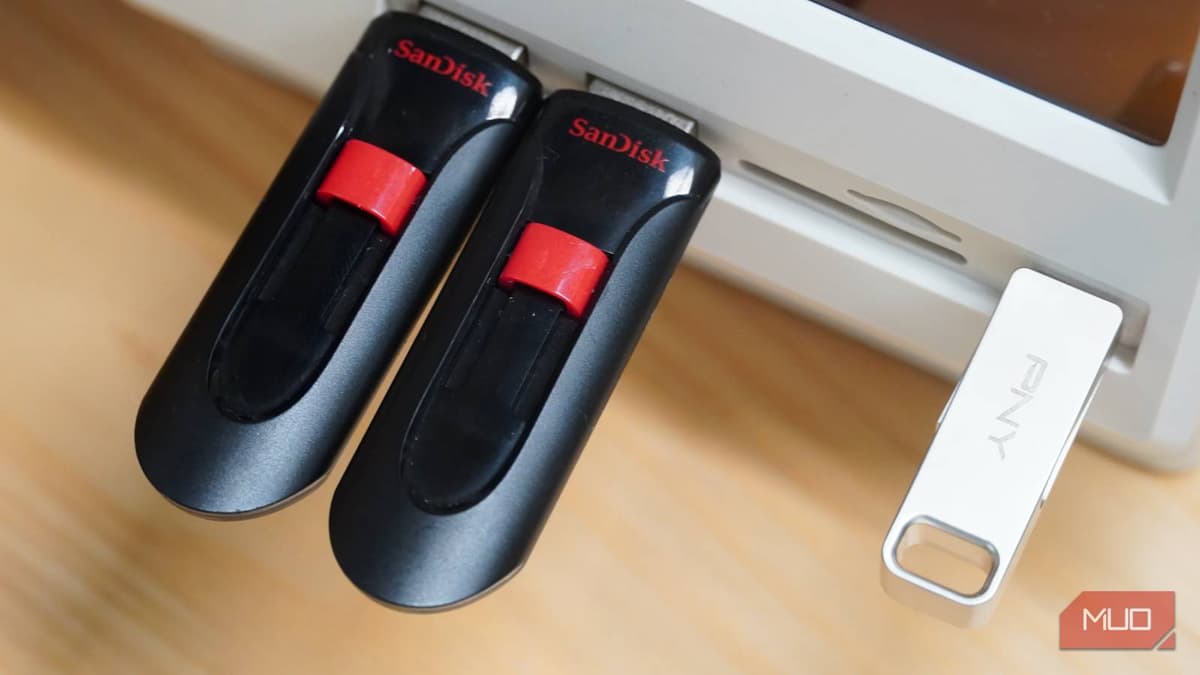
This Number on a USB Thumb Drive that Actually Tells You How Fast It Is (and It's Not USB 3.0)
Why It Matters
Understanding true read/write speeds prevents costly purchases of under‑performing flash drives and helps professionals select storage that aligns with their workflow, boosting productivity and data reliability.
Key Takeaways
- •USB 3.0 label only defines max bus speed, not drive performance
- •Real-world performance hinges on advertised read and write MB/s ratings
- •Manufacturers often hide write speeds; assume low write if unspecified
- •Higher‑grade NAND, better controllers, and DRAM cache yield SSD‑like consistency
- •Match drive write speed to use case: docs 10‑30 MB/s, media 50‑150 MB/s
Pulse Analysis
The USB 3.0, 3.1 Gen 1 and 3.2 Gen 1 markings all refer to the same 5 Gbps bus specification, yet shoppers frequently mistake the label for a performance guarantee. In reality the designation only tells you the maximum theoretical throughput of the interface; the flash drive’s internal components dictate actual read and write speeds. As a result, two drives bearing the same “USB 3.0” badge can differ dramatically—one may top out at 120 MB/s read and 10 MB/s write, while another reaches 300 MB/s read and 150 MB/s write.
Consumers can cut through the marketing haze by focusing on the drive’s advertised MB/s figures, especially the write speed, which most users experience during backups and media transfers. When manufacturers omit the write metric, it is prudent to assume a low value and seek independent benchmarks such as SSD Tester or reputable tech reviews. Beyond the numbers, the underlying hardware—NAND quality, controller architecture, and the presence of a DRAM‑backed cache—determines whether performance stays flat across large files or drops once the cache fills.
Choosing the right USB flash drive now hinges on matching write speed to the intended workflow: 10‑30 MB/s suffices for document handling, 50‑150 MB/s for occasional media moves, and 150‑300 MB/s for frequent large backups. Over‑specifying a drive can inflate costs without delivering tangible benefits, while under‑specifying leads to frustrating bottlenecks. As more consumers demand SSD‑level reliability in portable storage, manufacturers are introducing higher‑grade NAND and DRAM caches, gradually blurring the line between cheap thumb drives and true external SSDs. Retailers are increasingly pressured to list both read and write specs clearly.
This number on a USB thumb drive that actually tells you how fast it is (and it's not USB 3.0)
Comments
Want to join the conversation?
Loading comments...