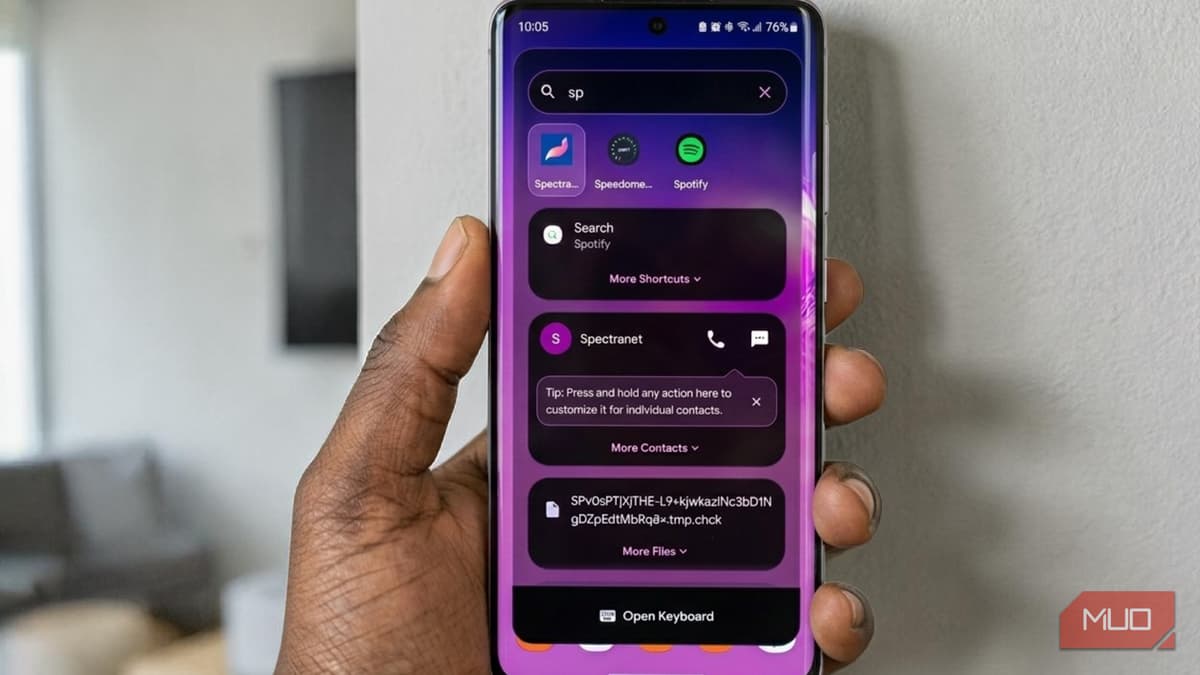
This Universal Search App Turned My Phone Into a Spotlight-Like Experience
Why It Matters
By consolidating app launching, file retrieval, and AI utilities into a single, privacy‑focused interface, Quick Search streamlines mobile workflows and narrows the gap between Android and desktop search experiences.
Key Takeaways
- •Quick Search offers optional permissions, keeping data on-device.
- •Overlay mode adds a floating search bar accessible from any screen.
- •Custom aliases let users target apps, settings, or contacts instantly.
- •AI integration unlocks currency conversion, dictionary, and other tools.
Pulse Analysis
Android users have long lacked a native, system‑wide search experience comparable to macOS Spotlight. Quick Search fills that void by providing a persistent overlay that can be summoned from any app, eliminating the need to navigate home screens or settings menus. Its optional permission model respects user privacy, a critical consideration as mobile operating systems grapple with data‑centric business models. By keeping all indexed information on the device, the app appeals to security‑conscious professionals who demand fast, local results without cloud exposure.
Beyond basic app and contact lookup, Quick Search differentiates itself with extensible tools. The built‑in calculator and unit converter address everyday productivity needs, while the optional AI integration—leveraging a free Gemini API key—adds dynamic features such as currency conversion, word clock, and dictionary lookup. This modular approach lets power users customize the search bar to their workflow, assigning aliases like "ds" for device settings or "c" for contacts, thereby reducing tap counts and accelerating task completion. The developer’s roadmap, hinted at by the "Create New Tool" button, suggests a growing ecosystem of third‑party extensions.
The broader market implication is clear: as Android manufacturers and Google push for deeper AI integration, third‑party solutions like Quick Search demonstrate strong demand for unified, intelligent search interfaces. Enterprises can benefit from faster information retrieval on employee devices, potentially boosting productivity and reducing app‑switching friction. For consumers, the app offers a cost‑effective, privacy‑first alternative to heavyweight launchers, positioning it as a must‑have utility in the increasingly competitive Android productivity landscape.
This universal search app turned my phone into a Spotlight-like experience
Comments
Want to join the conversation?
Loading comments...