Want Your iPhone's Dark Mode To Be Even Darker? Try This
Why It Matters
A deeper dark theme enhances visual comfort in low‑light environments and can extend battery endurance, addressing a common user demand for true black displays. It also showcases how iOS’s built‑in accessibility tools can be repurposed for aesthetic customization.
Key Takeaways
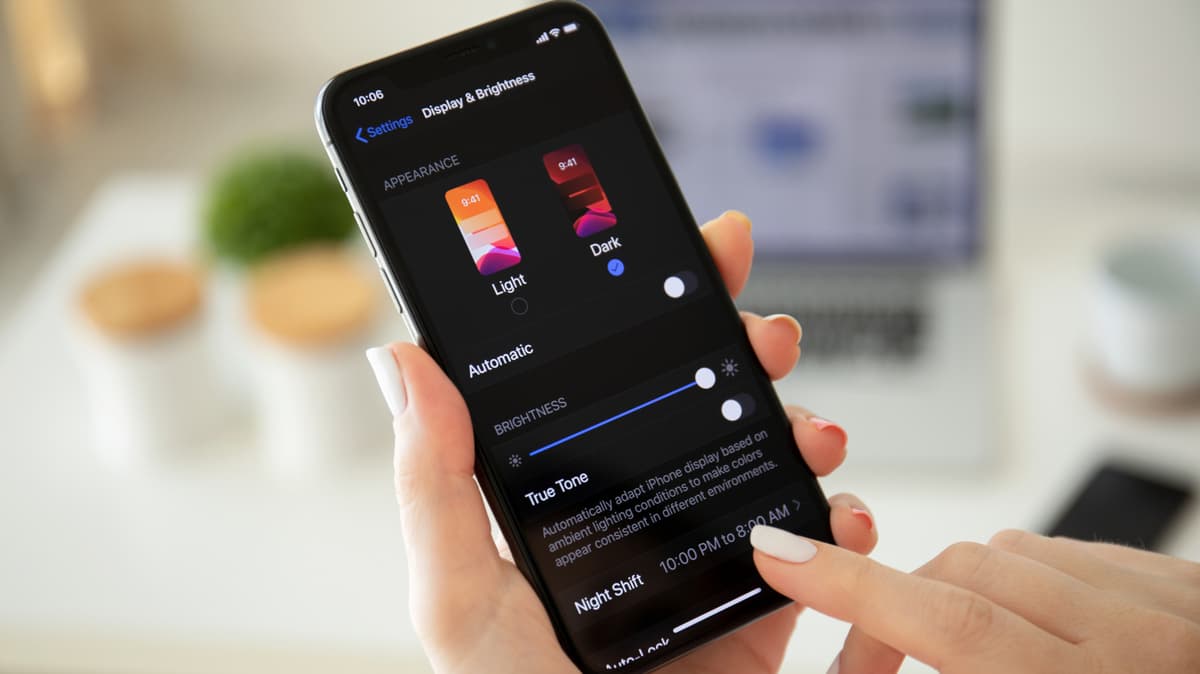
- •Enable Dark Mode via Settings → Display & Brightness.
- •Set Home Screen background to Dark in Customize menu.
- •Choose Liquid Glass → Tinted for extra darkness.
- •Activate Reduce Transparency and Increase Contrast in Accessibility.
Pulse Analysis
Dark mode has become a staple of modern mobile operating systems, driven by both aesthetic preferences and practical benefits such as reduced eye strain and lower power consumption on OLED panels. While Apple introduced a system‑wide Dark Mode with iOS 13, the default implementation stops short of a true black, leaving power‑hungry users and night‑time readers seeking a deeper shade. This gap reflects a broader industry trend where manufacturers balance visual fidelity with battery optimization, and it has spurred a community of power users to hunt for hidden tweaks.
iOS hides a suite of customization options that, when combined, push the interface toward an ultra‑dark appearance. The Home Screen’s “Dark” wallpaper choice, the Liquid Glass “Tinted” setting, and several accessibility toggles—Reduce Transparency, Increase Contrast, and Show Borders—work together to suppress background luminance and boost perceived depth. These features were originally designed for accessibility, yet they demonstrate Apple’s flexible architecture that allows users to repurpose them for visual styling. By leveraging these settings, users achieve a near‑black UI without third‑party apps, preserving system stability and security.
The ability to deepen dark mode has implications beyond personal comfort. Competitors like Android have long offered true black themes that capitalize on OLED’s pixel‑level power savings, and Apple’s hidden options help close that gap, potentially influencing future iOS updates. Developers may also consider designing assets that respond gracefully to higher contrast and reduced transparency, ensuring brand consistency across both standard and ultra‑dark modes. As consumers continue to prioritize eye‑friendly experiences and battery longevity, such nuanced system tweaks become a differentiator in the crowded smartphone market.
Want Your iPhone's Dark Mode To Be Even Darker? Try This
Comments
Want to join the conversation?
Loading comments...