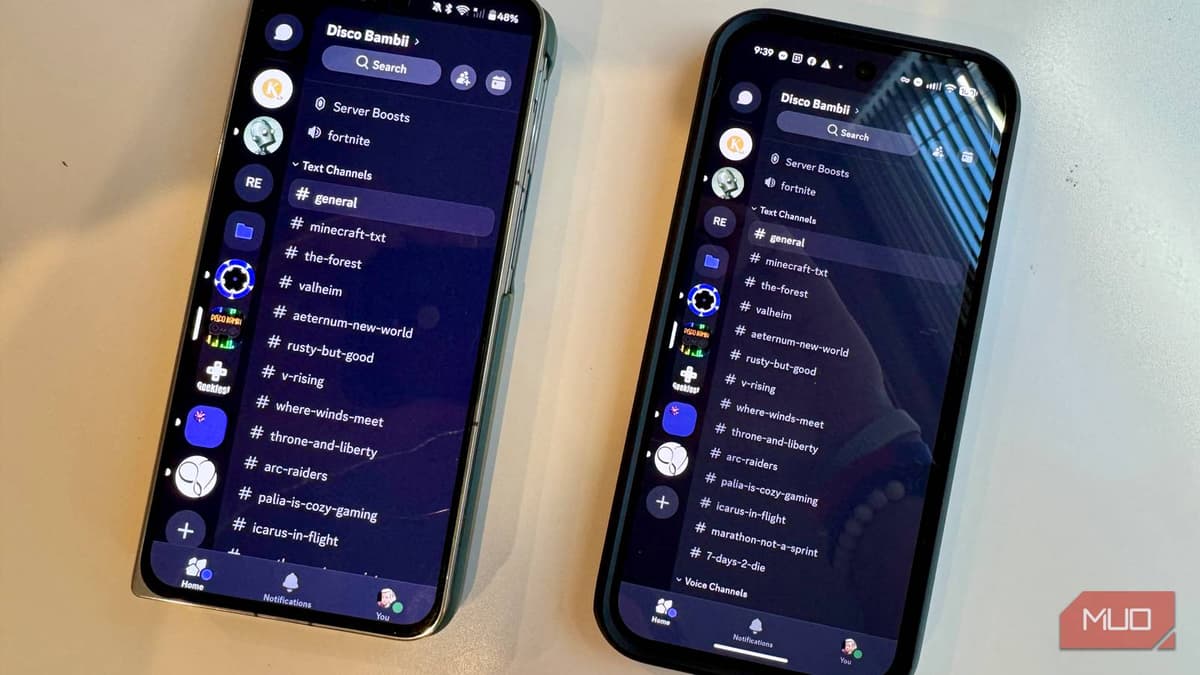
Why the Same Android App Works Differently on Different Phones
Companies Mentioned
Why It Matters
Understanding Play’s dynamic delivery and OEM customizations is essential for developers to deliver consistent experiences and for users to troubleshoot unexpected app behavior across Android devices.
Key Takeaways
- •Google Play delivers device‑specific APKs via Dynamic Delivery.
- •GPU and CPU differences cause distinct native libraries per phone.
- •OEM skins add custom battery and background‑process rules.
- •Aggressive OEM policies can stop apps from running after updates.
- •Developers can adjust settings or sideload universal APKs to mitigate issues.
Pulse Analysis
Google’s shift to Android App Bundles in 2021 introduced Dynamic Delivery, a system that builds a custom APK for each device at install time. By analyzing hardware attributes such as CPU architecture, GPU capabilities, screen density and locale, Play serves only the code and resources needed for that handset. This reduces download size and improves performance, but it also means that two users with the same app title are actually running different binaries. Developers must test across a matrix of device profiles to catch subtle differences in native libraries, graphics assets, or feature flags that could affect functionality.
Beyond Google’s delivery mechanics, the Android ecosystem is fragmented by OEM overlays. Samsung, Xiaomi, OnePlus, Oppo and others ship their own UI skins and aggressive battery‑management frameworks that can throttle background processes, restrict autostart permissions, or reset exemptions after OTA updates. Such policies often surface as missed notifications, delayed alarms, or fitness‑app tracking failures, especially on devices that prioritize power savings. The "Don’t Kill My App" community has documented these OEM‑specific pain points, highlighting the need for developers to incorporate device‑specific whitelisting steps or provide clear user guidance.
For developers, the practical response combines proactive testing, user education, and fallback distribution methods. Adjusting battery‑optimization settings, guiding users to OEM‑specific whitelists, and offering universal APKs via trusted mirrors like APKMirror can mitigate many issues. At a market level, the variability underscores why Android’s flexibility remains a double‑edged sword: it enables a vast hardware landscape but demands extra engineering effort to ensure a uniform experience. As Google continues to refine bundle delivery and OEMs respond to consumer pressure, the gap may narrow, yet a baseline of device‑aware development will stay essential for app reliability.
Why the Same Android App Works Differently on Different Phones
Comments
Want to join the conversation?
Loading comments...