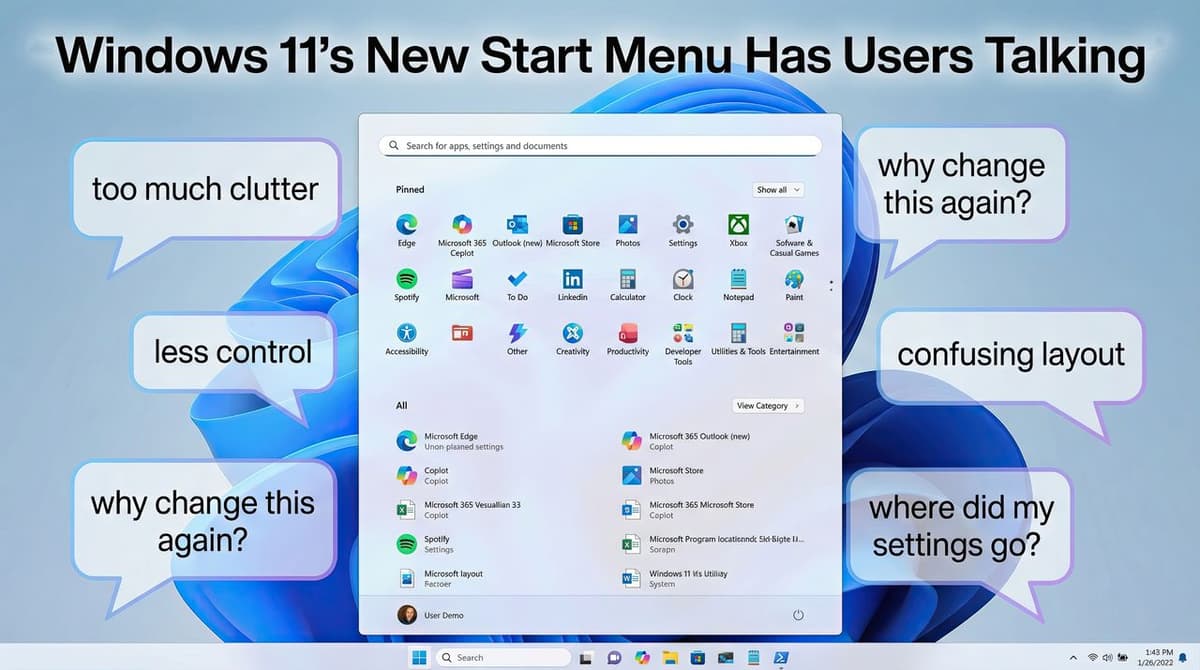
Windows 11’s New Start Menu Is Here, and the Community Reaction Is Basically “Why Is This Worse?”
•February 26, 2026
0
Why It Matters
The changes affect daily productivity and signal Microsoft’s prioritization of visual overhaul over user customization, a shift that could influence enterprise adoption and UI standards across the PC market.
Key Takeaways
- •Start menu size considered excessive on large monitors.
- •Automatic app categories lack user editing options.
- •List view restores familiar navigation for many users.
- •Performance glitches reported: icon flicker, laggy animations.
- •Third‑party tools remain primary customization workaround.
Pulse Analysis
Microsoft’s latest Windows 11 Start menu redesign reflects a broader industry trend toward visually striking interfaces, yet the execution reveals a tension between aesthetics and functional efficiency. By inflating the menu to near‑full‑screen dimensions on larger displays, Microsoft aims to create a more immersive launch experience, but the trade‑off is reduced workspace for multitasking professionals. This design choice diverges from the compact, productivity‑focused Start menu of Windows 10, prompting users to reassess how much screen real estate they are willing to sacrifice for visual flair.
The headline feature—automatic app categorization powered by machine‑learning—promises smarter organization but falls short without user‑level controls. Power users and enterprise administrators expect the ability to rename, merge, or delete categories, especially when critical tools like Steam or Microsoft 365 are scattered across ill‑named folders. The lack of customization not only hampers workflow efficiency but also erodes trust in AI‑driven UI decisions. If Microsoft introduces editable groups, resizing options, and density sliders, the feature could transition from a novelty to a productivity enhancer.
Beyond design, reported performance hiccups—icon rendering delays, flickering, and sluggish animations—undermine confidence in the update’s stability. These bugs, combined with the absence of native customization, have driven many to adopt third‑party solutions such as Windhawk, Start11, or Open Shell. The reliance on external tools highlights a gap in Microsoft’s roadmap and suggests that future Windows releases must balance visual innovation with granular user control to retain both casual and power‑user segments.
Windows 11’s new Start menu is here, and the community reaction is basically “why is this worse?”
0
Comments
Want to join the conversation?
Loading comments...