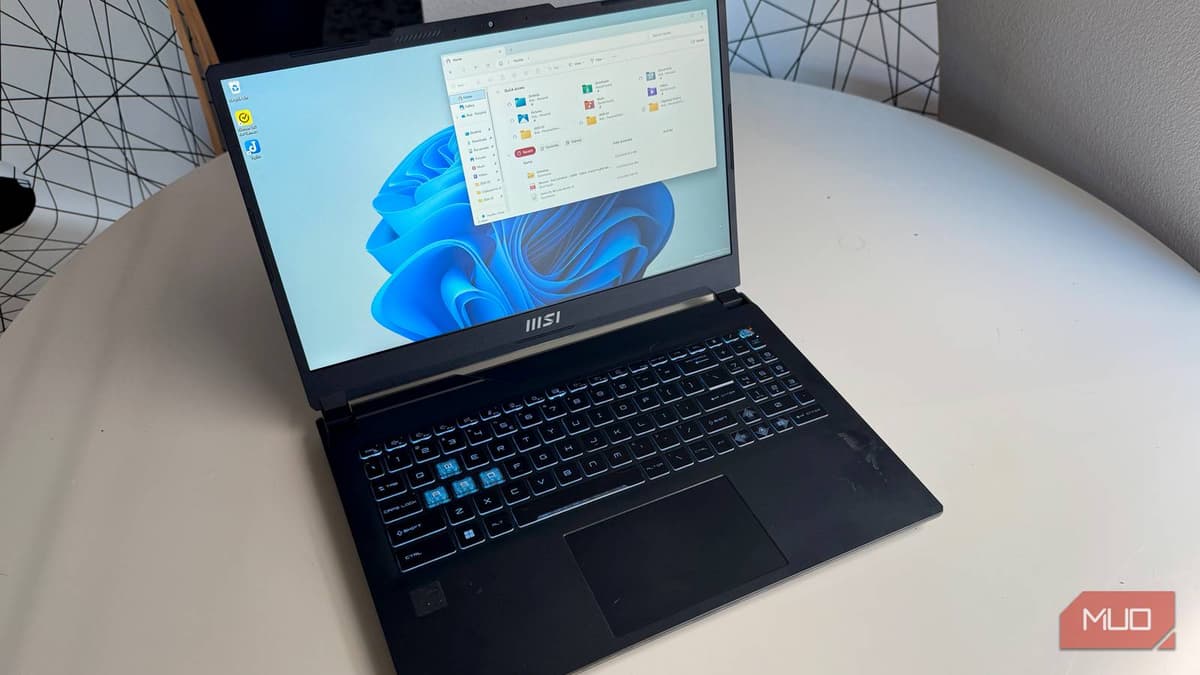
Windows File Explorer Got so Much Better After I Removed These Extra Sections Completely
Companies Mentioned
Why It Matters
Cleaning the navigation pane streamlines file access, boosting productivity for both consumers and enterprise users who rely on a lean Explorer UI.
Key Takeaways
- •Home duplicates Quick Access; remove via registry key {f874310e...}
- •Gallery aggregates Pictures and OneDrive Camera Roll; removal requires manual navigation
- •OneDrive entry persists; set System.IsPinnedToNameSpaceTree to 0 for temporary hide
- •Permanent OneDrive removal needs unlink, uninstall, or Group Policy
- •Clean pane shows pinned folders then This PC only
Pulse Analysis
Microsoft’s push to surface cloud‑centric shortcuts in Windows 11 has sparked a backlash among power users who prefer a minimalist Explorer. The Home entry, introduced in 2022, mirrors Quick Access but adds an extra icon and redundant list of recent items. Because the Settings app offers no toggle, savvy users turn to the Registry, deleting the {f874310e‑b6b7‑47dc‑bc84‑b9e6b38f5903} key to restore a classic folder tree. This workaround underscores a broader tension: Windows increasingly favors integrated services over granular user control, prompting a DIY approach for those who value efficiency over default cloud features.
Removing Gallery and OneDrive follows a similar pattern but introduces additional considerations for enterprise environments. Gallery pulls images from the local Pictures folder and the OneDrive Camera Roll, providing a quick visual feed that can be handy for casual users but adds noise in file‑picker dialogs. Deleting its CLSID cleans the pane but forces users to navigate to OneDrive manually. OneDrive’s persistence—resetting the System.IsPinnedToNameSpaceTree value on reboot—means IT admins must deploy Group Policy or uninstall the client on managed devices to enforce a permanent change. These registry edits, while effective, carry risk: incorrect modifications can destabilize Explorer, so organizations should test in a sandbox before rollout.
The broader lesson is that Windows’ default UI choices reflect Microsoft’s cloud‑first strategy, yet many professionals still demand a lean, distraction‑free workspace. By exposing the registry paths, the article empowers users to reclaim control, but it also highlights a gap in native customization options that Microsoft could address in future updates. For businesses, offering clear guidance on safe registry tweaks or providing native toggles in Settings would reduce support tickets and align the OS with the productivity expectations of modern workforces.
Windows File Explorer got so much better after I removed these extra sections completely
Comments
Want to join the conversation?
Loading comments...