Your Android TV Has a One-Click Speed Boost Hiding in Plain Sight
Companies Mentioned
Why It Matters
Cache buildup silently degrades user experience, so a simple cleanup can preserve performance and reduce churn for smart‑TV manufacturers. For consumers, it means faster streaming and fewer crashes without additional cost.
Key Takeaways
- •Cache files from apps and system accumulate over weeks, slowing Android TV
- •One-click clear cache under Settings > System > Internal shared storage
- •Clearing cache restores speed in under a minute, no data loss
- •Regular restarts and removing bloatware further improve TV responsiveness
- •Software updates often include performance patches for Google TV platform
Pulse Analysis
Android TV runs on a customized version of Google’s Android OS, which relies heavily on cached data to speed up app launches and UI rendering. Over time, however, each streaming app stores thumbnails, preview clips, and playback buffers, while the system itself caches recommendation rows and screensavers. This accumulation consumes internal storage and forces the device’s limited RAM to manage larger file tables, leading to noticeable lag in navigation and occasional app freezes—symptoms familiar to anyone who treats a smart TV like a desktop computer.
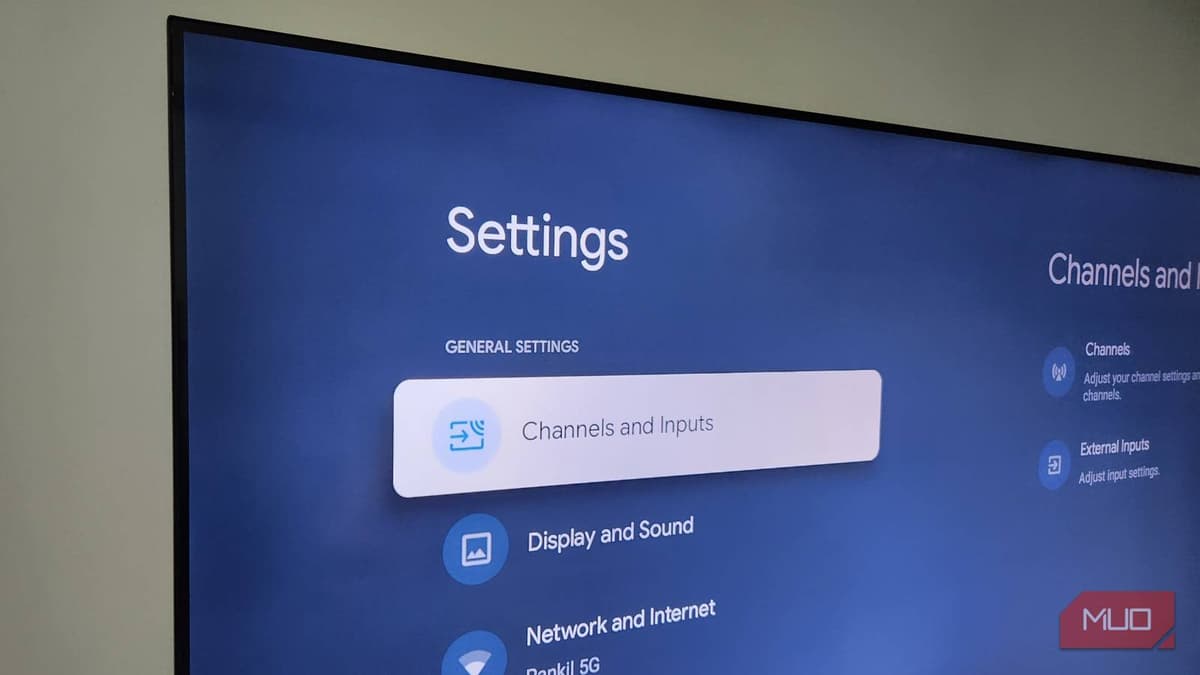
The hidden one‑click cache‑clear option simplifies maintenance that would otherwise require navigating multiple menus or using third‑party tools. By selecting Settings > System > Internal shared storage > Cached data and confirming, users purge all temporary files in under a minute, effectively resetting the storage index without deleting personal settings or installed apps. Experts advise performing this cleanup only when performance dips appear, as frequent clearing offers no additional benefit and may temporarily increase load times while apps rebuild their caches.
Beyond cache management, broader optimization practices keep Android TVs competitive in a market where speed influences subscription retention for streaming services. Regular restarts flush volatile memory, while uninstalling unused or pre‑installed bloatware frees space and reduces background processes. Crucially, staying current with OTA software updates ensures devices receive performance patches, security fixes, and new codecs that enhance playback efficiency. For manufacturers, promoting these maintenance tips can extend product lifecycles and improve brand perception, while consumers enjoy smoother, more reliable entertainment experiences.
Your Android TV has a one-click speed boost hiding in plain sight
Comments
Want to join the conversation?
Loading comments...