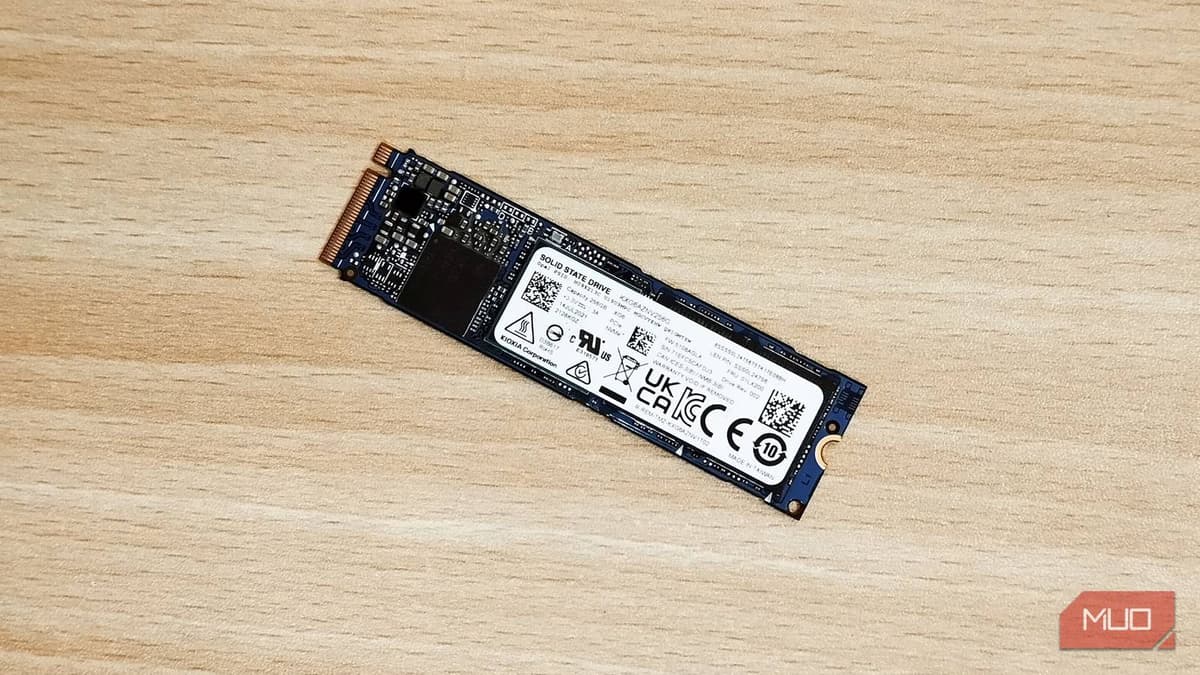
Your NVMe SSD Might Be Running at Half Speed because of This BIOS Setting
Companies Mentioned

Why It Matters
BIOS‑level bandwidth limits silently cripple high‑speed storage, leading to wasted hardware investment and slower workflows. Fixing the setting instantly unlocks the advertised performance of expensive Gen 4 SSDs.
Key Takeaways
- •BIOS often defaults to PCIe Gen 3 even on Gen 4‑capable boards
- •CrystalDiskMark quickly reveals if an SSD is under‑performing
- •Changing M.2 PCIe mode to Gen 4 doubles sequential throughput
- •All M.2 slots share the same BIOS setting, so check each
- •Proper PCIe configuration is essential for high‑end gaming and content creation
Pulse Analysis
PCIe bandwidth is the lifeblood of modern NVMe storage, and the jump from Gen 3 to Gen 4 more than doubles theoretical throughput. While Gen 5 SSDs are already hitting 15 GB/s, most consumer rigs still rely on Gen 4 drives that promise 6‑7 GB/s. When a system’s BIOS forces a Gen 3 link, the SSD is throttled to roughly half its rated speed, a problem that often goes unnoticed because the drive still functions and Windows boots without complaint.
The fix is straightforward: enter the firmware setup, locate the PCIe/M.2 configuration menu, and change the slot mode from Auto or Gen 3 to Gen 4. After saving and rebooting, a repeat run of CrystalDiskMark typically shows sequential reads and writes climbing from the low‑3 GB/s range to the 6‑7 GB/s range advertised by the manufacturer. This adjustment not only restores performance but also validates that the motherboard’s hardware is fully utilized, saving users from unnecessary RMA tickets or premature SSD replacements.
For PC builders, system integrators, and IT professionals, understanding this BIOS nuance is a cost‑effective performance optimization. As PCIe Gen 5 becomes mainstream, similar settings will appear, making firmware awareness a critical skill. Regularly benchmarking storage after hardware changes ensures that every component operates at its intended speed, protecting the investment in high‑end SSDs and delivering the fast data pipelines demanded by gaming, video editing, and AI workloads.
Your NVMe SSD might be running at half speed because of this BIOS setting
Comments
Want to join the conversation?
Loading comments...