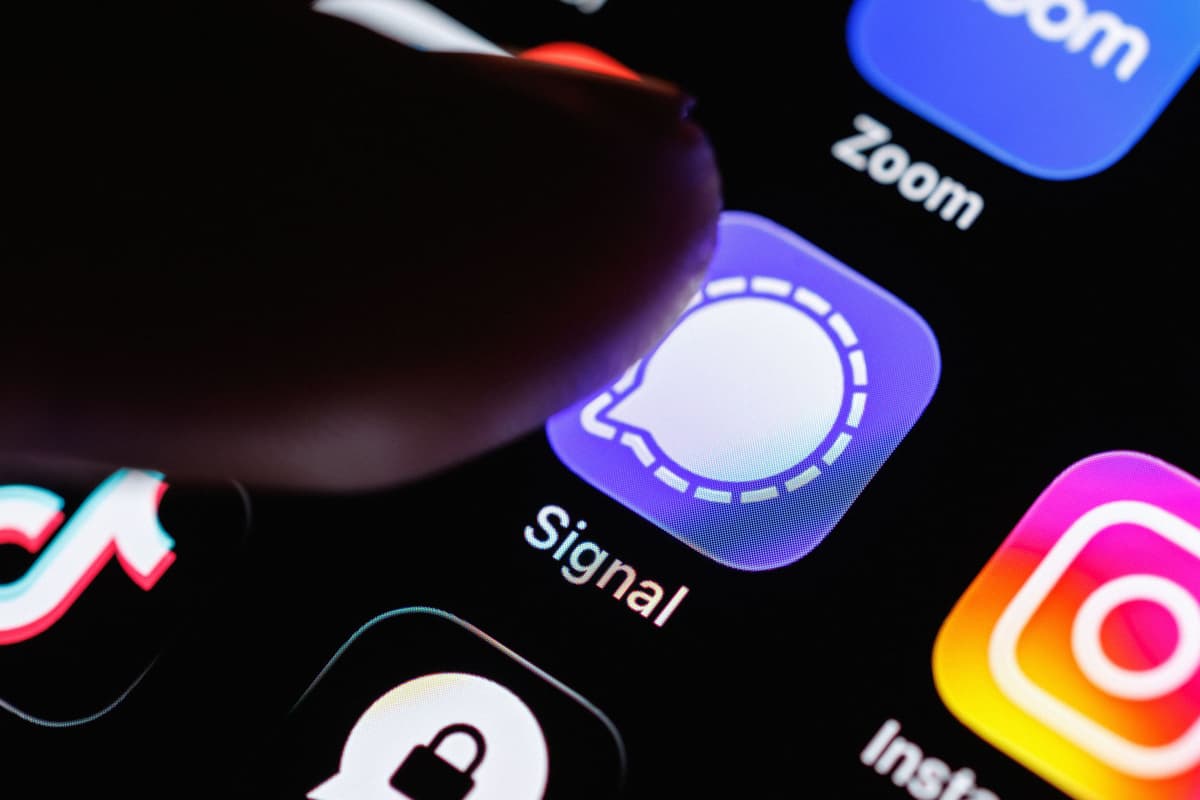
Your Phone Notifications Reveal More Than You Realize. Here’s How to Lock Them Down
Why It Matters
The incident shows that encrypted‑messaging apps can still leak content through OS‑level logs, raising new privacy risks for consumers and prompting vendors to tighten data‑retention policies.
Key Takeaways
- •FBI accessed deleted Signal messages via iOS notification database
- •iOS 26.4.2 update now clears expired notification logs
- •Disabling message previews stops content from being logged
- •AFU state leaves phone more vulnerable than BFU after reboot
- •Full handset reset is only way to erase notification logs completely
Pulse Analysis
The recent FBI case involving Signal highlights a subtle but powerful attack vector: iOS stores incoming notification previews in a system database that persists beyond app deletion. By accessing this log, investigators retrieved message snippets without breaking Signal’s end‑to‑end encryption, underscoring that privacy breaches can arise from the operating system rather than the app itself. For businesses and individuals who rely on secure communications, the revelation prompts a reassessment of what “deleted” really means on a smartphone.
Apple responded with iOS 26.4.2, which adds a cleanup routine that automatically removes expired entries from the notification store. The fix only applies when the device is in a normal unlocked (AFU) state; a phone that has just booted and remains in the Before‑First‑Unlock (BFU) mode retains stronger encryption barriers, making forensic extraction harder. This distinction mirrors Android’s recent policy of auto‑rebooting after prolonged inactivity to force a BFU‑like state, illustrating a broader industry shift toward leveraging lock‑screen states as an extra security layer.
Users can mitigate exposure today by disabling message previews in Signal and other apps, turning off system‑wide preview settings, and restricting lock‑screen notifications. While a full factory reset wipes the log entirely, it’s impractical for everyday use. Regularly updating to the latest OS, rebooting devices, and educating contacts about preview settings collectively reduce the attack surface. As regulators and privacy advocates scrutinize OS‑level data retention, we can expect further refinements from Apple and Google, reinforcing the need for a holistic approach to mobile security beyond app‑level encryption.
Your Phone Notifications Reveal More Than You Realize. Here’s How to Lock Them Down
Comments
Want to join the conversation?
Loading comments...