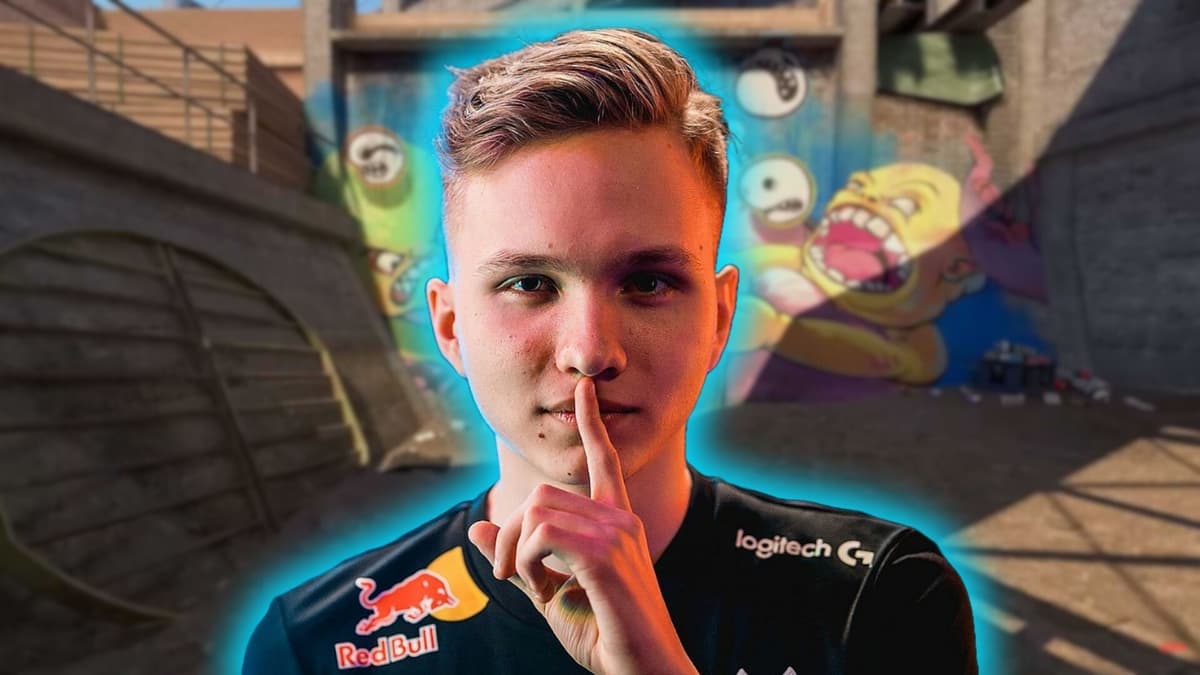
Best CS2 Crosshair Codes 2026 - as Used by 25 Pro Players
•February 21, 2026
0
Why It Matters
Adopting proven pro crosshair configurations can shave milliseconds off reaction time, directly influencing competitive performance. The guide also lowers the barrier for casual players to access elite‑level settings, expanding the CS2 meta.
Key Takeaways
- •ZywOo, s1mple, NiKo crosshairs listed with codes
- •Crosshair Generator v3 map enables instant code import
- •Small static crosshairs boost visibility and aim precision
- •Choose colors contrasting map terrain to avoid blending
- •Players must test settings; optimal crosshair is personal
Pulse Analysis
Counter‑Strike 2 has re‑energized the discussion around crosshair design, a seemingly minor UI element that can dictate a player's success in high‑stakes matches. While the game’s graphics engine and recoil mechanics have evolved, the core principle remains: a clear, unobtrusive crosshair improves target acquisition. By cataloguing the exact codes of elite players—ZywOo’s cyan dot, s1mple’s white dot on 4:3, NiKo’s minimalist white point—the article gives readers a shortcut to replicate the visual cues that top talent relies on.
Beyond the raw codes, the guide highlights the community‑driven Crosshair Generator v3 map, a convenient in‑game tool that displays every popular configuration on a shared board. Importing a crosshair now requires only a few clicks in the settings menu, streamlining what used to be a manual, error‑prone process. The piece also advises on essential customization parameters: opting for static styles to maintain consistency, selecting colors that contrast with common map palettes, and adjusting size to avoid visual clutter. These nuanced settings help players maintain focus during rapid engagements and better interpret recoil patterns.
For the broader esports ecosystem, disseminating pro‑level crosshair setups democratizes performance optimization, allowing amateurs to experiment with proven configurations without extensive trial‑and‑error. This knowledge transfer fuels a more competitive ladder, drives demand for specialized guides, and reinforces the importance of user‑generated content in shaping game meta. As CS2 continues to mature, the interplay between UI tweaks and skill execution will remain a critical factor in differentiating champions from the pack.
Best CS2 crosshair codes 2026 - as used by 25 pro players
0
Comments
Want to join the conversation?
Loading comments...