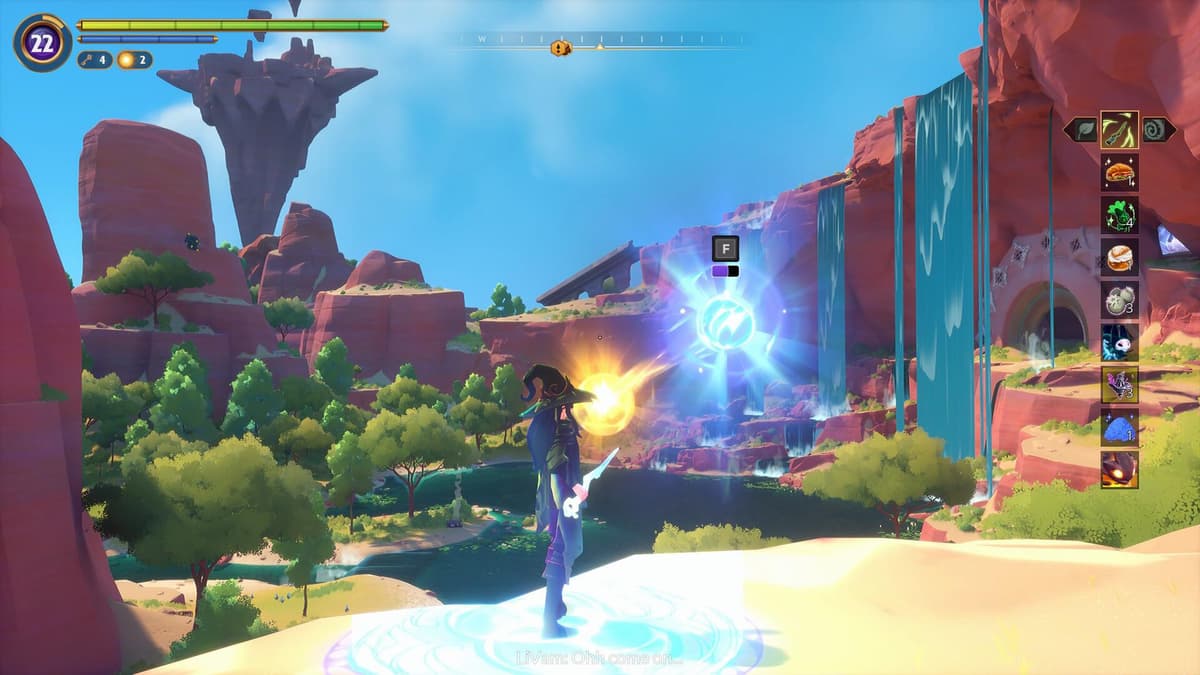
Best Witchspire Graphics Settings for No Lag and Max FPS
Companies Mentioned
Why It Matters
Optimizing graphics settings restores playability on high‑end PCs, preserving first‑impression quality for UE5 titles and influencing consumer confidence in emerging PC releases.
Key Takeaways
- •Fullscreen off enables resolution changes, improving frame stability.
- •Vsync off maximizes FPS; enable only if stutter persists.
- •Medium textures and low shadows balance visual quality and performance.
- •AMD FSR/Tsr upscaling compensates for lack of Nvidia DLSS.
- •Set FPS cap at 60 to avoid post‑launch optimization spikes.
Pulse Analysis
The debut of Witchspire highlights a recurring challenge for developers transitioning to Unreal Engine 5: delivering the promised visual fidelity without sacrificing performance on mid‑range hardware. Early adopters reported intermittent frame drops even on systems that exceed the publisher’s recommended specifications, prompting a wave of community‑driven guides. By dissecting each graphical slider, the article demonstrates how strategic compromises—such as disabling fullscreen mode to unlock resolution control and turning Vsync off—can stabilize frame rates while retaining an acceptable visual experience.
A deeper dive reveals the hardware nuances influencing these recommendations. The AMD Radeon RT 9060 XT, while powerful, lacks native support for Nvidia’s DLSS, leaving players reliant on AMD’s FidelityFX Super Resolution (FSR) or Temporal Super Resolution (TSR) for upscaling. These technologies, when paired with medium‑level textures and low‑intensity shadows, deliver a balanced workload that mitigates stutter without dramatically degrading image quality. The guide’s emphasis on a 60 FPS ceiling reflects a pragmatic approach: it caps demand on the GPU, allowing the engine’s post‑processing effects to run smoothly while awaiting future patches that may unlock higher frame caps.
From a market perspective, such user‑generated optimization playbooks are vital. They not only extend the lifespan of a title’s launch window but also signal to developers the importance of robust out‑of‑the‑box performance tuning. As more studios adopt UE5, transparent communication about hardware expectations and built‑in upscaling options will become a differentiator. Meanwhile, gamers equipped with high‑end rigs can leverage these settings to extract maximum enjoyment, reinforcing brand loyalty and setting a benchmark for subsequent releases in the genre.
Best Witchspire graphics settings for no lag and max FPS
Comments
Want to join the conversation?
Loading comments...