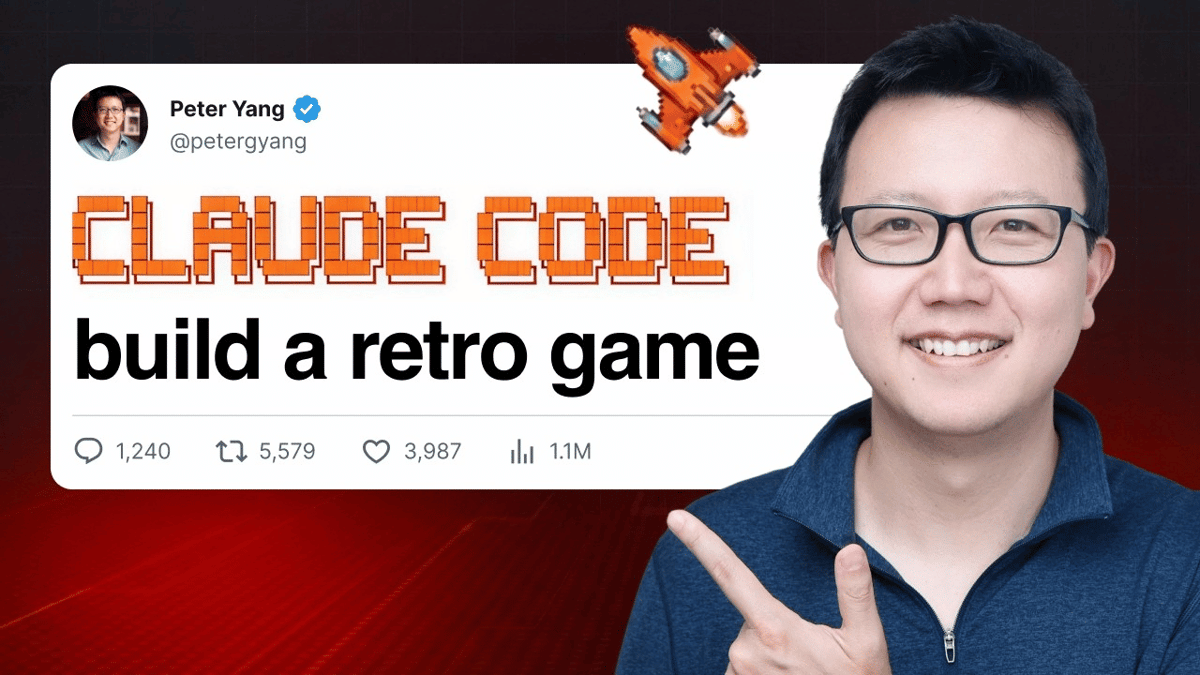
Build a 2D Space Shooter with Phaser and Claude Code
Why It Matters
AI‑driven tools lower the barrier to entry for indie developers and educators, accelerating game prototyping and expanding the talent pool.
Key Takeaways
- •AI assistant Claude automates Phaser code generation.
- •Five-step workflow simplifies indie game creation.
- •Free pixel art assets accelerate visual development.
- •Deploys instantly via GitHub and Vercel.
- •Encourages family-friendly coding education.
Pulse Analysis
Artificial intelligence is reshaping how games are built, and Claude Code exemplifies this shift. By interpreting natural‑language prompts and generating Phaser‑compatible JavaScript, Claude reduces the time developers spend on boilerplate code, allowing creators to focus on design and gameplay loops. This tutorial demonstrates a practical workflow where AI handles technical implementation while the developer refines the vision, a model that’s rapidly gaining traction across indie studios and hobbyist circles.
Phaser remains a go‑to engine for 2D browser games due to its lightweight architecture, extensive plugin ecosystem, and strong community support. Integrating Claude Code with Phaser bridges the gap between creative concepts and functional code, enabling rapid iteration on core mechanics such as vertical scrolling, enemy wave patterns, and boss health systems. The tutorial’s step‑by‑step milestones illustrate how AI can assist with debugging, asset integration, and visual effects like screen shake, delivering a polished prototype without deep programming expertise.
Beyond technical efficiency, the tutorial underscores the educational potential of AI‑assisted development. By involving a seven‑year‑old in the design process, it showcases how families can co‑create interactive experiences, fostering early STEM interest. The seamless deployment pipeline—pushing code to GitHub and publishing via Vercel—teaches modern DevOps practices, preparing learners for real‑world production environments. As AI tools become mainstream, they promise to democratize game creation, expand the creator economy, and accelerate innovation across the interactive entertainment sector.
Build a 2D Space Shooter with Phaser and Claude Code


Comments
Want to join the conversation?
Loading comments...