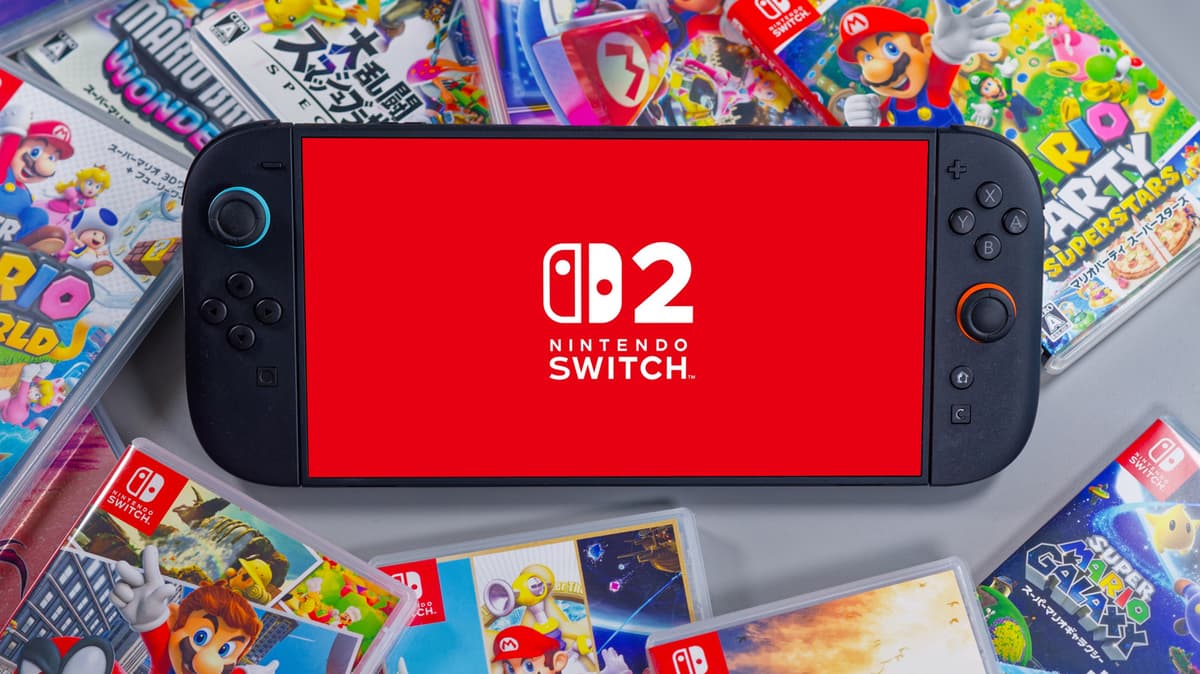
Changing These 3 Settings Will Instantly Make Your Switch 2 Perform Better
•March 2, 2026
0
Why It Matters
Fine‑tuning these settings extracts the Switch 2’s full hardware potential, delivering console‑grade responsiveness and reliable online connectivity that can influence purchase decisions and developer support for the platform.
Key Takeaways
- •Enable 120 Hz for smoother, more responsive gameplay
- •Use 5 GHz Wi‑Fi to reduce latency and download times
- •Store core games on internal 256 GB for faster loading
- •Use microSD Express for expansion, not regular microSD cards
- •Keep vents clear; clean regularly to avoid thermal throttling
Pulse Analysis
The Nintendo Switch 2 arrives at a pivotal moment for handheld gaming, where consumers expect both portability and near‑console performance. Nvidia’s integration of DLSS and a custom Tegra‑based GPU pushes the device into the 4K‑capable, 120 fps arena, positioning it against rivals like the Steam Deck and upcoming cloud‑gaming services. While the hardware is impressive, real‑world performance hinges on how users configure the system; a console that can toggle between 4K/60 fps and 1080p/120 fps offers flexibility but also demands awareness of display capabilities. By activating the 120 Hz output and Auto Low‑Latency Mode, players gain a noticeable reduction in input lag, which is critical for competitive titles and fast‑paced platformers.
Network reliability is another often‑overlooked factor. The Switch 2 supports both 2.4 GHz and 5 GHz Wi‑Fi, yet many owners default to the slower band, leading to higher latency and occasional rubber‑banding in online matches. Switching to a 5 GHz network not only accelerates download speeds for large game patches but also stabilizes multiplayer sessions, a benefit that becomes more pronounced as developers roll out richer, online‑centric experiences. This simple change can be made in the Internet Settings menu, ensuring the handheld takes full advantage of modern routers that frequently include band‑steering and higher throughput.
Finally, storage and thermal considerations directly affect load times and sustained performance. The internal 256 GB SSD delivers the quickest read speeds, so keeping frequently played titles on‑device minimizes boot delays. Expansion via microSD Express cards preserves speed, whereas legacy microSD cards can bottleneck data access. Coupled with regular cleaning of the active‑cooling vents, these practices prevent thermal throttling that would otherwise curtail the Switch 2’s frame‑rate ceiling. Together, these optimizations not only enhance the user experience but also signal to developers that the platform can reliably support higher‑fidelity, network‑intensive games, reinforcing Nintendo’s push into the premium handheld market.
Changing These 3 Settings Will Instantly Make Your Switch 2 Perform Better
0
Comments
Want to join the conversation?
Loading comments...