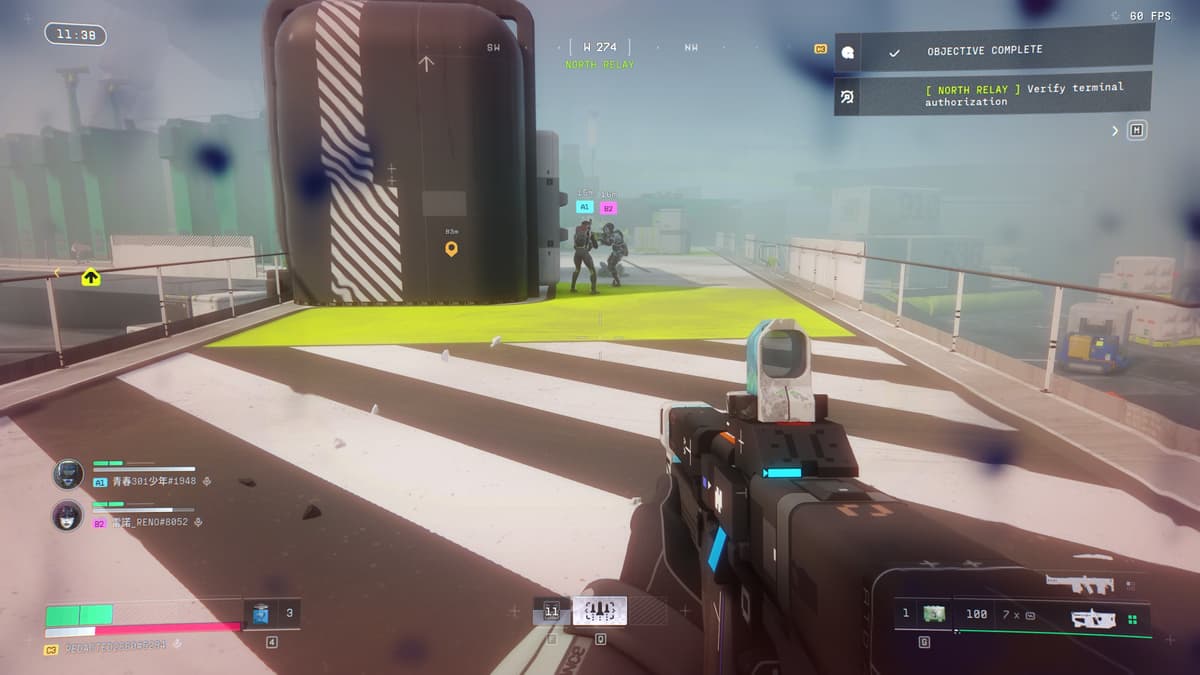
How to Complete Scan FTL Array at Any UESC Radio Tower Contract in Marathon
•February 26, 2026
0
Why It Matters
Successfully completing the contract grants exclusive in‑game rewards and accelerates progression, highlighting the importance of clear navigation cues in live‑service shooters.
Key Takeaways
- •Contract activates on Perimeter map, targeting Station POI
- •Tower located at east 100 on overhead compass
- •Climb ladder, interact with blue terminal FTL chip
- •Scan completes contract, unlocks designated rewards
- •Team play speeds completion, reduces solo difficulty
Pulse Analysis
Marathon, Bungie’s flagship sci‑fi shooter, blends fast‑paced combat with a layered contract system that rewards exploration and objective completion. One of the first contracts tasks players with scanning an FTL Array on a UESC Radio Tower, yet the game provides no explicit waypoint, leaving newcomers to rely on map intuition. This design choice underscores a broader trend in modern shooters: encouraging players to engage with the environment while subtly guiding them through visual cues like quest icons. Understanding the contract’s activation on the Perimeter map and the subsequent need to locate the Station POI is essential for efficient progression.
The practical solution hinges on a few precise steps. After activating the contract, head to the Station point of interest, then move eastward to coordinate E 100 where the radio tower resides. The tower’s quest icon turns yellow when in proximity, signaling the correct structure. Climbing the ladder attached to the tower reveals a blue‑lit terminal housing the FTL Comms Chip. Interacting with this terminal completes the scan, instantly fulfilling the contract and unlocking its reward package. Players often report faster completion times when coordinating with teammates, as shared vision and simultaneous ladder access reduce solo navigation challenges.
Beyond the immediate gameplay benefit, this contract illustrates how community‑generated guides fill gaps left by sparse in‑game instructions. Detailed walkthroughs like this one enhance player retention by lowering frustration thresholds and fostering a collaborative knowledge base. As developers iterate on future updates, incorporating clearer visual markers or optional waypoint toggles could streamline similar objectives, improving the overall user experience while preserving the exploratory spirit that defines Marathon’s core appeal.
How to complete Scan FTL Array at any UESC Radio Tower contract in Marathon
0
Comments
Want to join the conversation?
Loading comments...