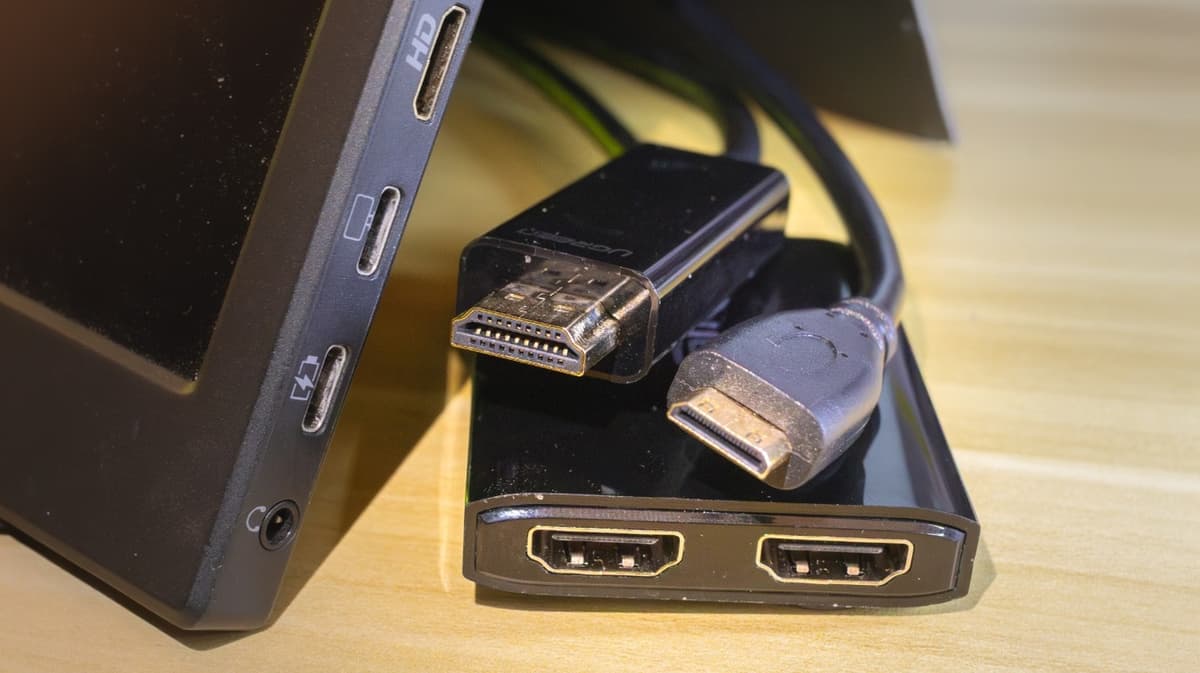
5 Useful HDMI Adapters & Splitters You May Not Know About
Companies Mentioned
Why It Matters
They let consumers and enterprises maximize existing hardware, avoid expensive upgrades, and support flexible workstation configurations.
Key Takeaways
- •HDMI adapters bridge legacy ports like VGA, DVI, and DisplayPort.
- •USB‑C hubs add HDMI plus charging and Ethernet in one device.
- •DisplayLink docks convert any USB port to multiple HDMI outputs.
- •DP‑to‑HDMI splitters exploit MST for multi‑monitor setups.
- •Mini‑ and micro‑HDMI adapters keep compact devices compatible with modern screens.
Pulse Analysis
Since its introduction in 2002, HDMI has become the default interface for consumer and professional displays, but the rapid adoption of thinner laptops and mobile devices has forced manufacturers to replace the bulky port with USB‑C or proprietary connectors. This transition leaves a large installed base of equipment—projectors, older monitors, and legacy gaming consoles—without a native HDMI link. Adapters that convert VGA, DVI, RCA or Mini‑DisplayPort to HDMI give those devices a new lease on life, allowing businesses to extend the useful life of existing assets without costly hardware refreshes.
USB‑C hubs that include an HDMI output have emerged as the most versatile solution for modern workstations. When the laptop’s USB‑C port supports DisplayPort Alt Mode, Thunderbolt 3, or USB 4, the hub can carry a full‑resolution video signal while simultaneously providing power delivery, Ethernet, and peripheral ports. This consolidation reduces desk clutter and eliminates the need for separate adapters, a key productivity driver for knowledge workers and remote teams. However, users must verify the port’s video capability; a charging‑only USB‑C port will not transmit a display signal.
More specialized needs are met by DisplayLink docks and DisplayPort‑to‑HDMI splitters. DisplayLink’s software‑based approach lets any USB‑A or USB‑C port drive multiple external monitors, a useful workaround for broken HDMI ports or ultra‑thin devices lacking native video output, though it adds latency and is unsuitable for high‑frame‑rate gaming. Conversely, DP‑to‑HDMI splitters leverage Multi‑Stream Transport to fan out a single DisplayPort into two or three HDMI streams, enabling true multi‑monitor rigs on laptops with a single DP connector. As enterprises standardize on USB‑C and MST‑capable hardware, these accessories will remain critical for flexible, cost‑effective display deployments.
5 Useful HDMI Adapters & Splitters You May Not Know About
Comments
Want to join the conversation?
Loading comments...