Your CPU Is Throttling Itself, and One BIOS Toggle Will Fix It
Companies Mentioned

Why It Matters
Unlocking the power limit restores the CPU’s full performance envelope, benefiting gamers, creators, and anyone running long‑duration compute workloads. It also highlights how firmware defaults can mask hardware capabilities, prompting users to fine‑tune their systems for optimal efficiency.
Key Takeaways
- •Default BIOS sets lower PL1, causing throttling after ~60 seconds.
- •Matching PL1 to PL2 removes power cap, keeping boost speed.
- •Most Gigabyte, MSI, ASUS boards expose Turbo Power Limits in BIOS.
- •Adjusting limits can boost sustained performance by 15‑30%.
- •Monitor temperatures; keep CPU below 90 °C to avoid overheating.
Pulse Analysis
CPU manufacturers publish aggressive boost clocks, but the real‑world experience often diverges once the processor’s power‑limit logic kicks in. Intel’s PL2 ceiling allows a short, high‑power burst, while PL1—a lower, sustained cap—drops after roughly sixty seconds. Motherboard firmware defaults are set to the safe side to accommodate a wide range of cooling solutions and power delivery designs, which means many users never see the advertised performance unless they intervene.
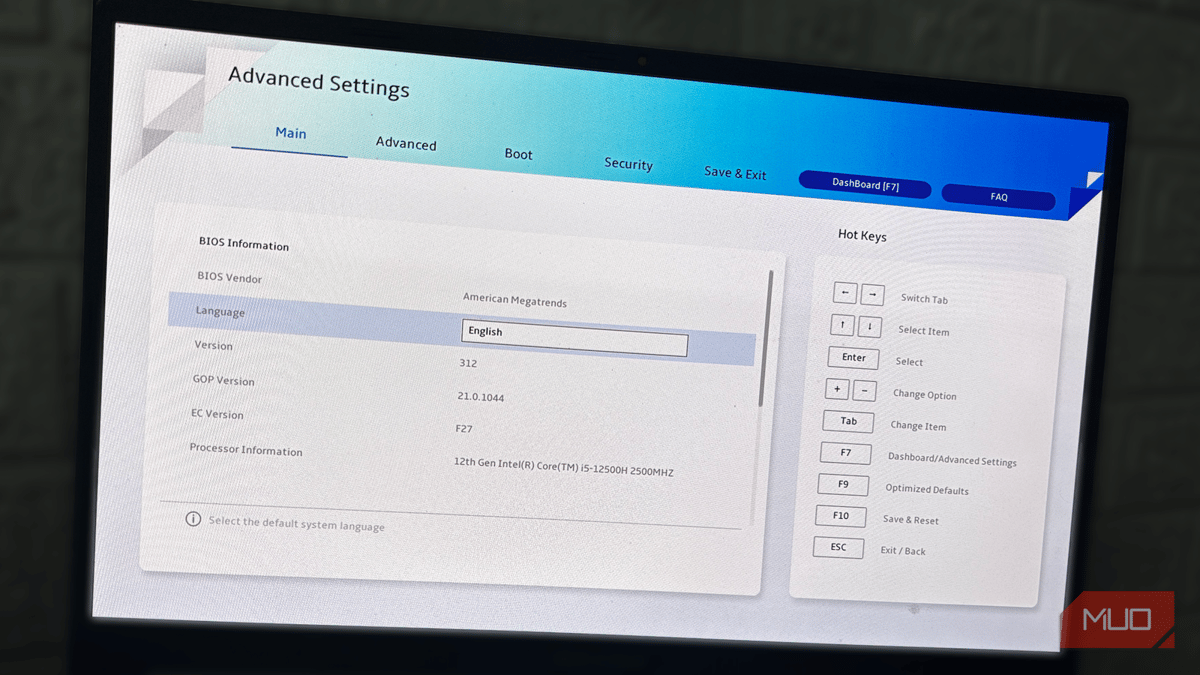
The fix is straightforward: locate the Turbo Power Limits (or equivalent) section in the BIOS and align the PL1 value with PL2, or select an unlimited option if available. Gigabyte, MSI, and ASUS expose these controls under Tweaker, OC, or Ai Tweaker menus, while AMD platforms label them PPT, TDC, or EDC. After saving the changes, a brief stress test confirms that the CPU maintains its boost frequency without the earlier dip. The trade‑off is higher sustained power draw, so temperature monitoring is essential; staying under 85‑90 °C ensures reliability without additional cooling upgrades.
For the broader PC ecosystem, this hidden throttling illustrates how firmware can unintentionally bottleneck hardware. Enthusiasts and professional users who demand consistent performance should audit their BIOS settings before assuming a CPU is underperforming. OEMs might consider offering higher default PL1 values on premium boards, reducing the need for manual tweaks. Ultimately, understanding and adjusting power limits empowers users to extract the full value of their silicon investments, translating into faster renders, smoother gaming sessions, and more accurate benchmark results.
Your CPU is throttling itself, and one BIOS toggle will fix it
Comments
Want to join the conversation?
Loading comments...